
You probably know that many Japanese technologies have been developing in a completely isolated environment, resulting in something called "Galapagos culture". A prime example of that is "keitai denwa", or simply "keitai" (mobile phone, mobile), sometimes known as "Gala-kei" (Galapagos mobile).
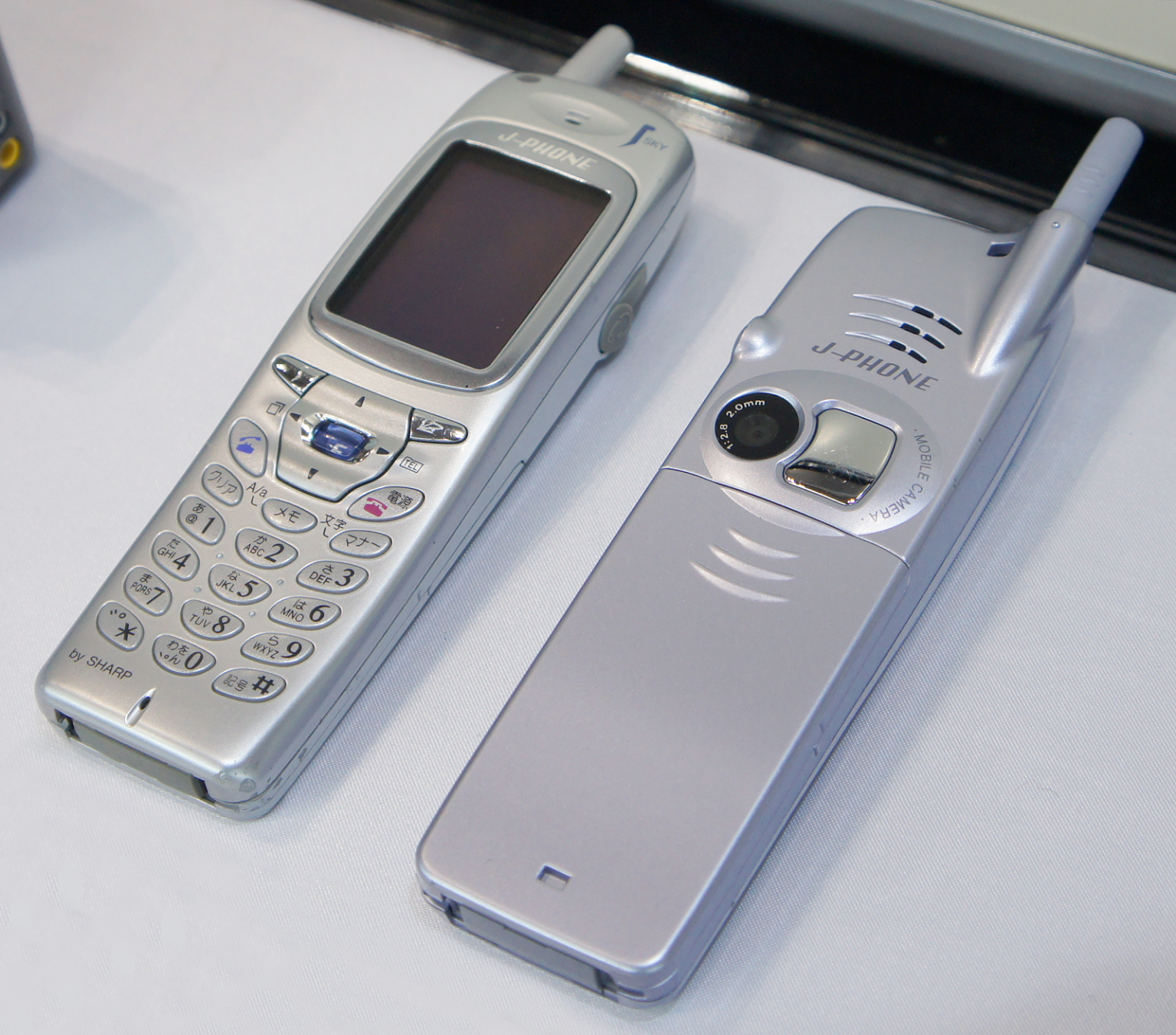
While the west was impressed with Nokia 3310 (Sep 2000), Japan enjoyed first mass-market cameraphone J-SH04 (Nov 2000).
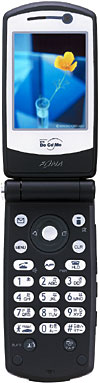
Since 2004, osaifu keitai (wallet mobiles) could do contactless payments; shortly after they also were used to store transport pass cards. Sure, high-end Western phones had Symbian and Java MIDP, but advanced Japanese keitai would have not only Java, but often Flash, online games, fast internet browsing, and TV. Oh, also video calls, including those where you replace your face with an animated avatar.
After the Japanese market got exposed to smartphones ("sumaho"), keitai began to die out, probably from malnutrition and neglect, and went extinct by 2012.
OR DID THEY?
Enter Kyocera Keitai!
🧵
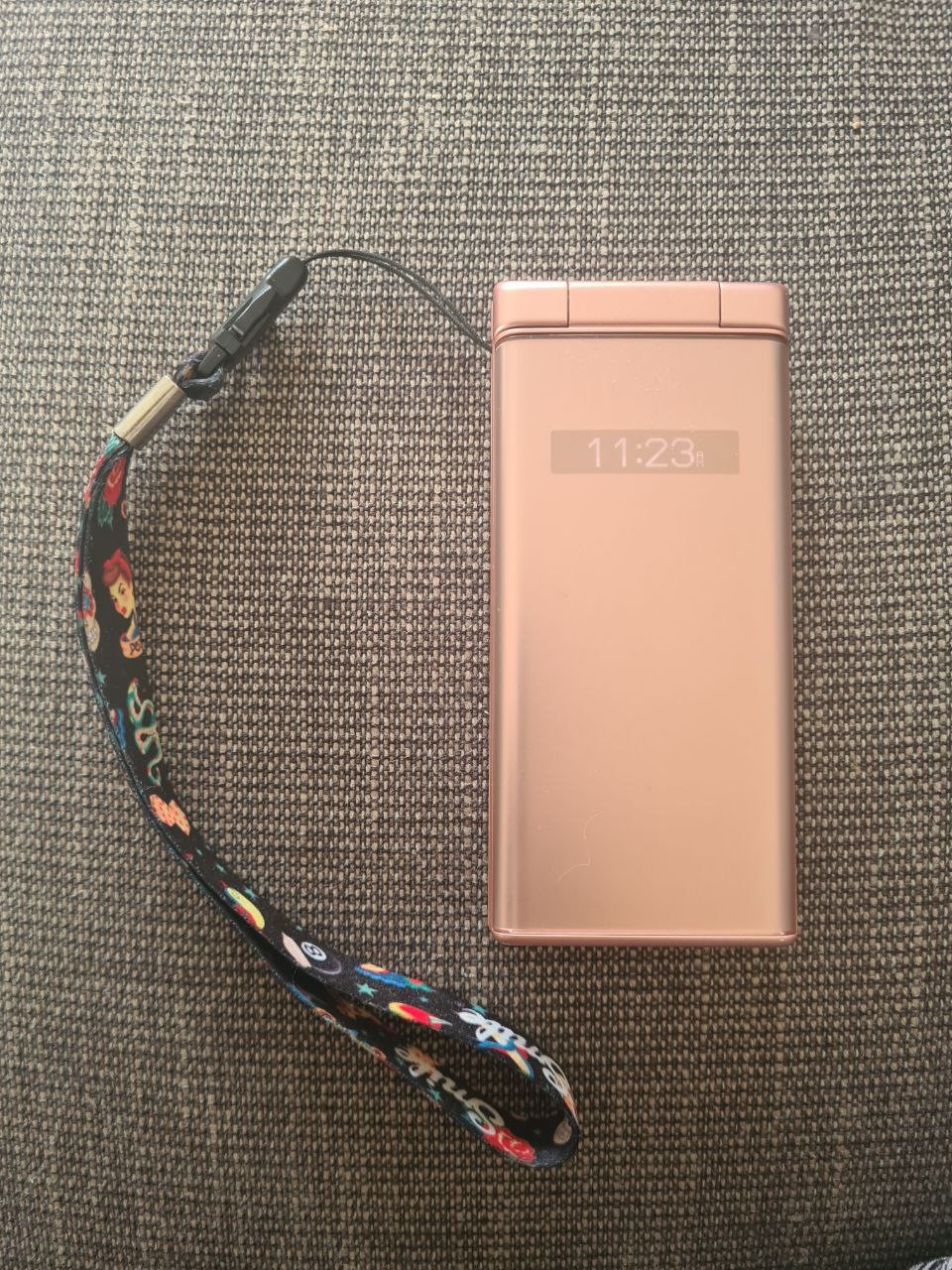
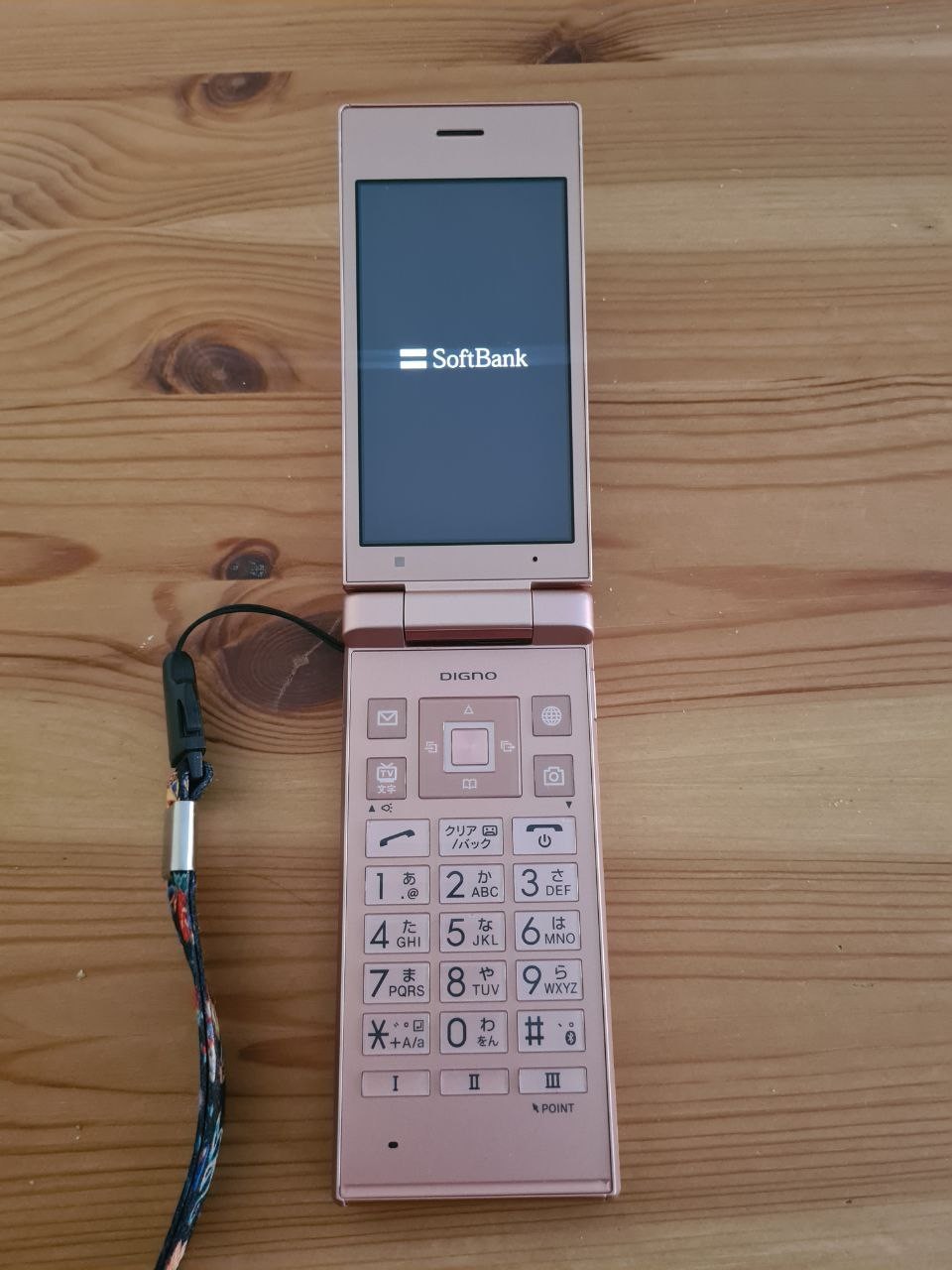
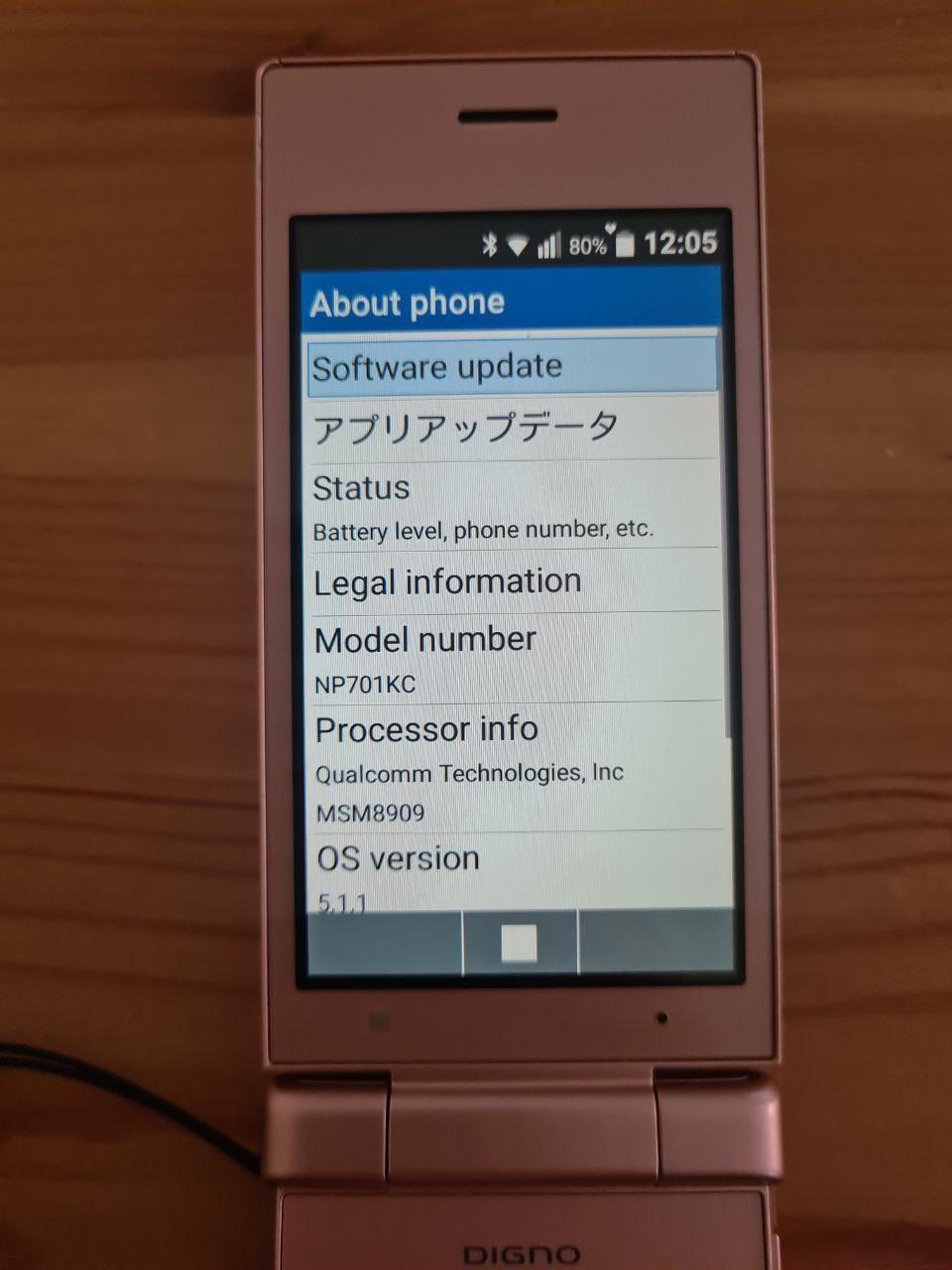
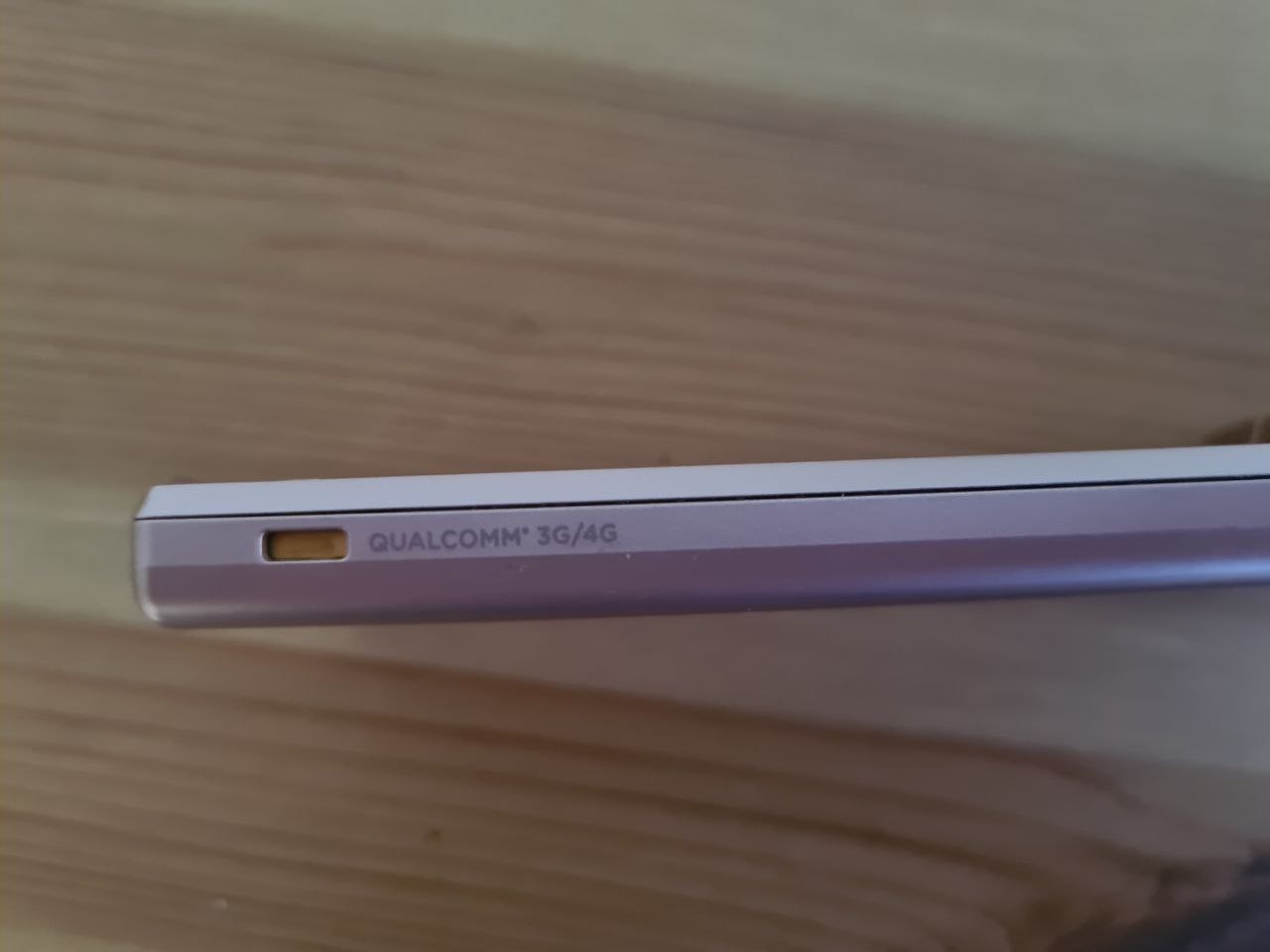
Kyocera Keitai is a series of flip-phones that try to replicate the experience of Keitai using newer technologies. Despite their gala-kei appearance, they all are very modern devices with multi-core ARM chips and Android. Keitai 4, still manufactured in 2022, runs Android 10.
My Keitai 2 runs an outdated Android 5, and you can tell it's a keitai knock-off because it doesn't really have a wallet. But it has built-in TV, and it supports Mail as an important component of Japanese phone culture.
The phone was sold by Softbank, but it can be unlocked and used in many Western countries just fine. There's English locale available, with generally OK level of translation.
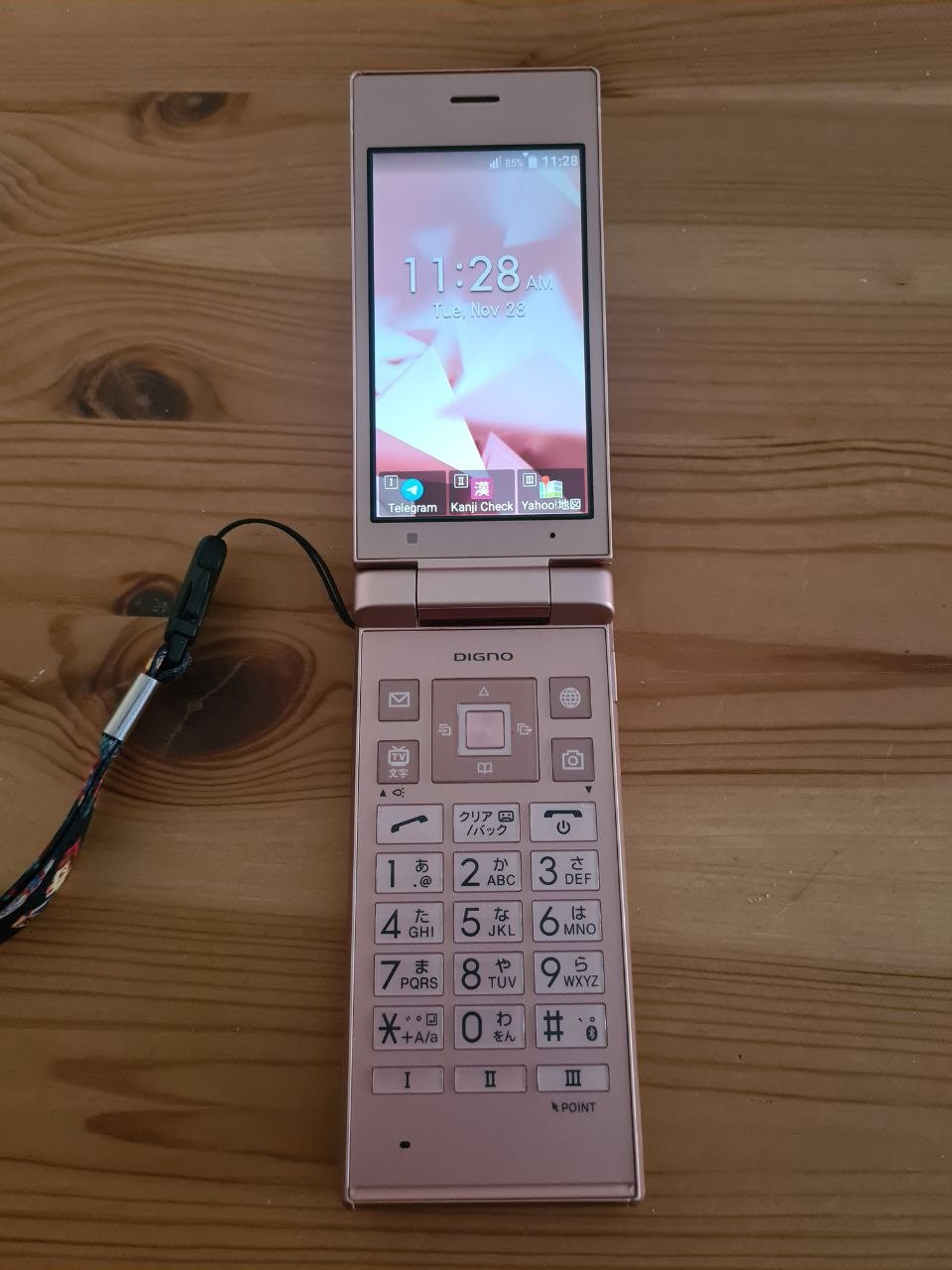
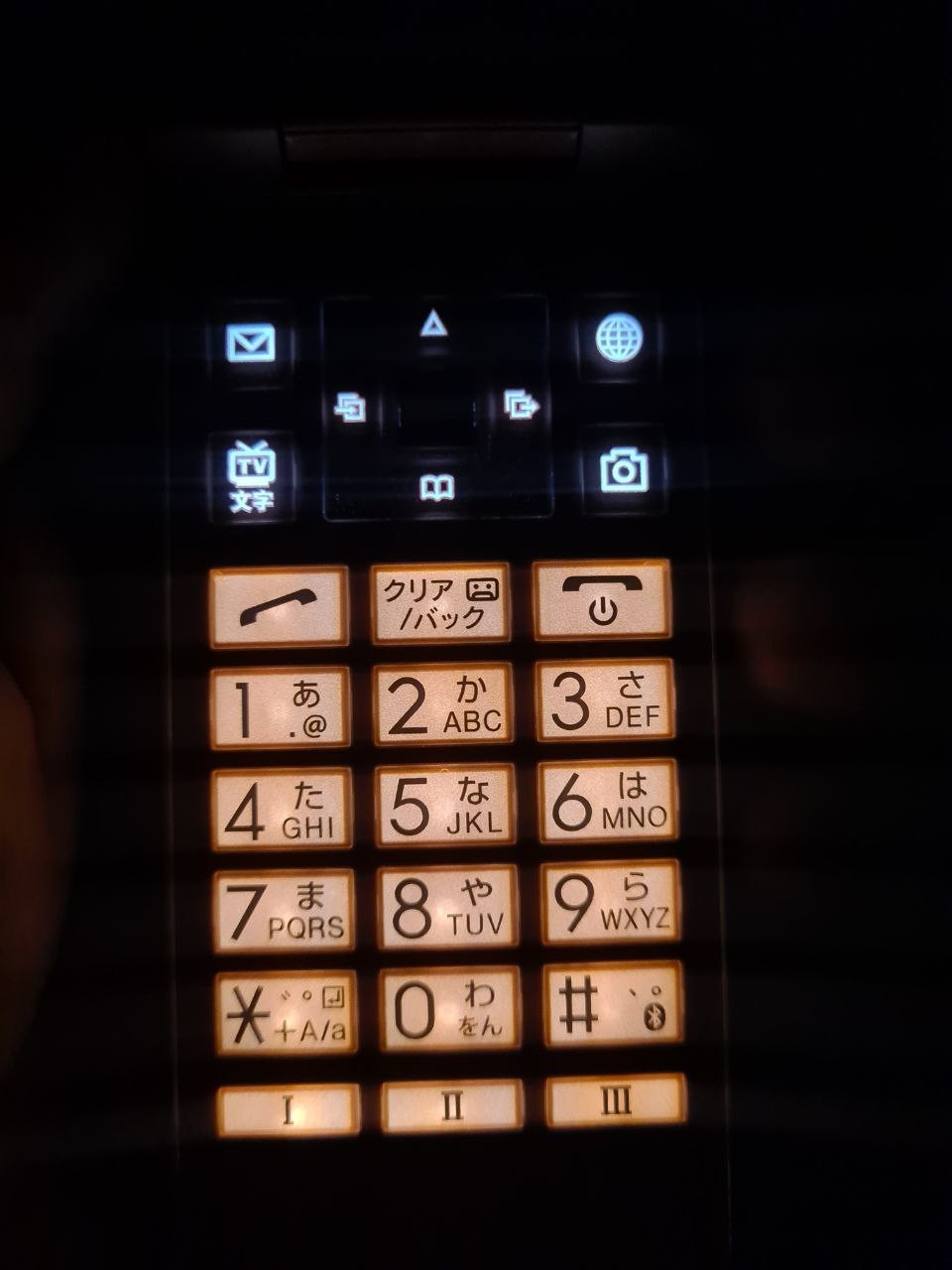
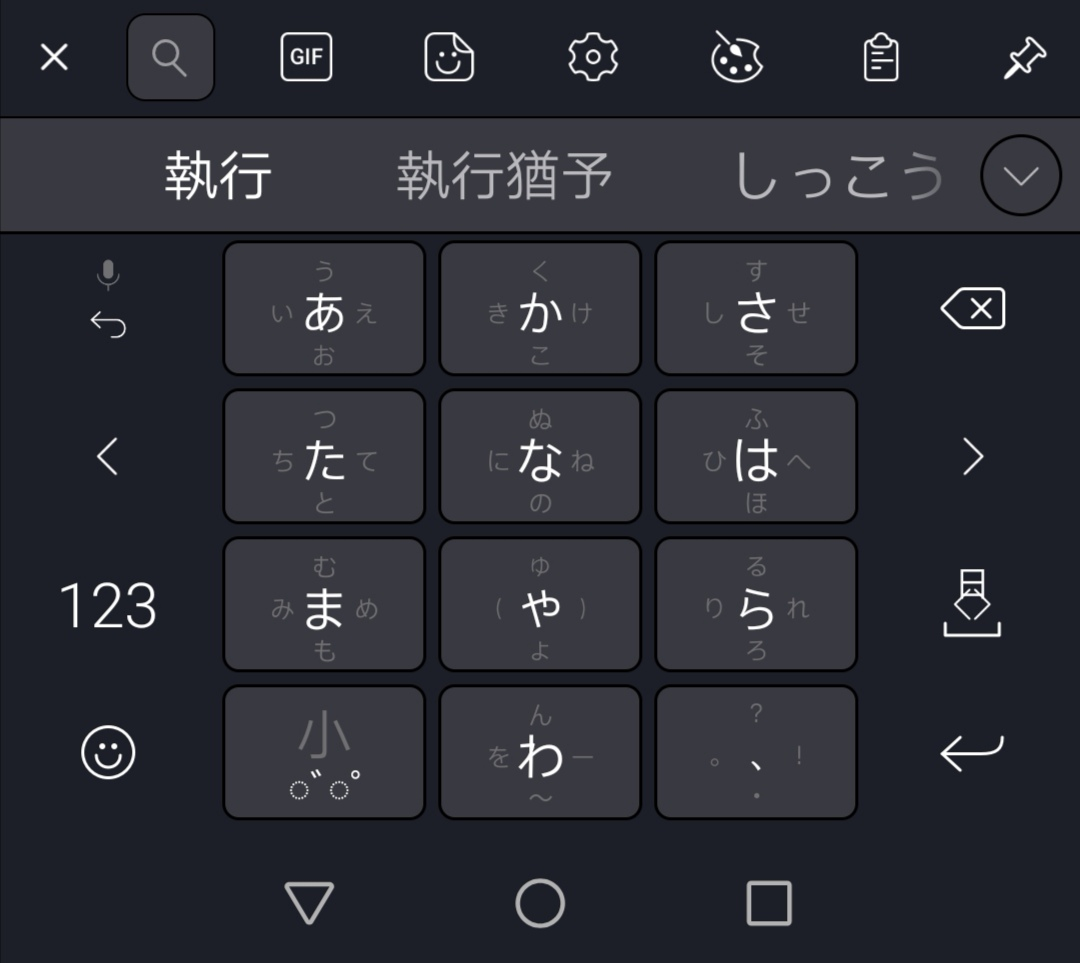
It doesn't have a touchscreen, only keypad. If you think typing on a touchscreen is faster, you are probably wrong: Google Keyboard for Japanese still uses keypad for typing. (It is possible to switch to full-width kana, but it is not really convenient unless your screen is huge)
The phone's screen is 3.4" 540x946, which is 324 PPI. Impressive as heck.
If you're wondering, the CPU is quad-core at 1.1GHz, there's 1 GB RAM, and the camera is 8 MPx.
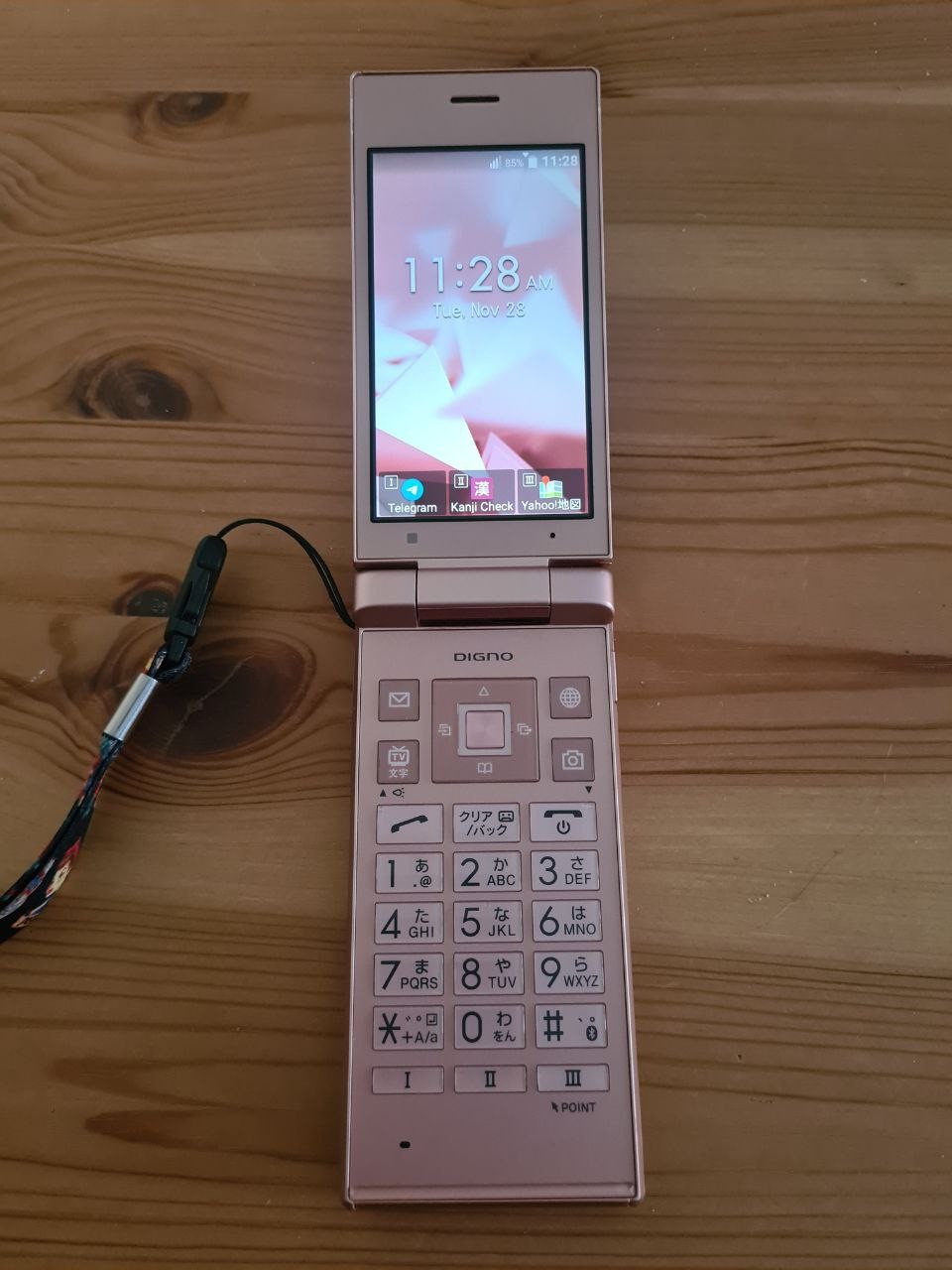
The main screen only shows date and time, plus three hot-key apps. There is no GPlay, and new apps are not supposed to be installed outside of updates from Softbank. I have seen people adding extra apps on the main screen, but shell on my phone doesn't allow that. It is possible to side-load apps through adb, and assign them to one of three hotkeys (I-II-III).
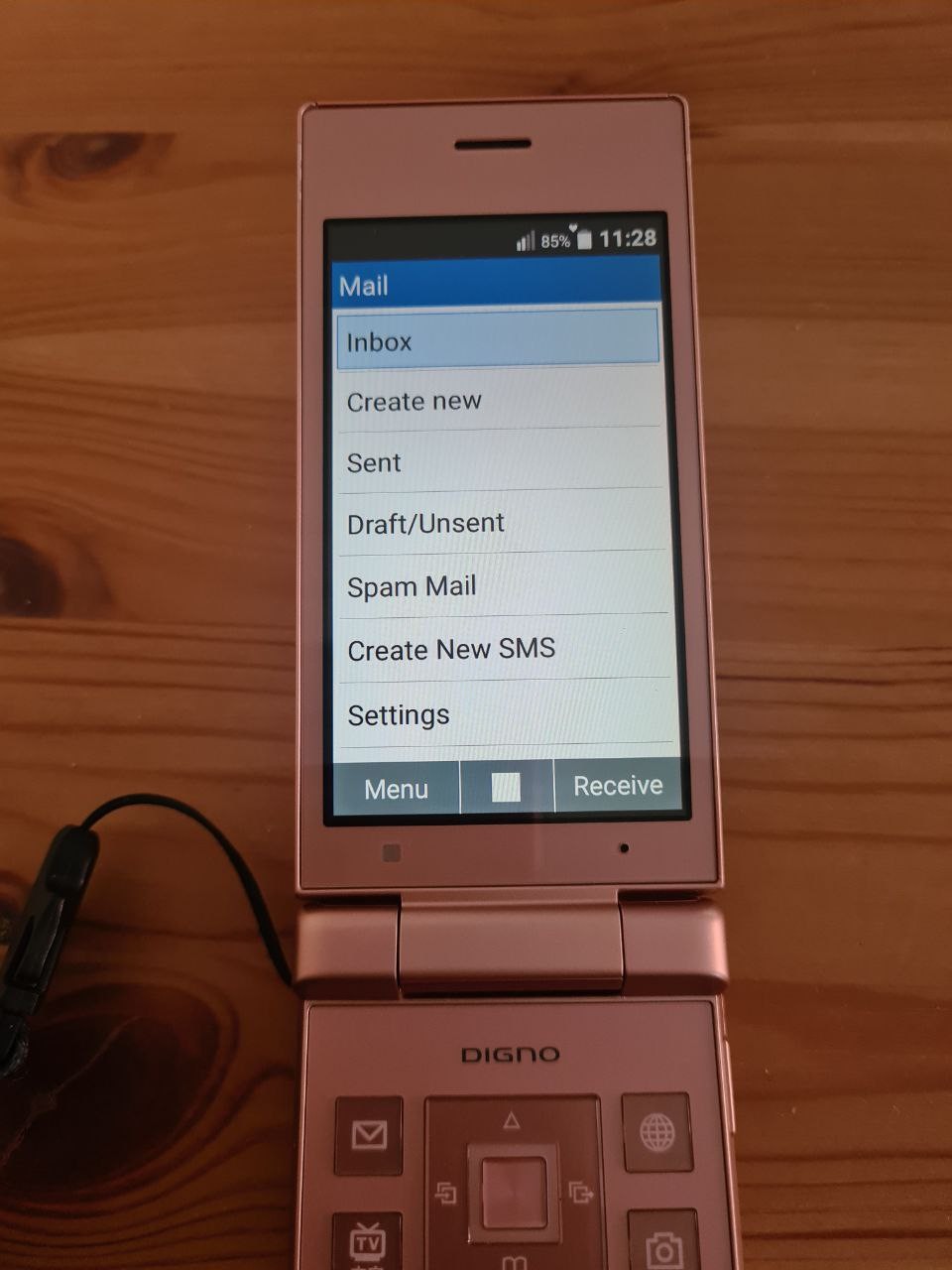
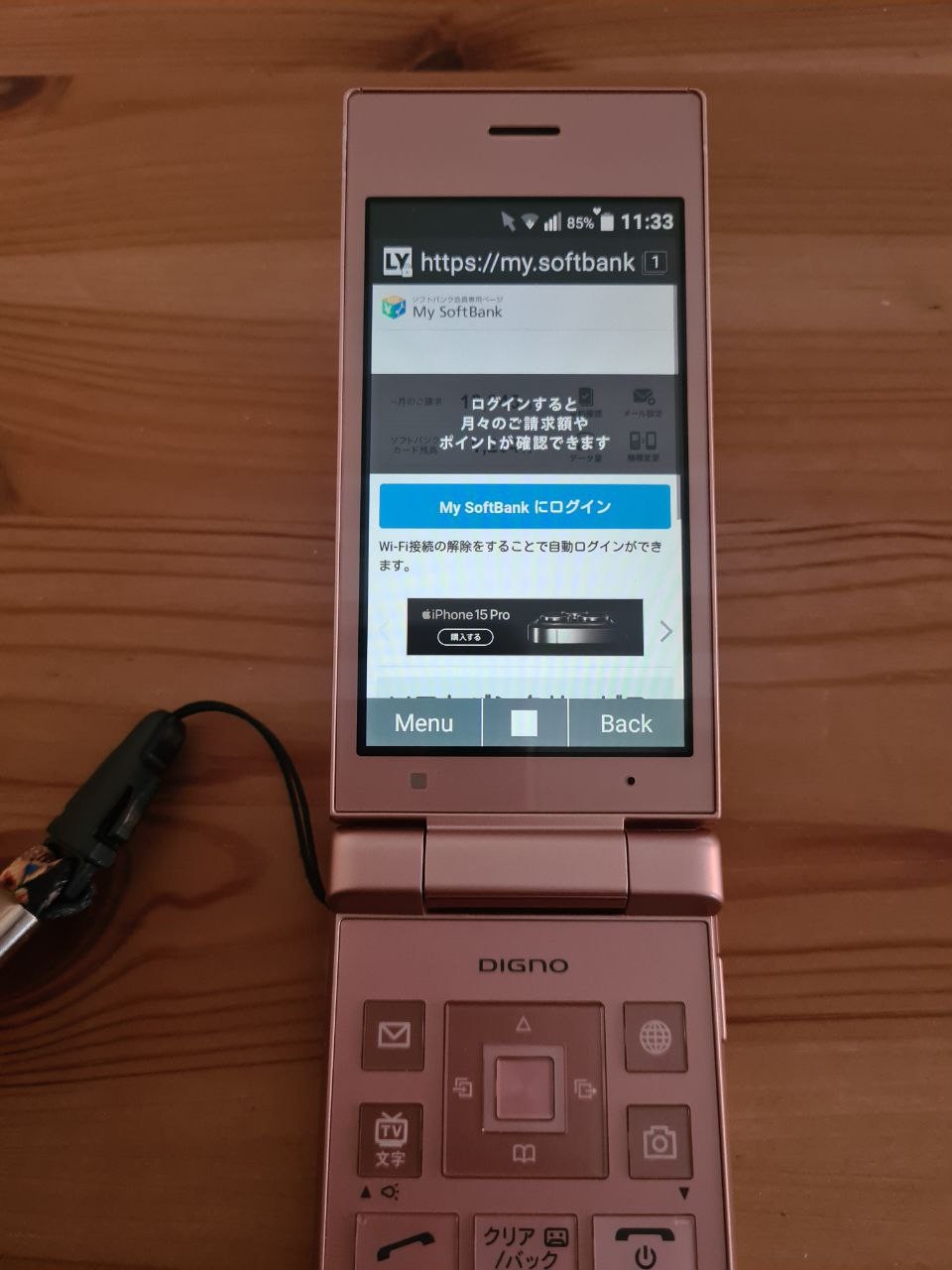
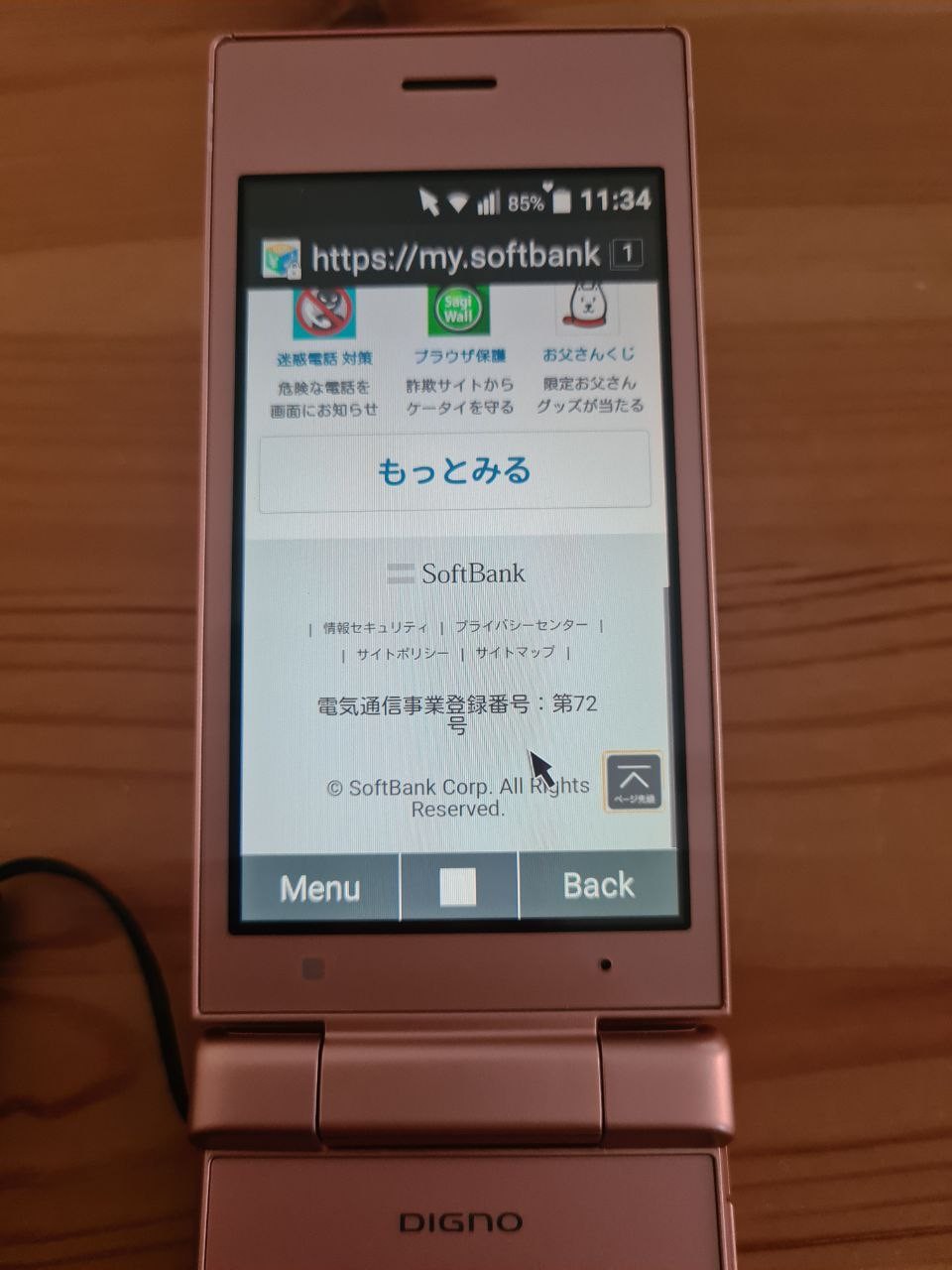
Hard-assigned hotkeys can start Mail (which is an integral part of Japanese phone culture), or Browser. The Browser is nothing special, and the homepage (provider's site) isn't flip-phone friendly. This is where pressing III-Point button can help. This button draws a software mouse that can be controlled with the D-Pad. It isn't very convenient to use.
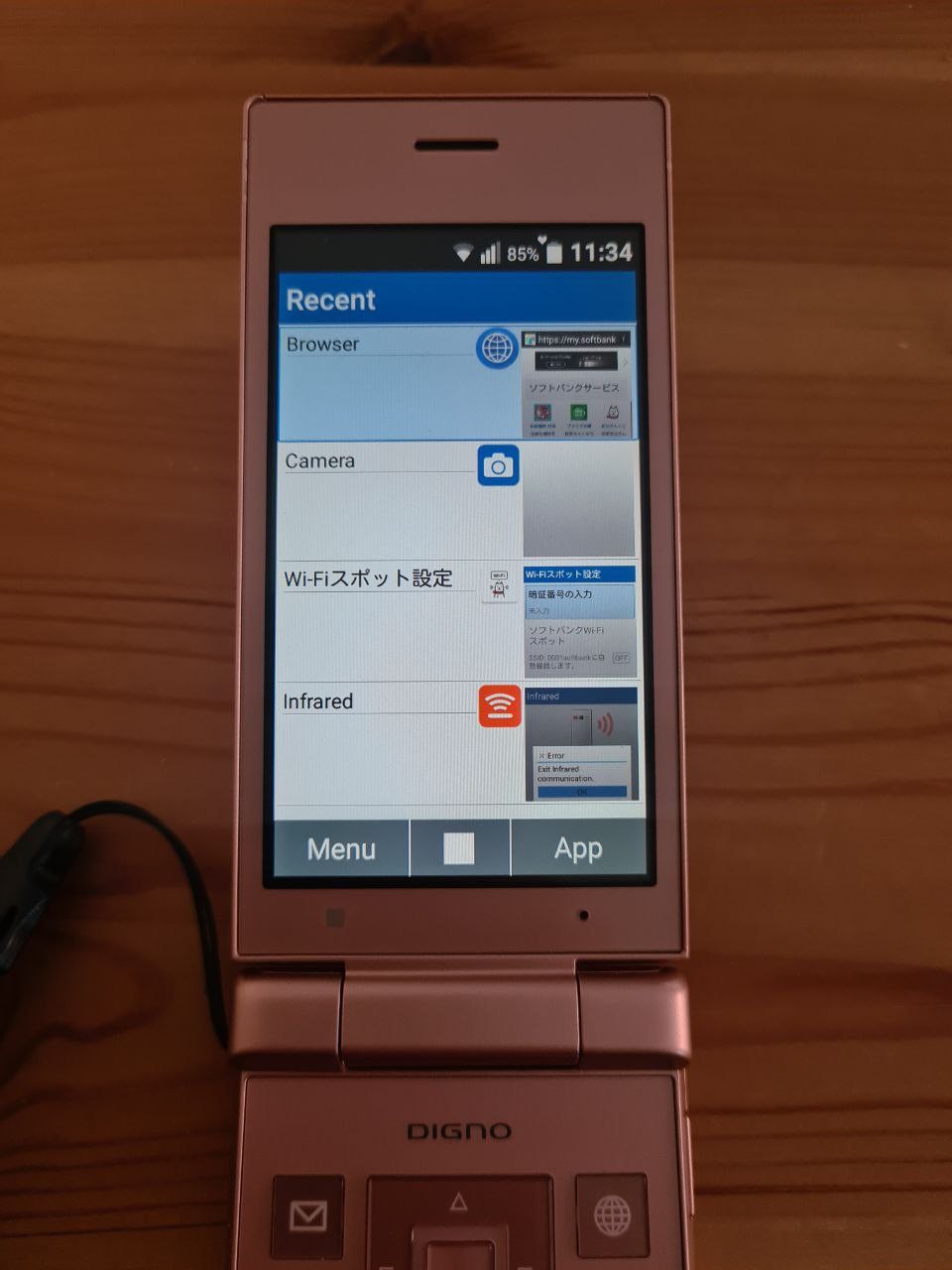
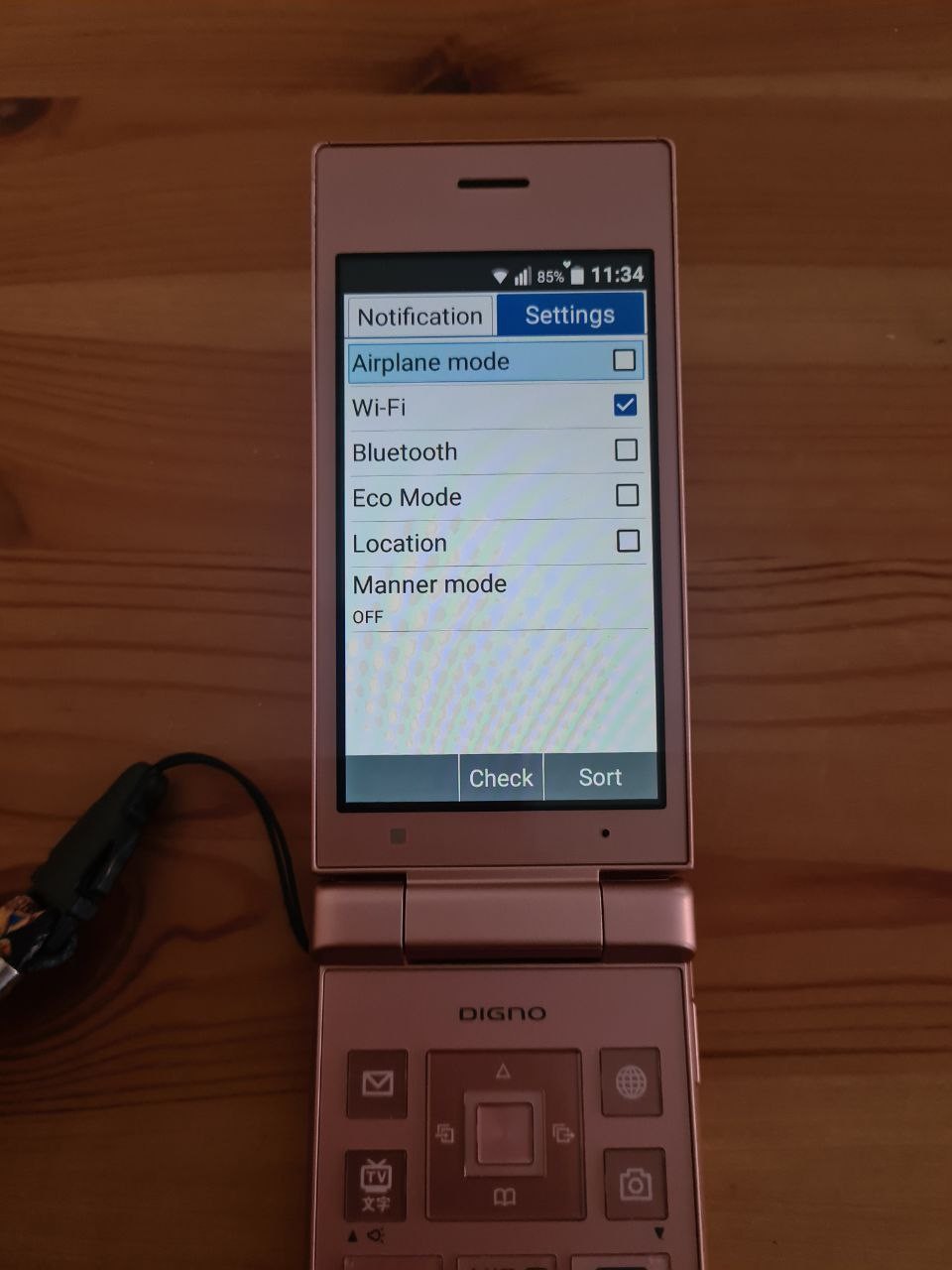
If "III" is used to turn the mouse pointer on and off, what do "I" and "II" do? Turns out, one is task switcher and another opens phone settings - WiFi, airplane mode, and "manner mode".
What's "manner mode"? That's how Japanese people call "silent". It's a sign of good manners to have your phone on "silent" in public transport or at work. Hence, "manner".
Let's check out what else do we have on hot-keys!
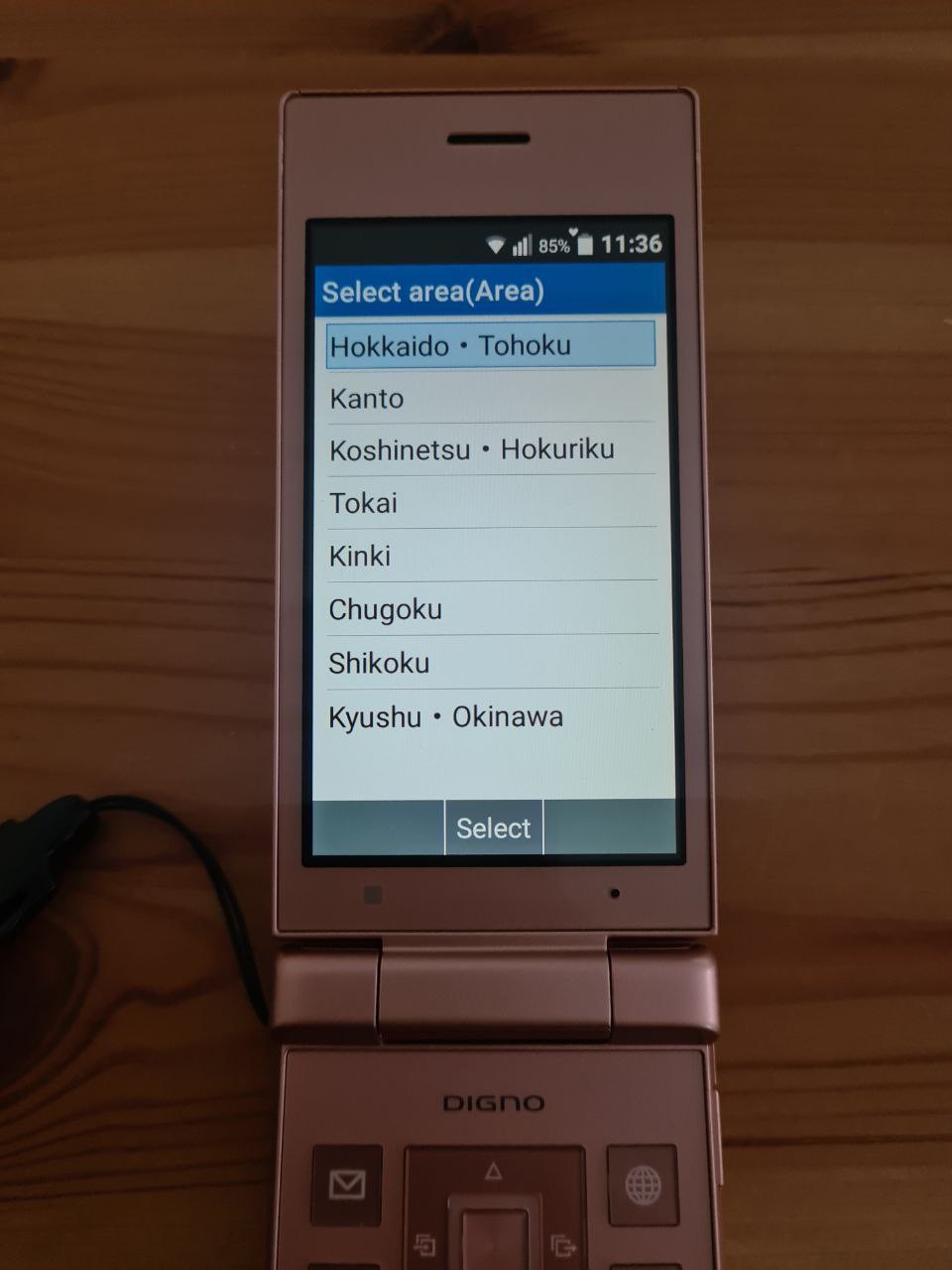
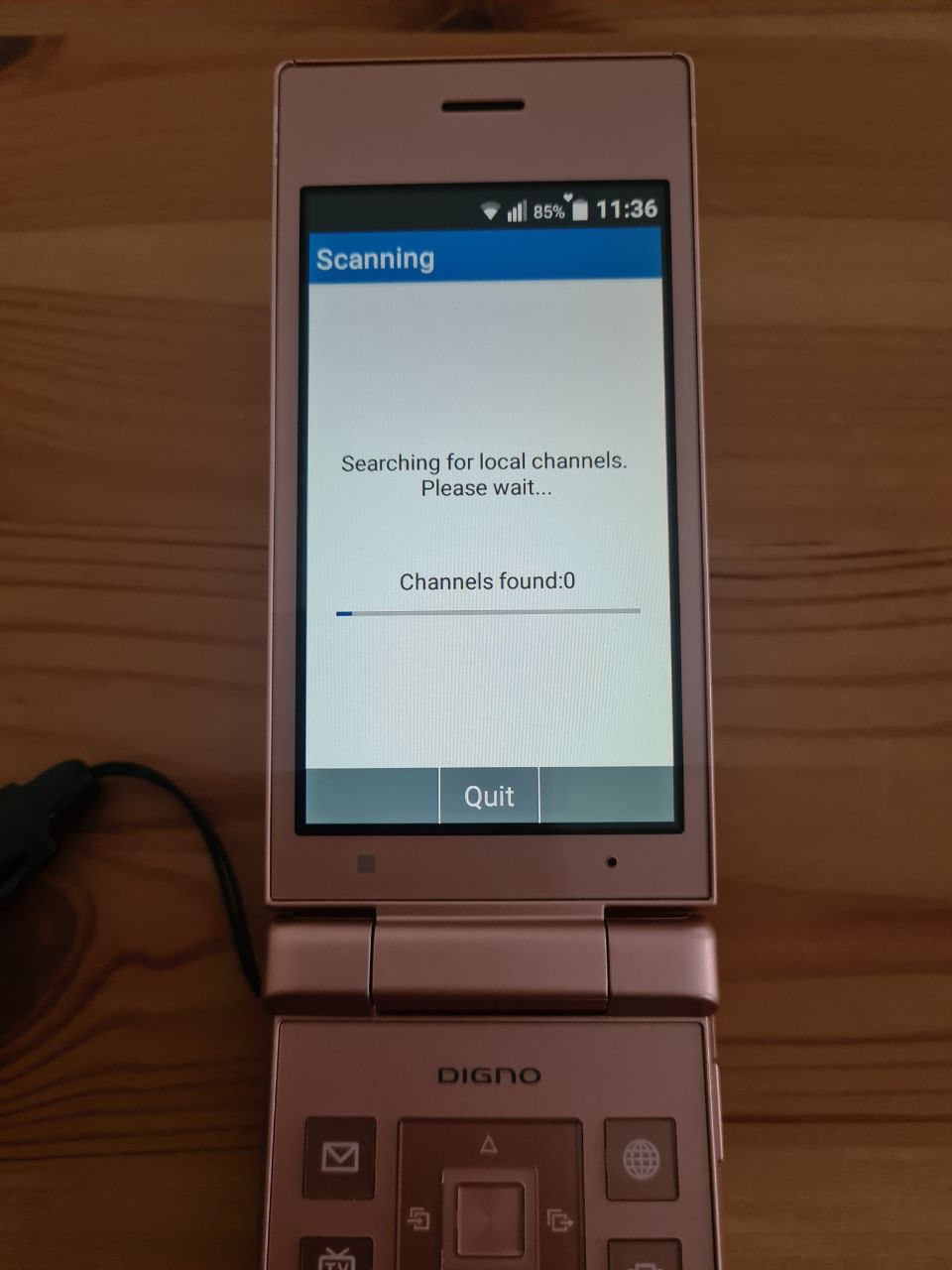
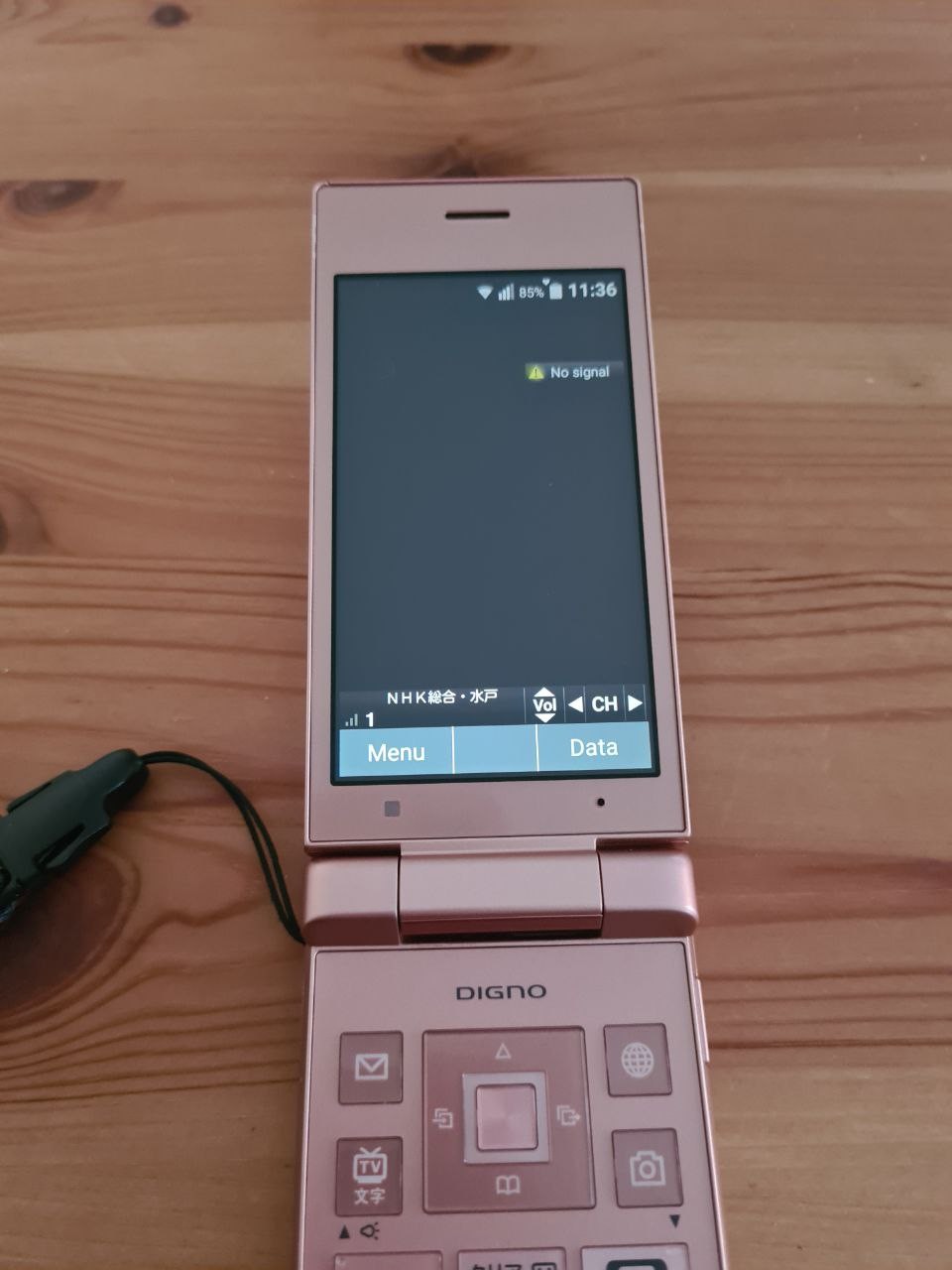
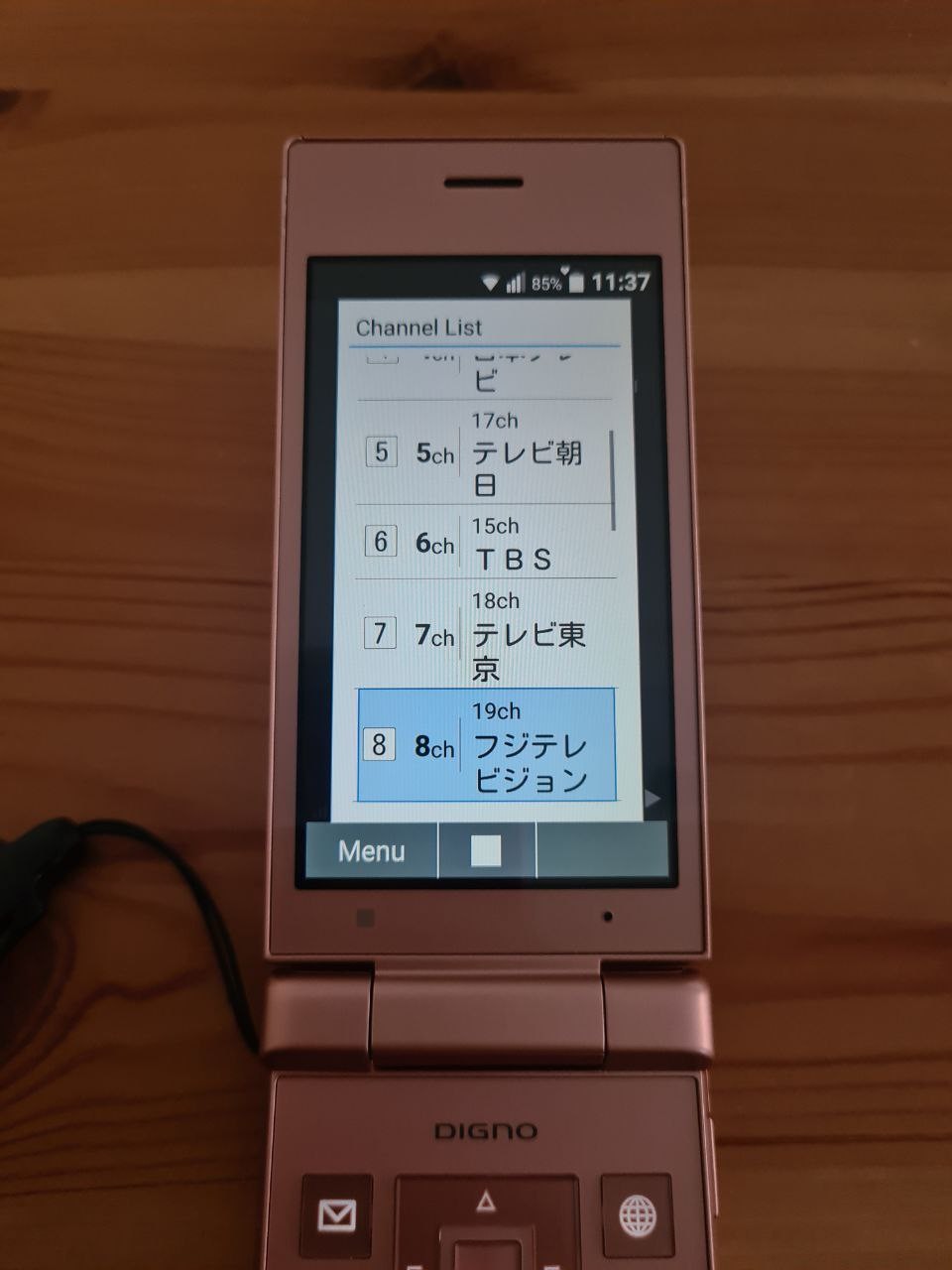
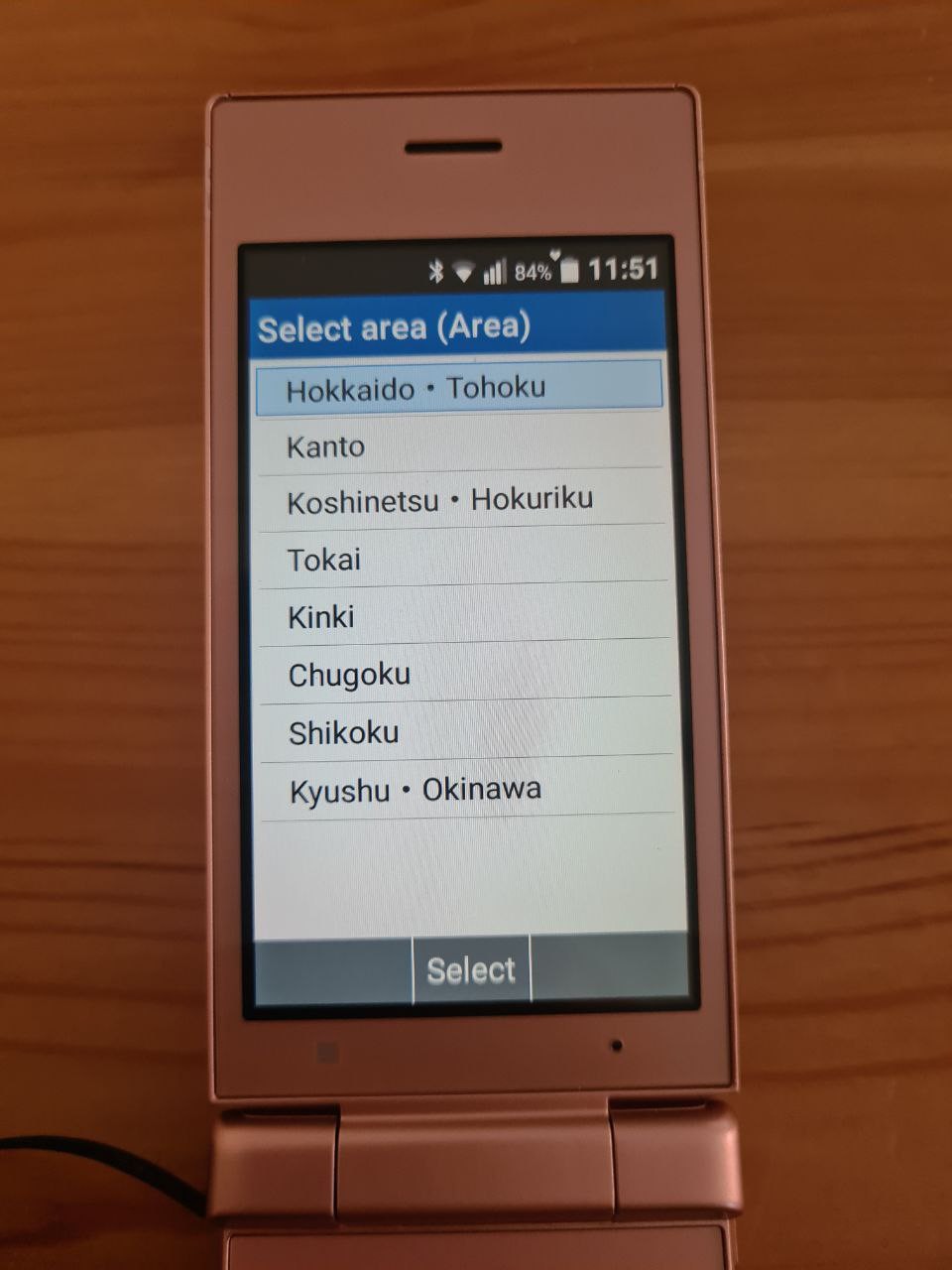
TV app is probably using 1seg standard for SD television. It asks you for your location inside of Japan, then tries to find the channels, and then shows you the TV (if you happen to be within the area of 1seg transmission).
Number keys can be used for switching between the programs.
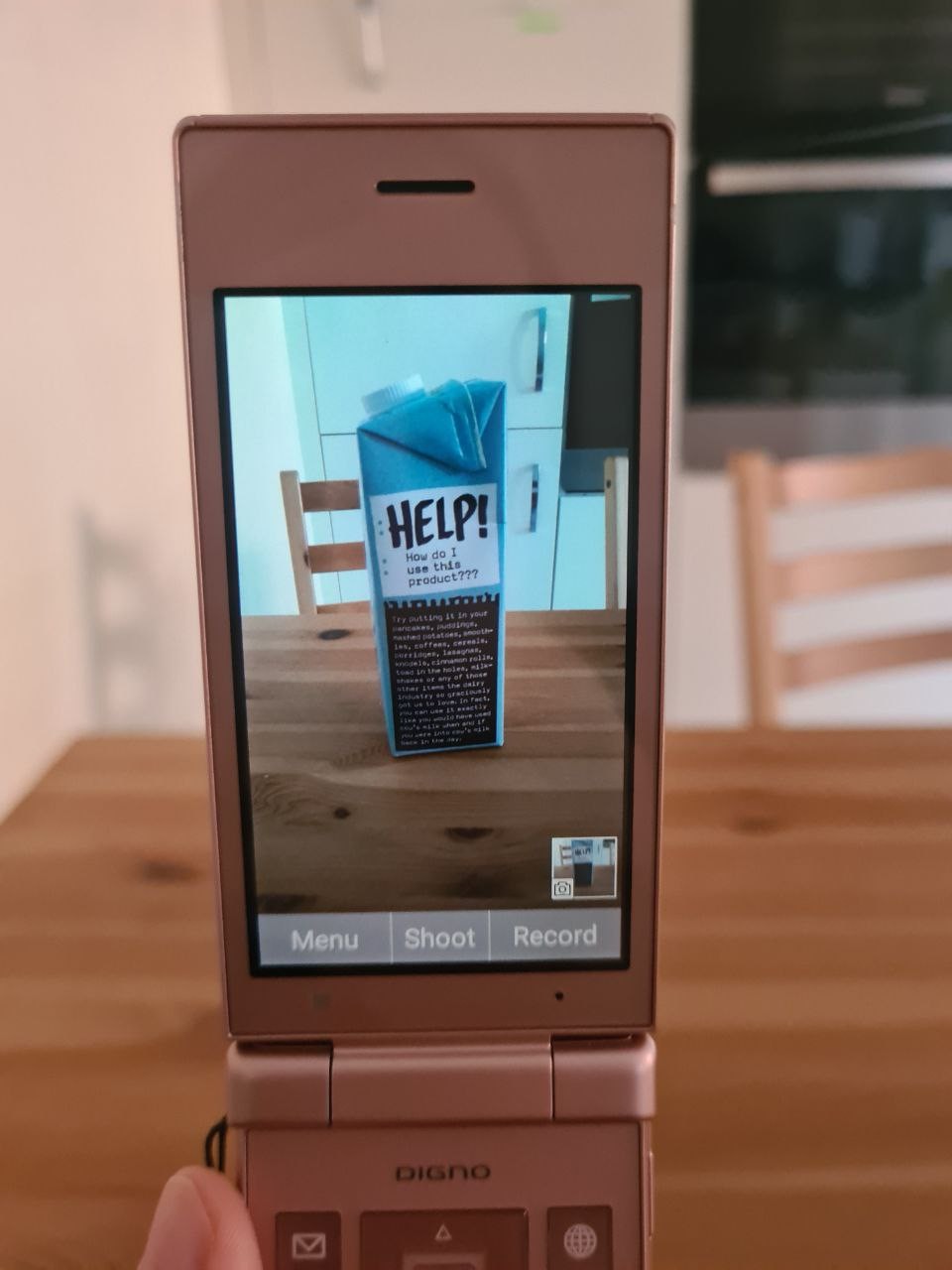
Finally, camera app. It's nothing to write home about, and it gives vibes of cameras on cheap Android phones from early 2010s. The resolution of the camera (remember, 8MP) doesn't help that much.
The position of the camera is off; you're likely to cover a part of it with your finger while taking a photo.
There's no frontal camera, so bye-bye video calls.
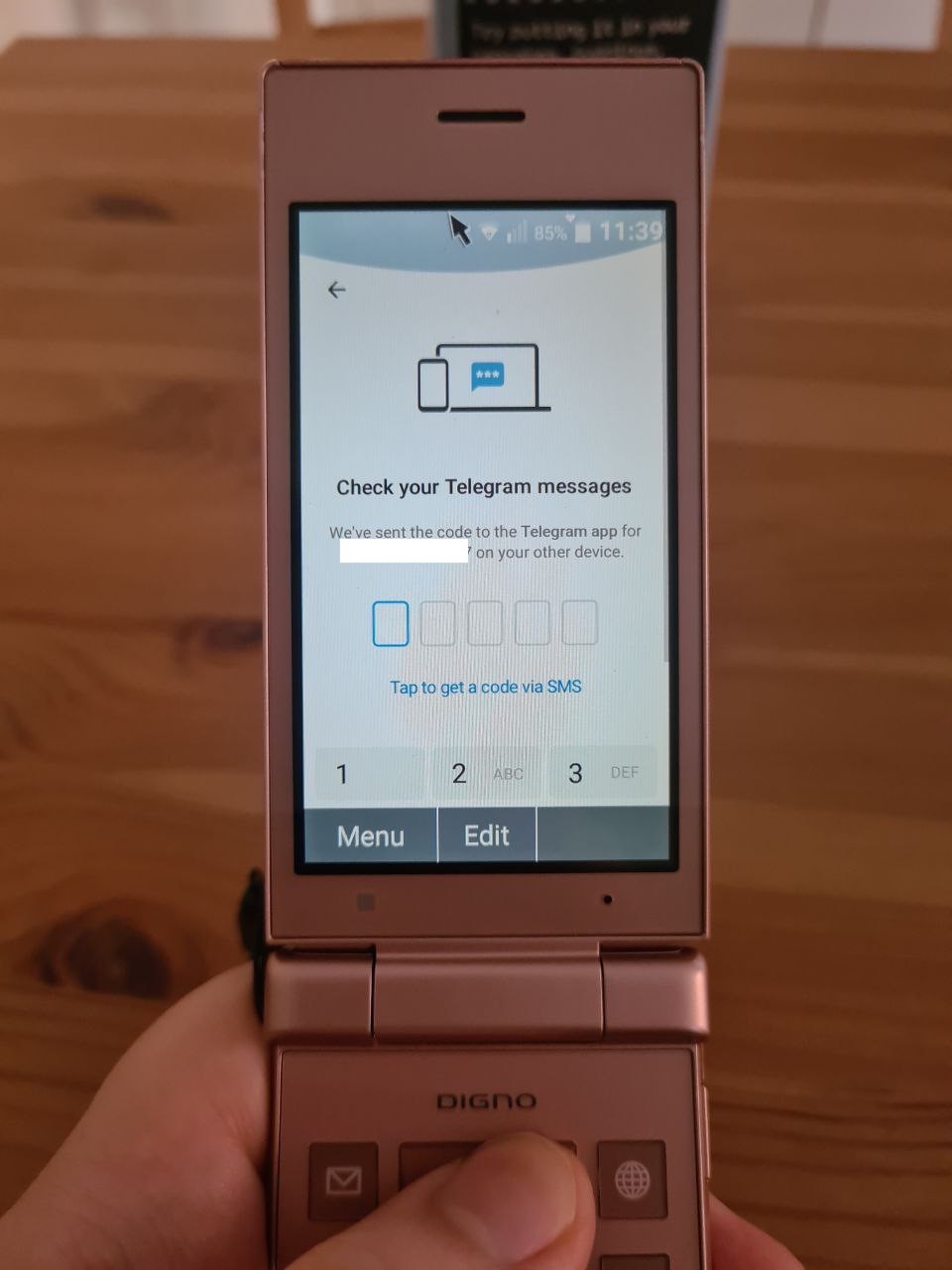
As I've mentioned, hot-keys apps can be redefined, and they're the only way to quickly start an Android application. I have one of them assigned to non-standard app - Telegram.
Telegram for Android isn't designed for keypads, and because of that the UX is crap. I am forced to use the virtual mouse all the time, so I kind of gave up on using it.
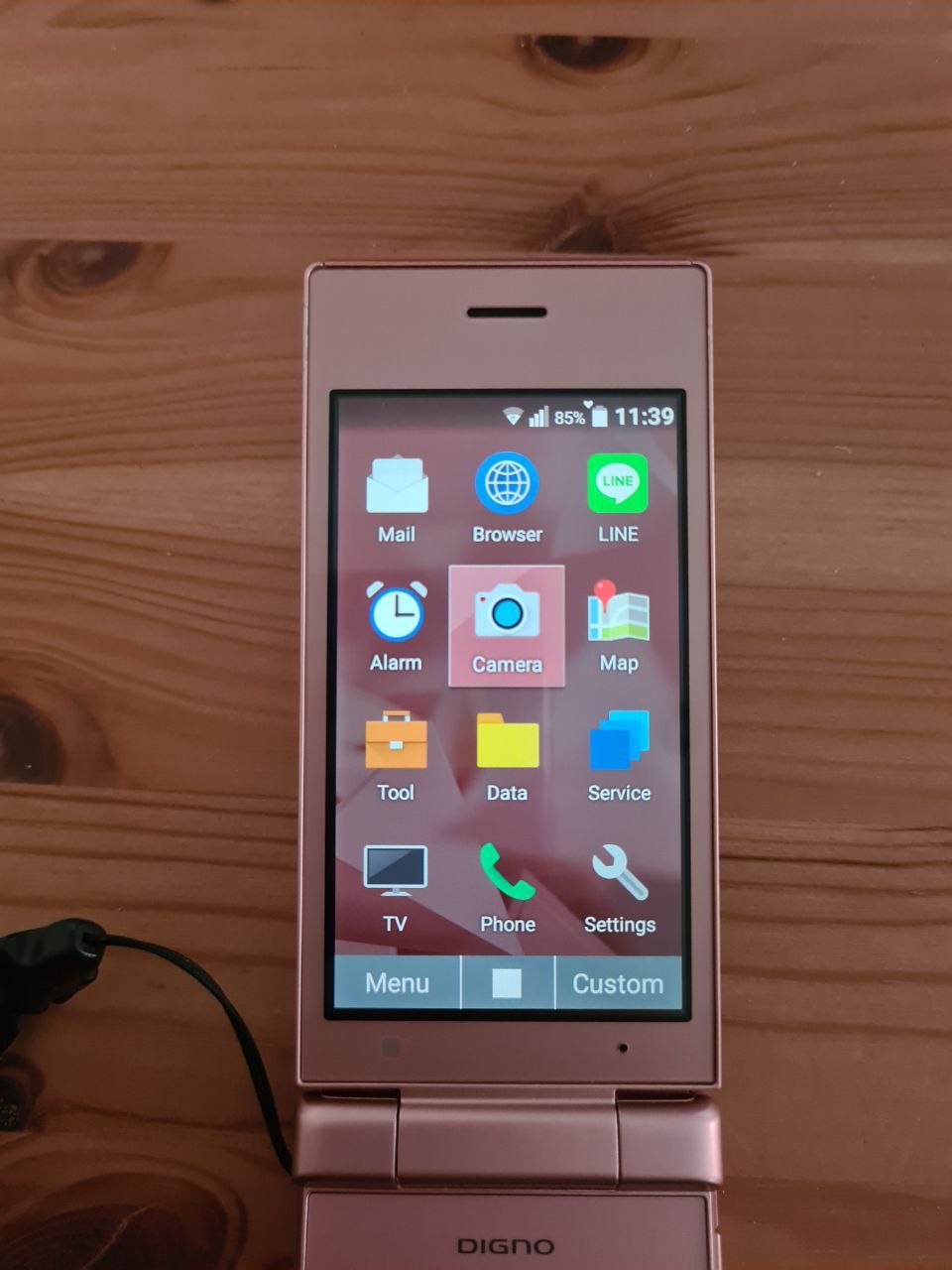
Here is the main phone menu. New apps cannot be added to the list. But one of the standard apps is LINE.
One of the reasons smartphones became so popular in Japan is LINE. It is used for absolutely everything, from chats to online payments.
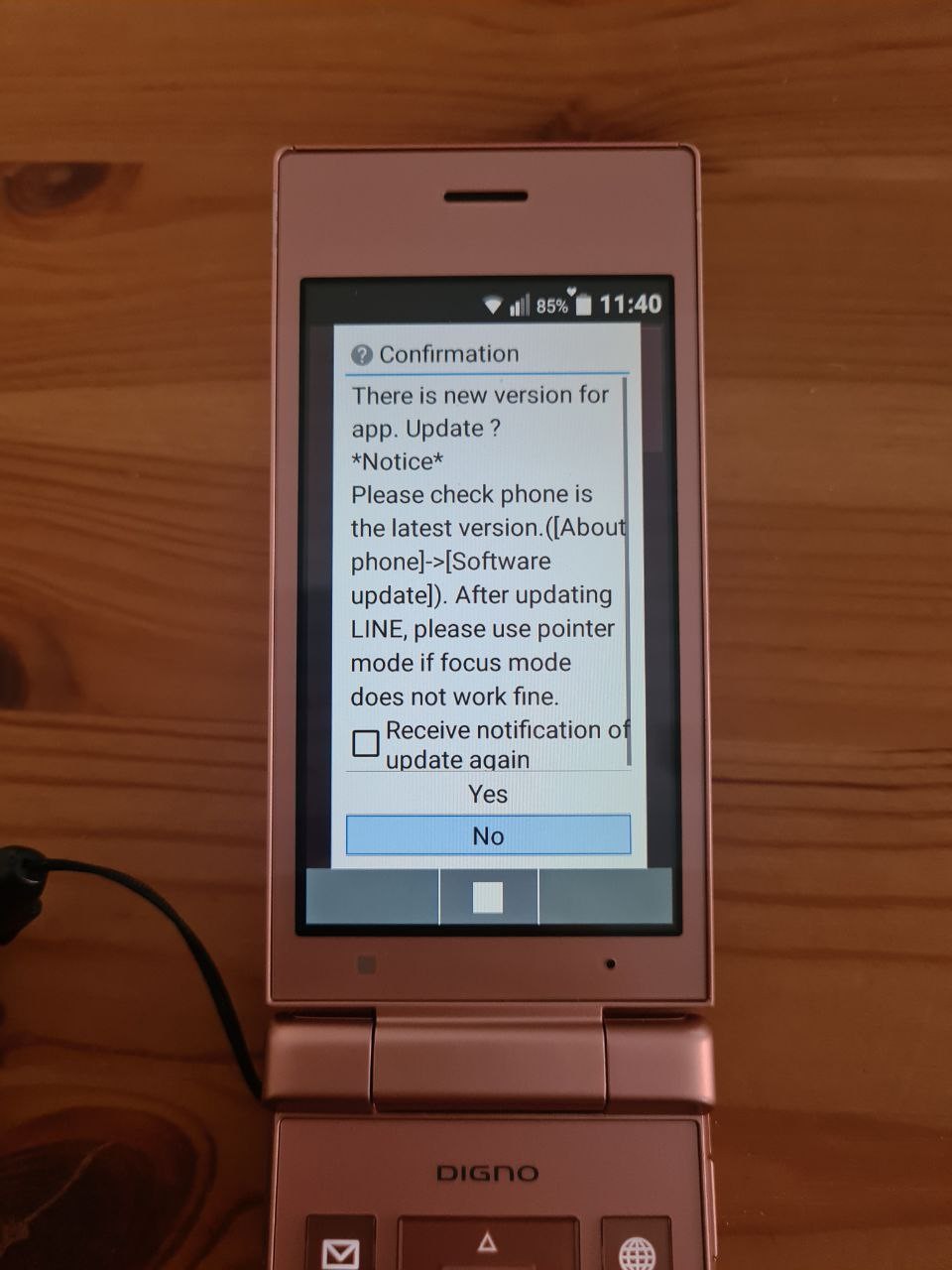
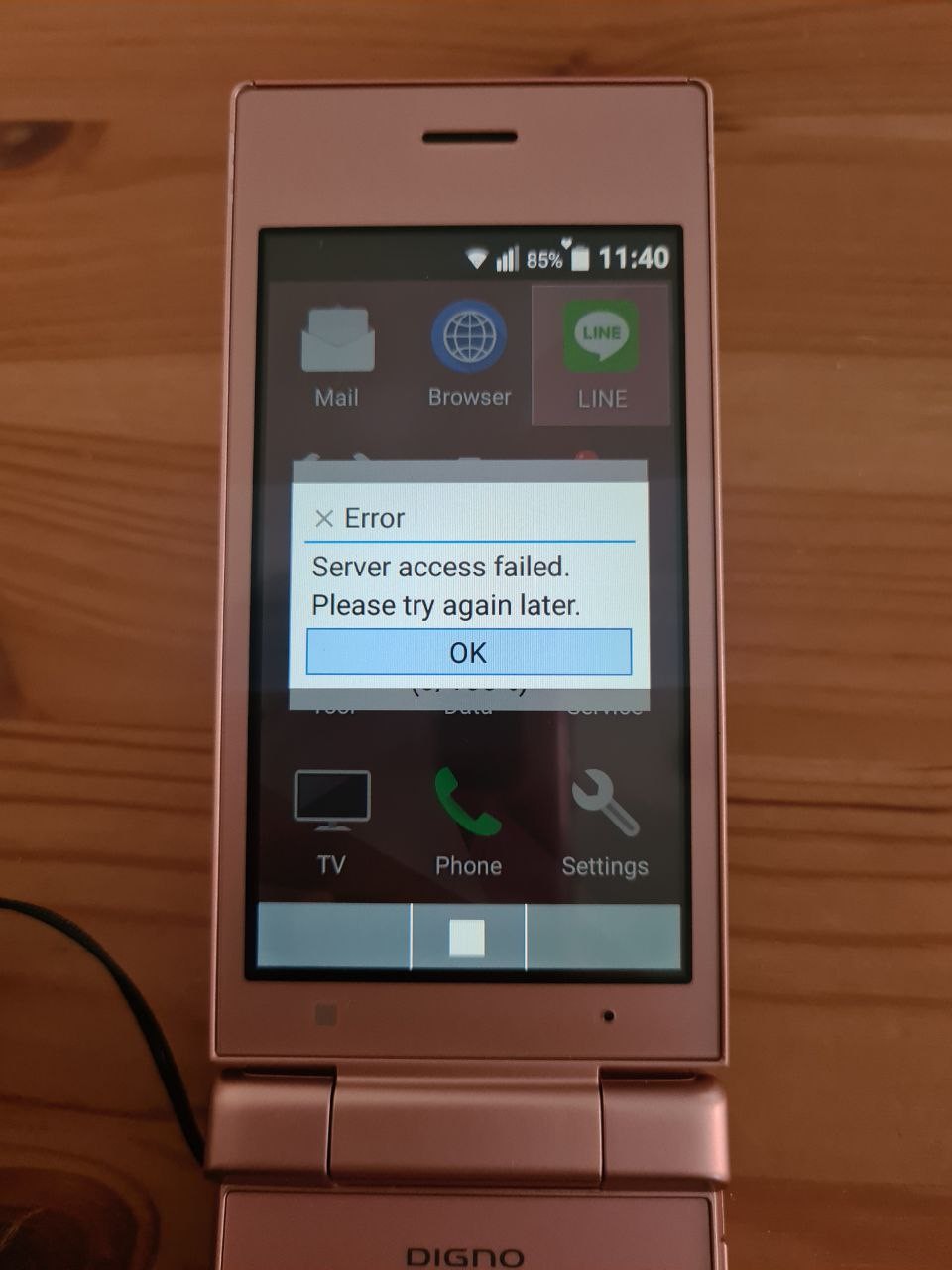
So, I was hoping I might be able to use LINE - if it comes with the phone, it must support keypad, right? Unfortunately, the app needs to be updated (pressing "no, don't update" doesn't do anything), the update doesn't work, and the update description makes it sound like the keypad mode support was dropped.
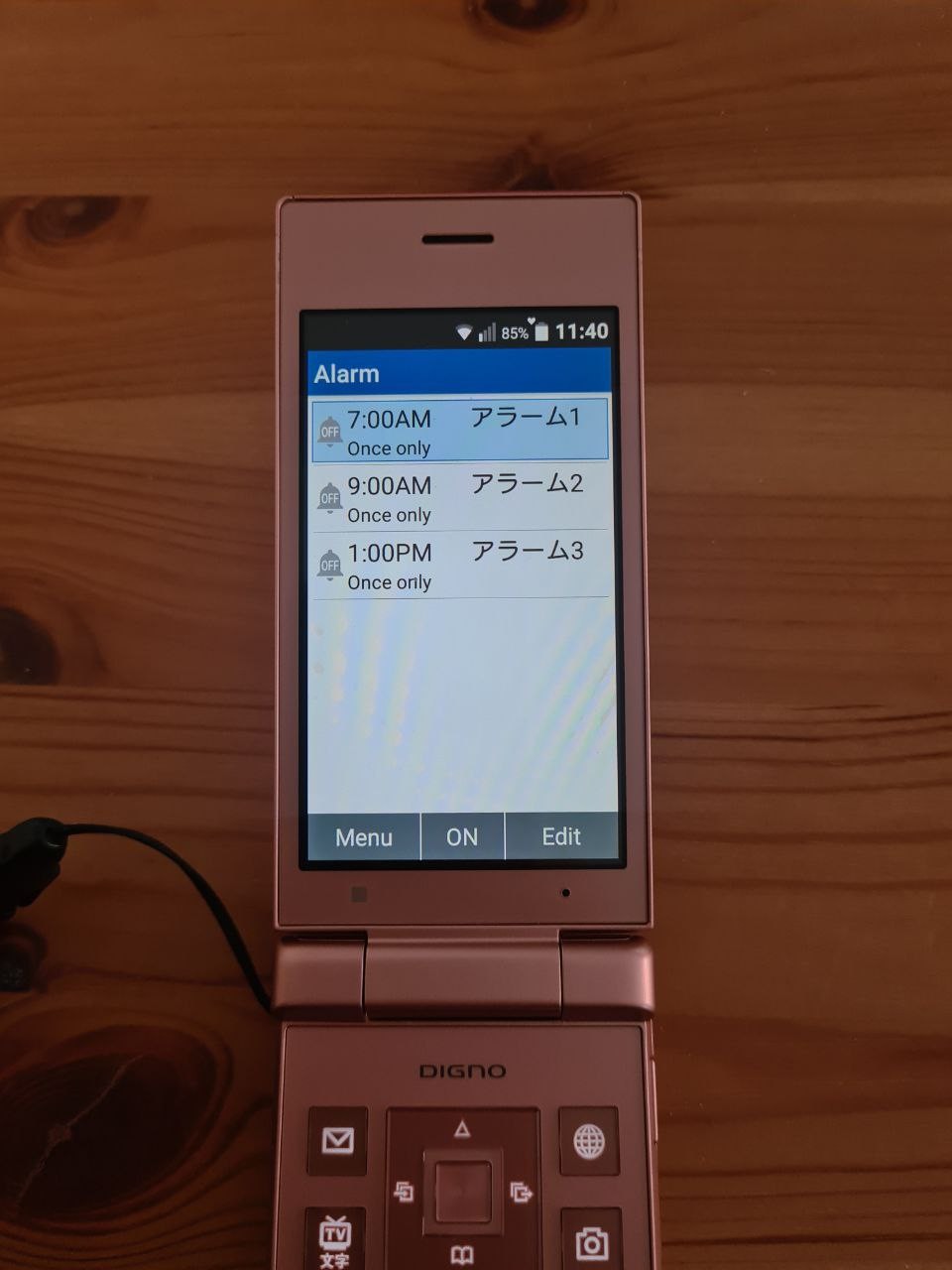
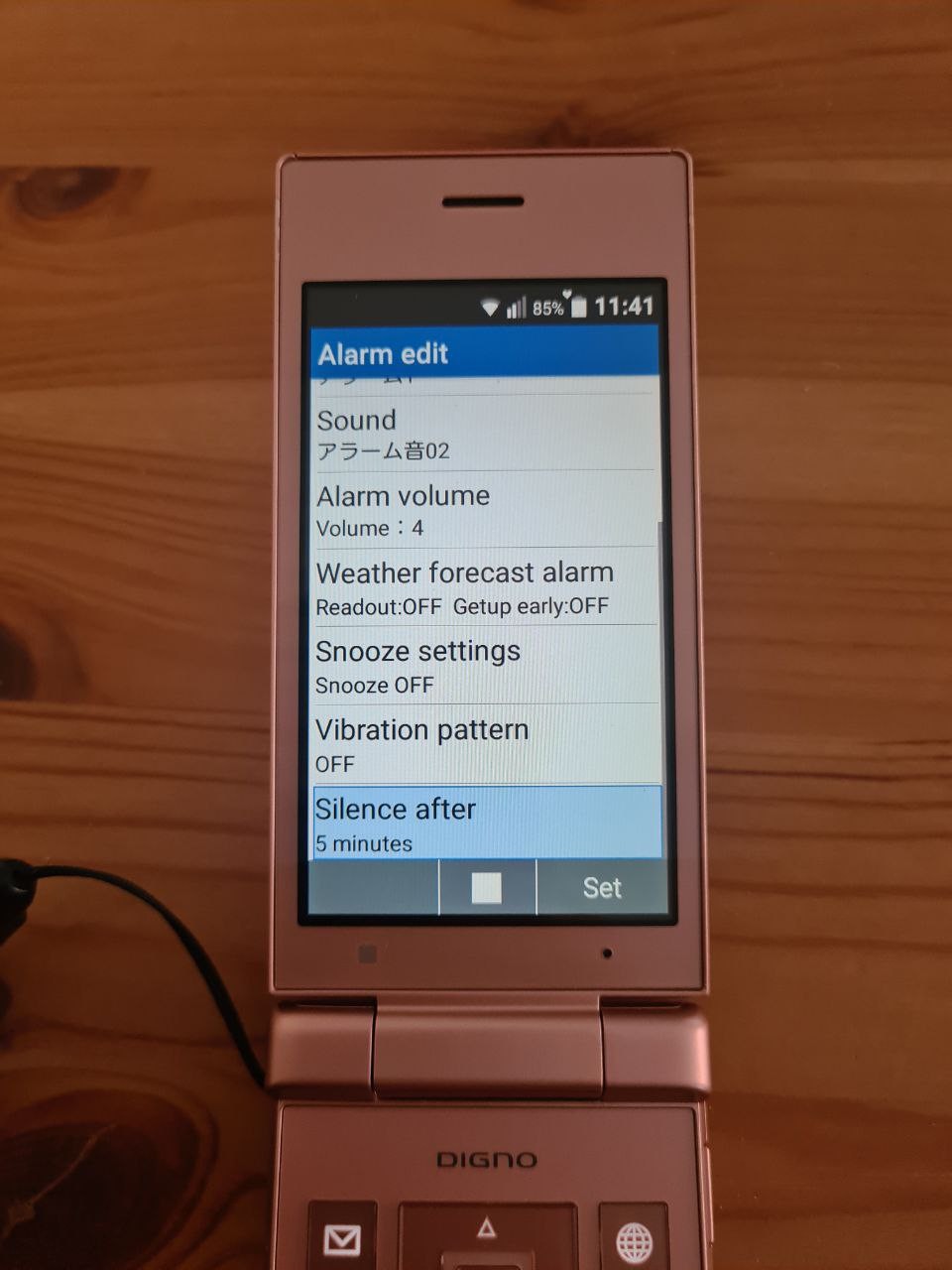
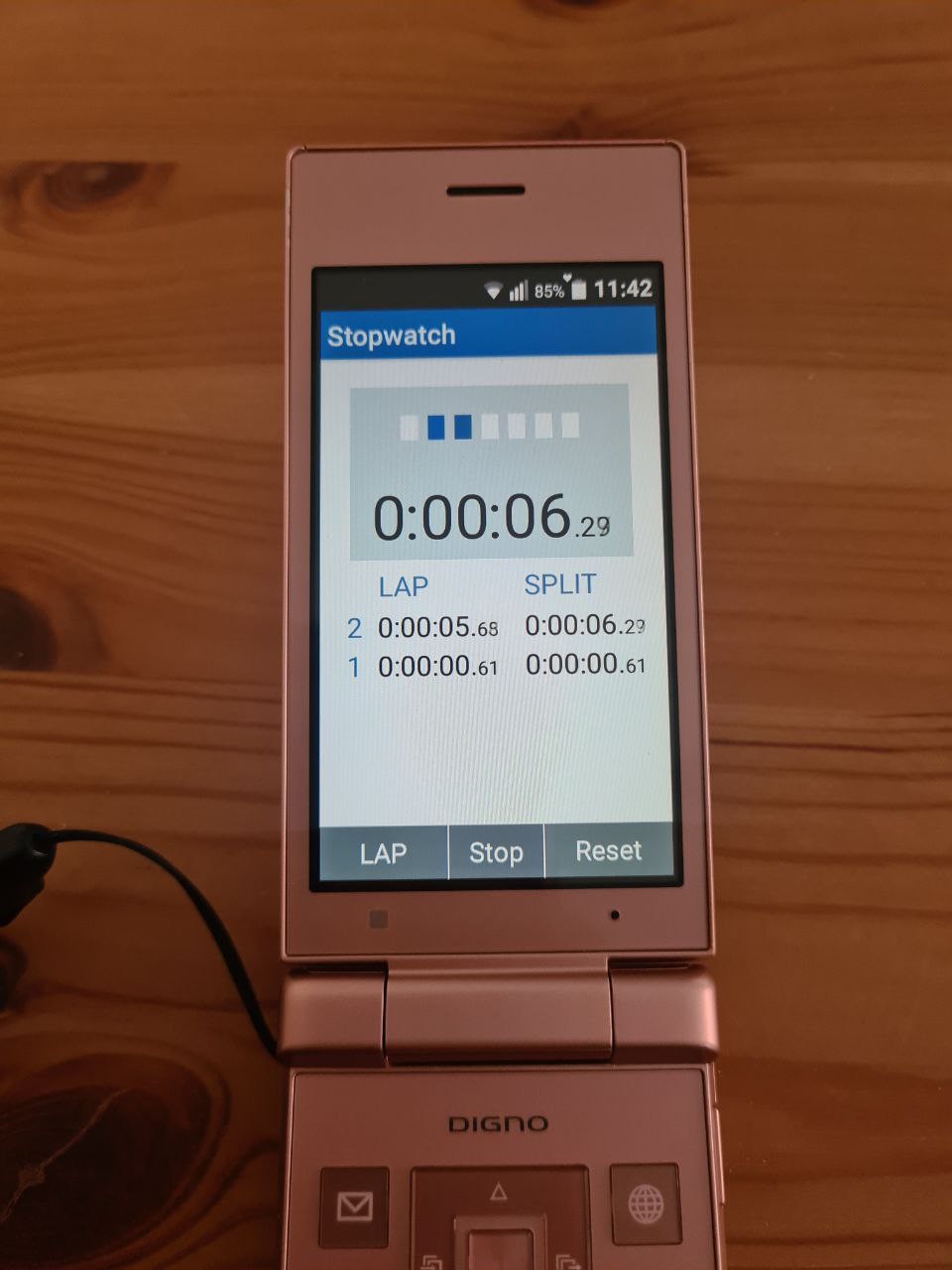
Alarm application isn't just for alarms, but also for timers and a stopwatch.
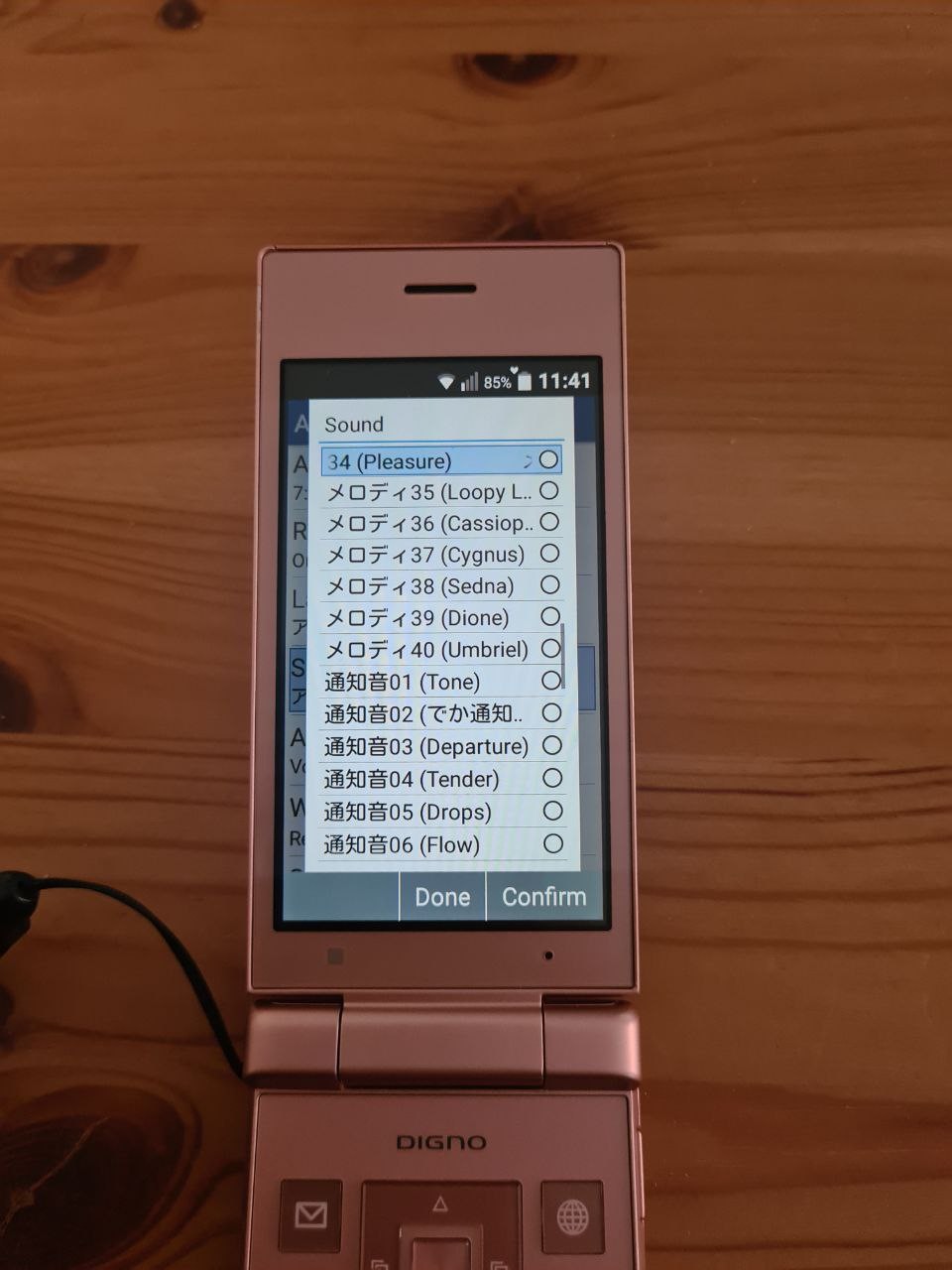
Alarm app comes with 40 melodies that sound MIDI but are in fact pre-recorded (m4a or mp3 or aac or whatever), because this phone doesn't support MML or MIDI.
One interesting option for the alarm is to read weather out loud.
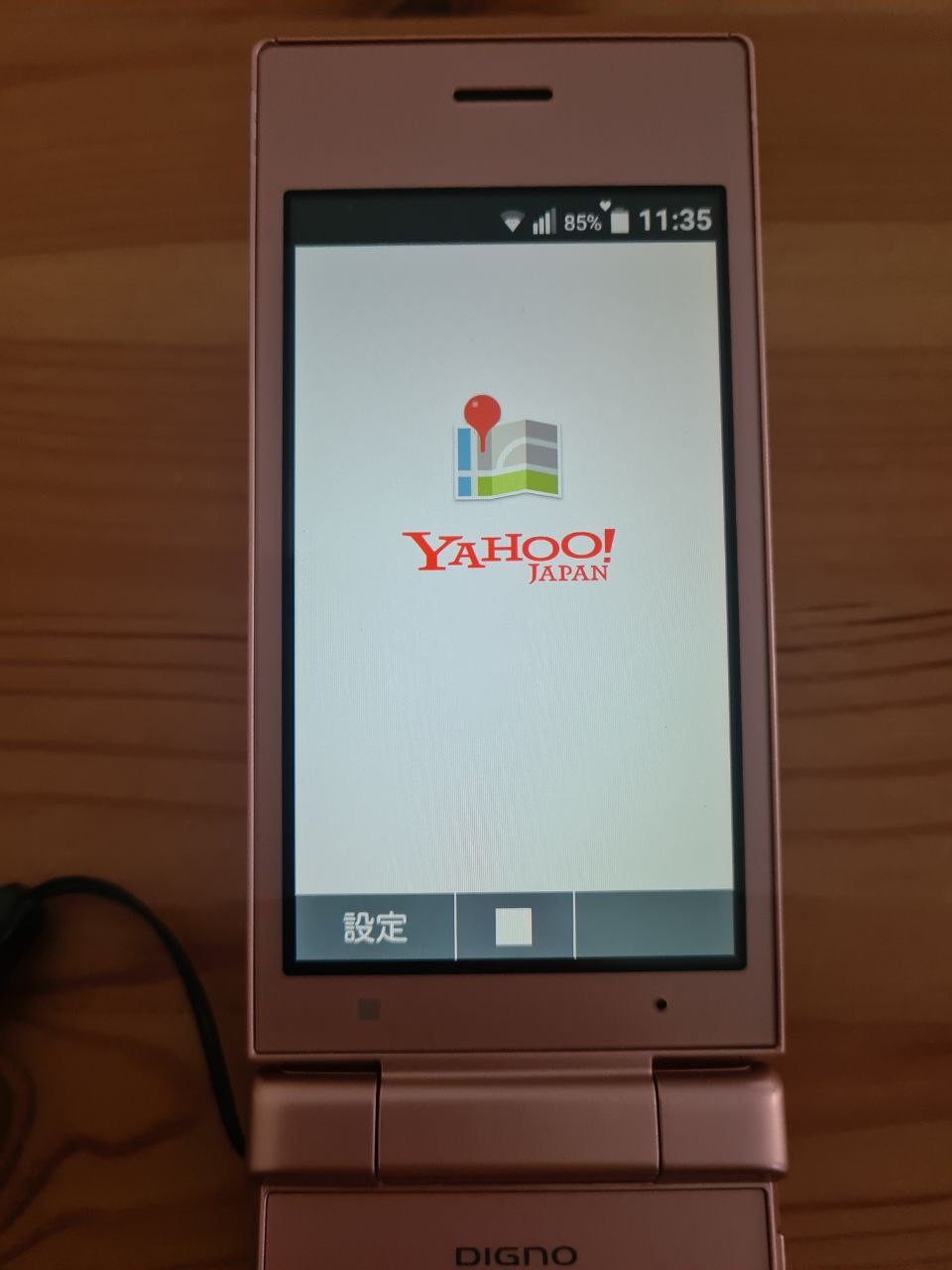
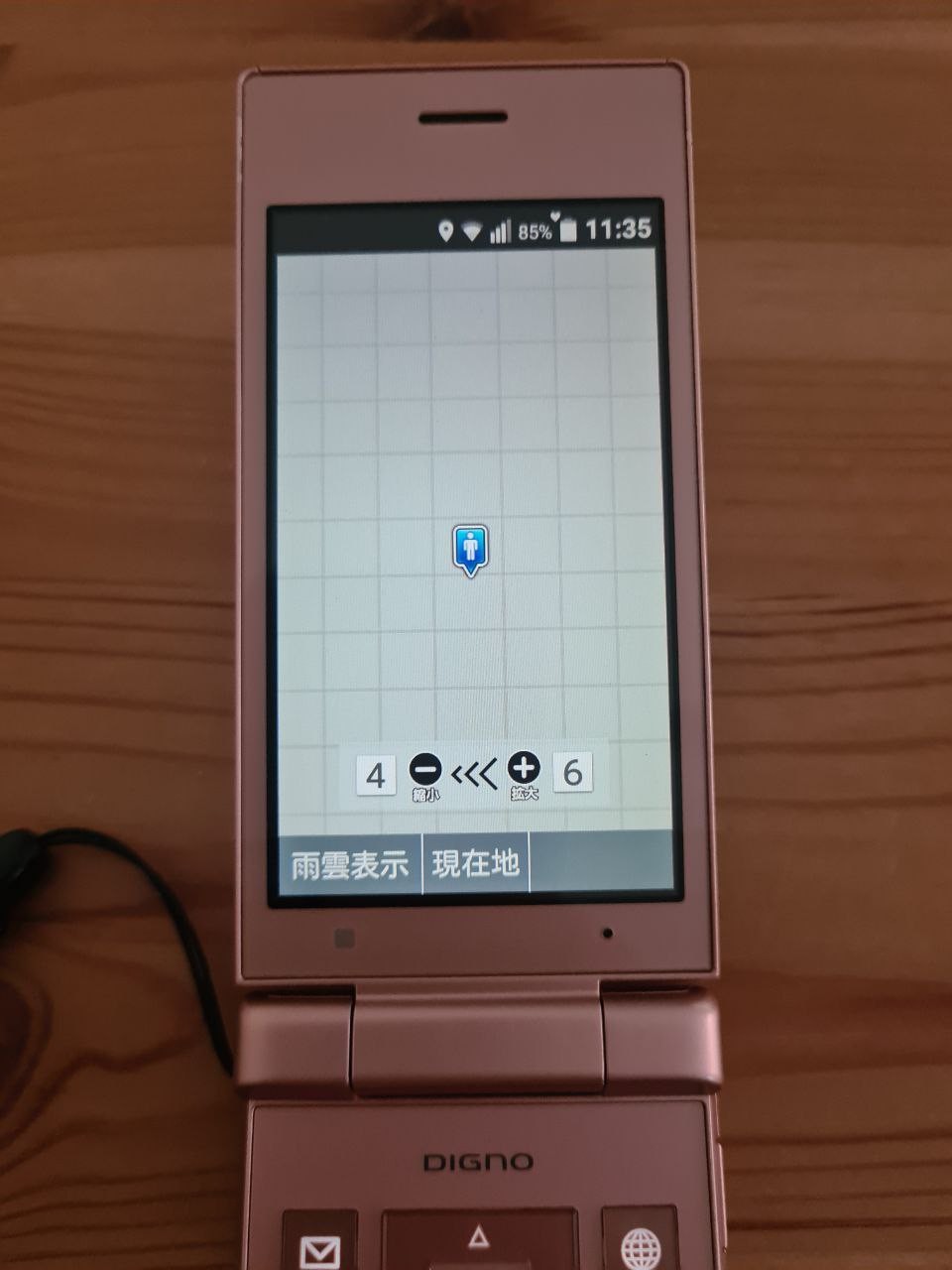
The map app is Yahoo! Maps. Yahoo doesn't work in the UK (presumably due to GDPR limitations), so the maps app doesn't show the map. Some say that it works in the US.
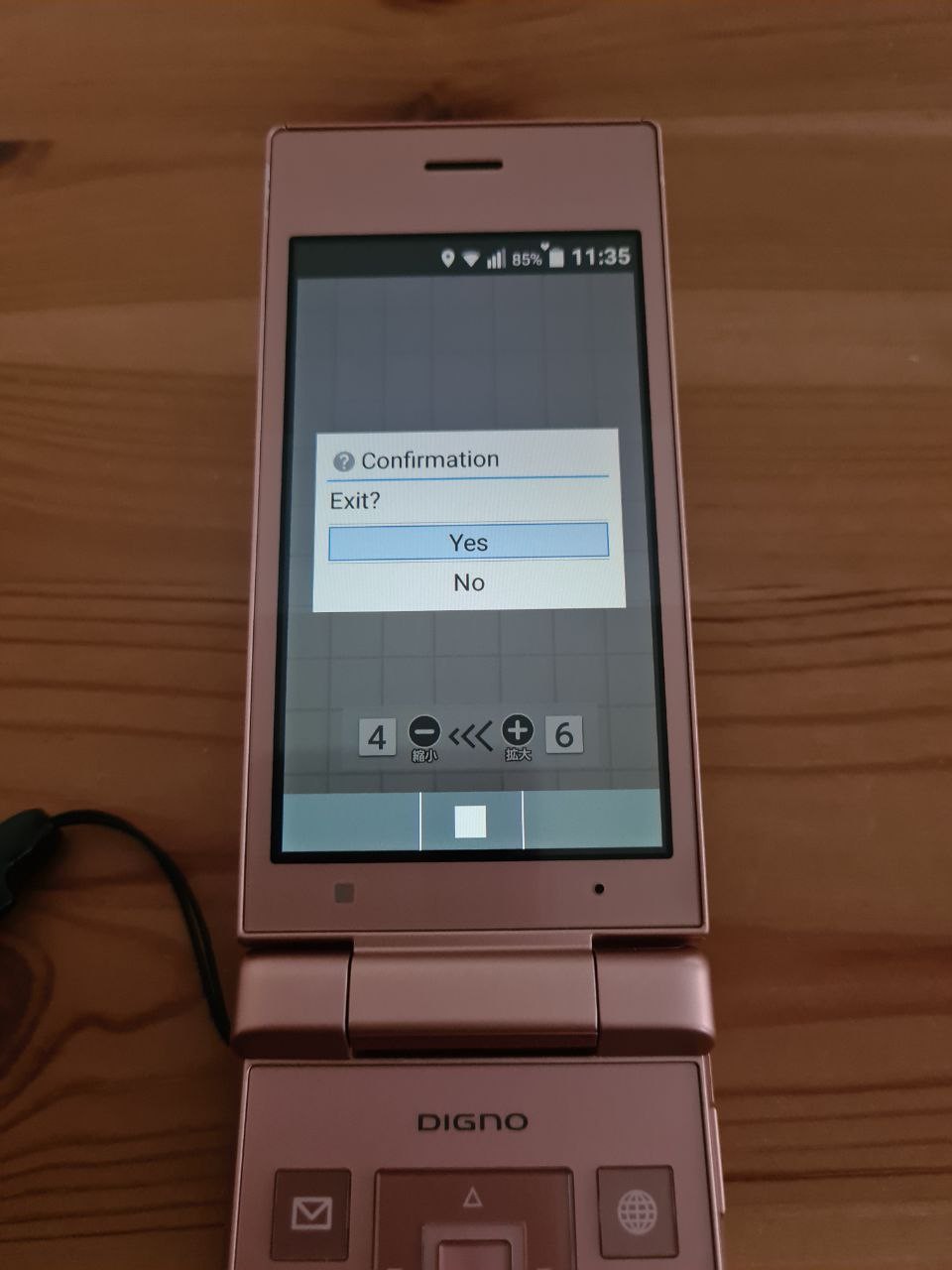
The app is mostly in Japanese, but it has some phrases translated. For some reason, it shows a pop-up to confirm exit. The pop-up looks very Android-like in style, but very alien to Android in spirit.
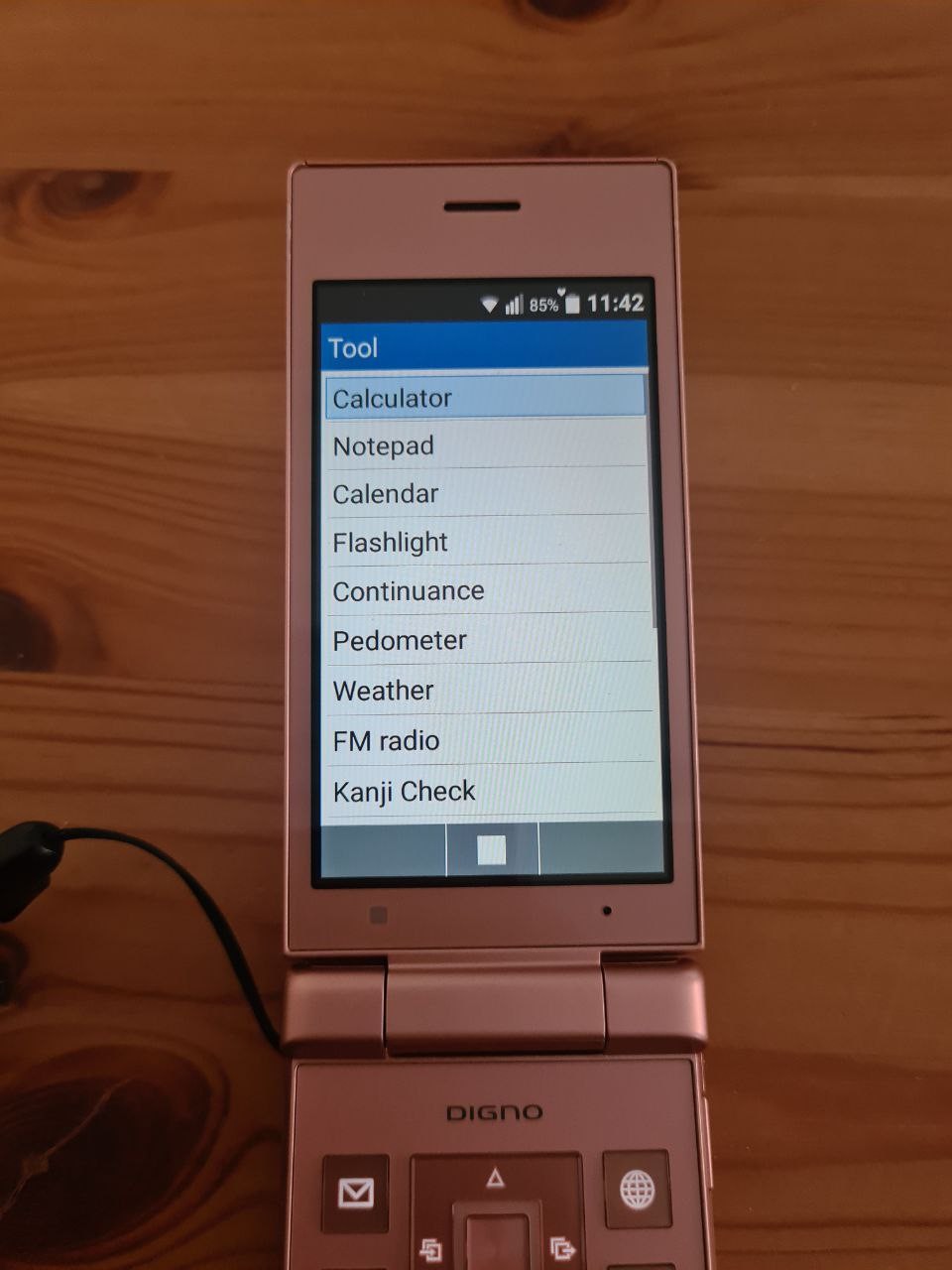
Now, Tool menu. There are many little apps like calculator or notes.
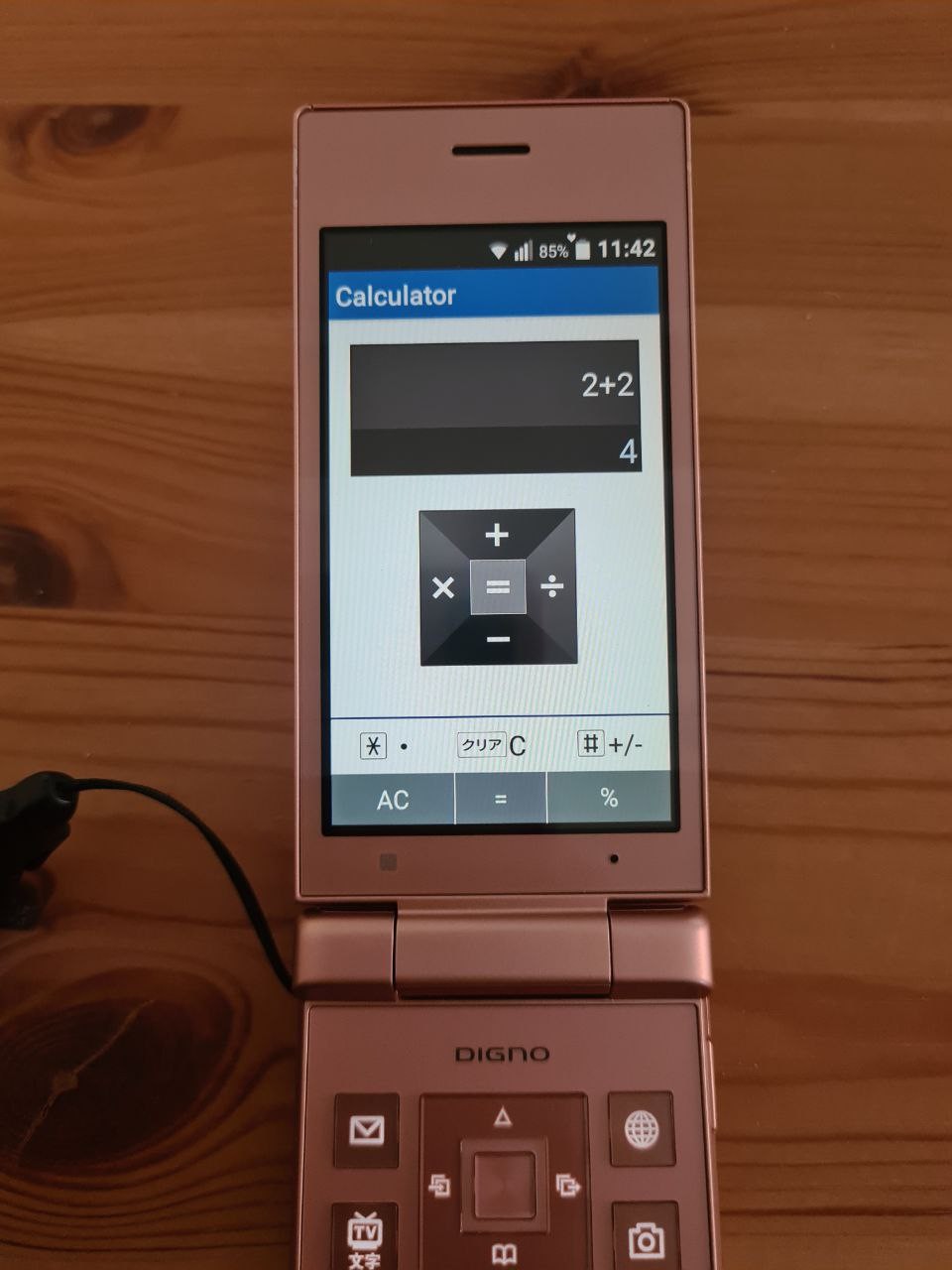
The calculator app is very basic and doesn't do engineering calculations.
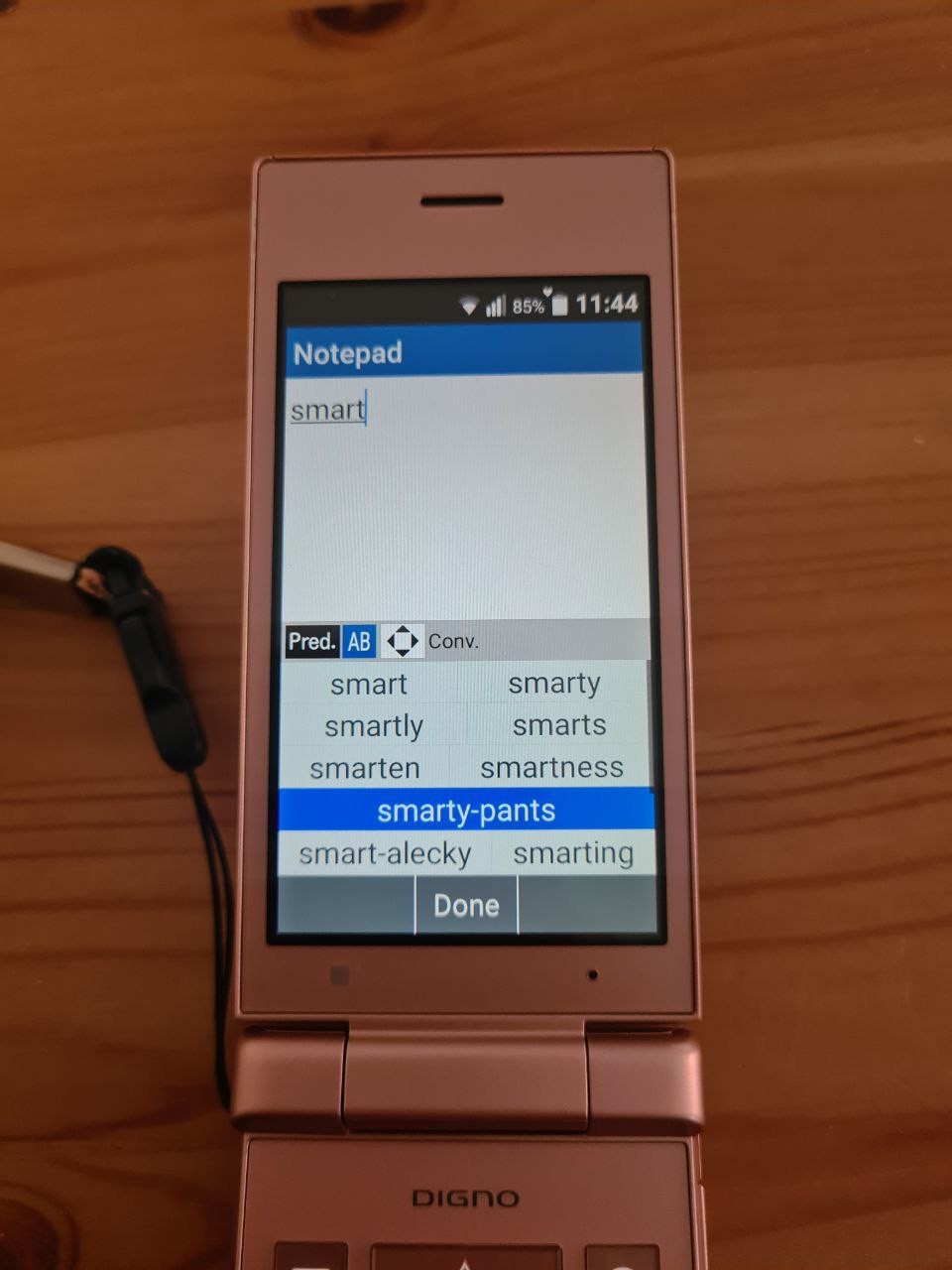
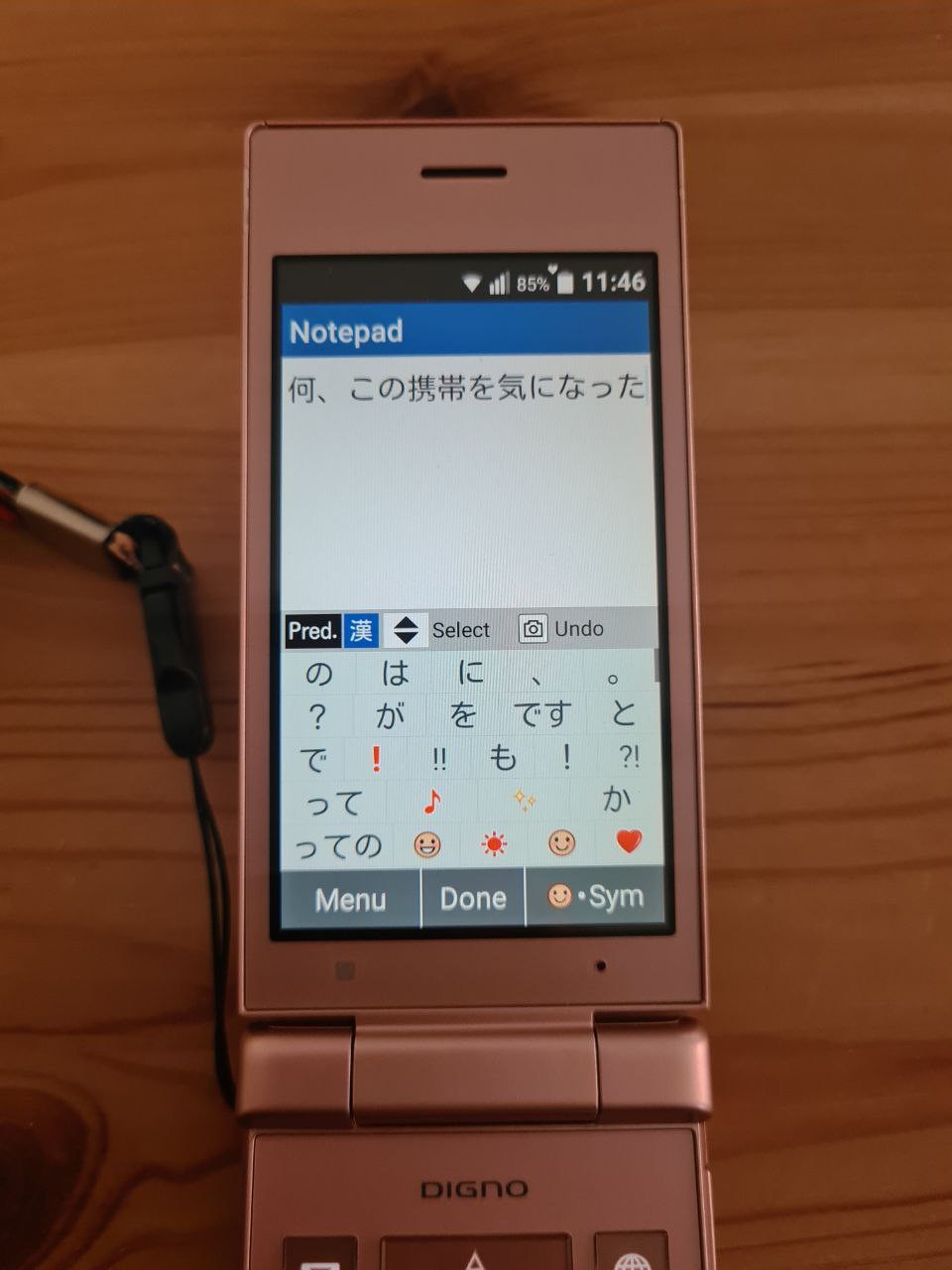
The notepad is a good way to explore the phone's input system. There is no T9 mode for English; instead, typing the beginning of the word shows predictions. Typing Japanese allows to replace kana with kanji or emoji, or expand the short phrase into a longer one.
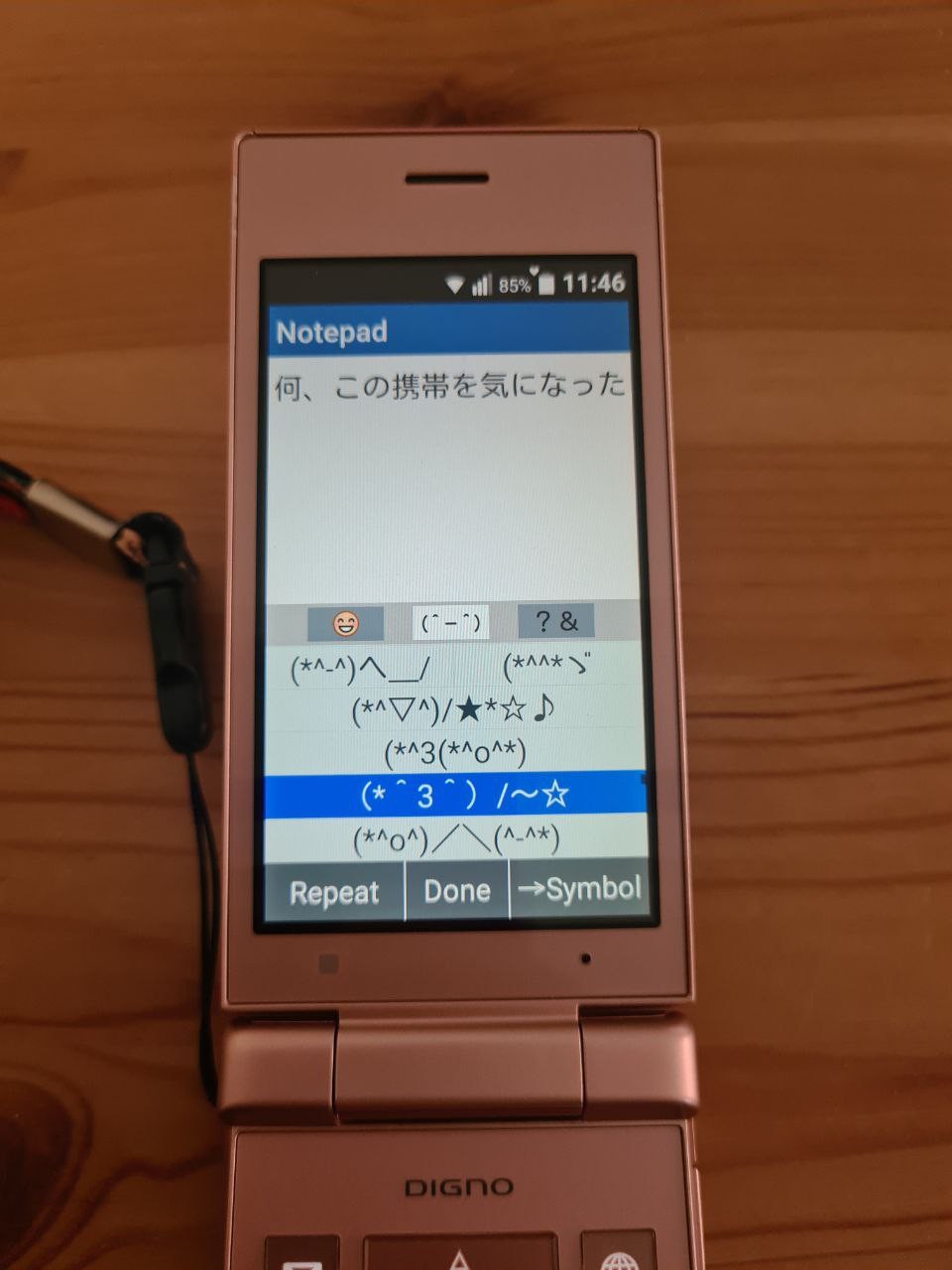
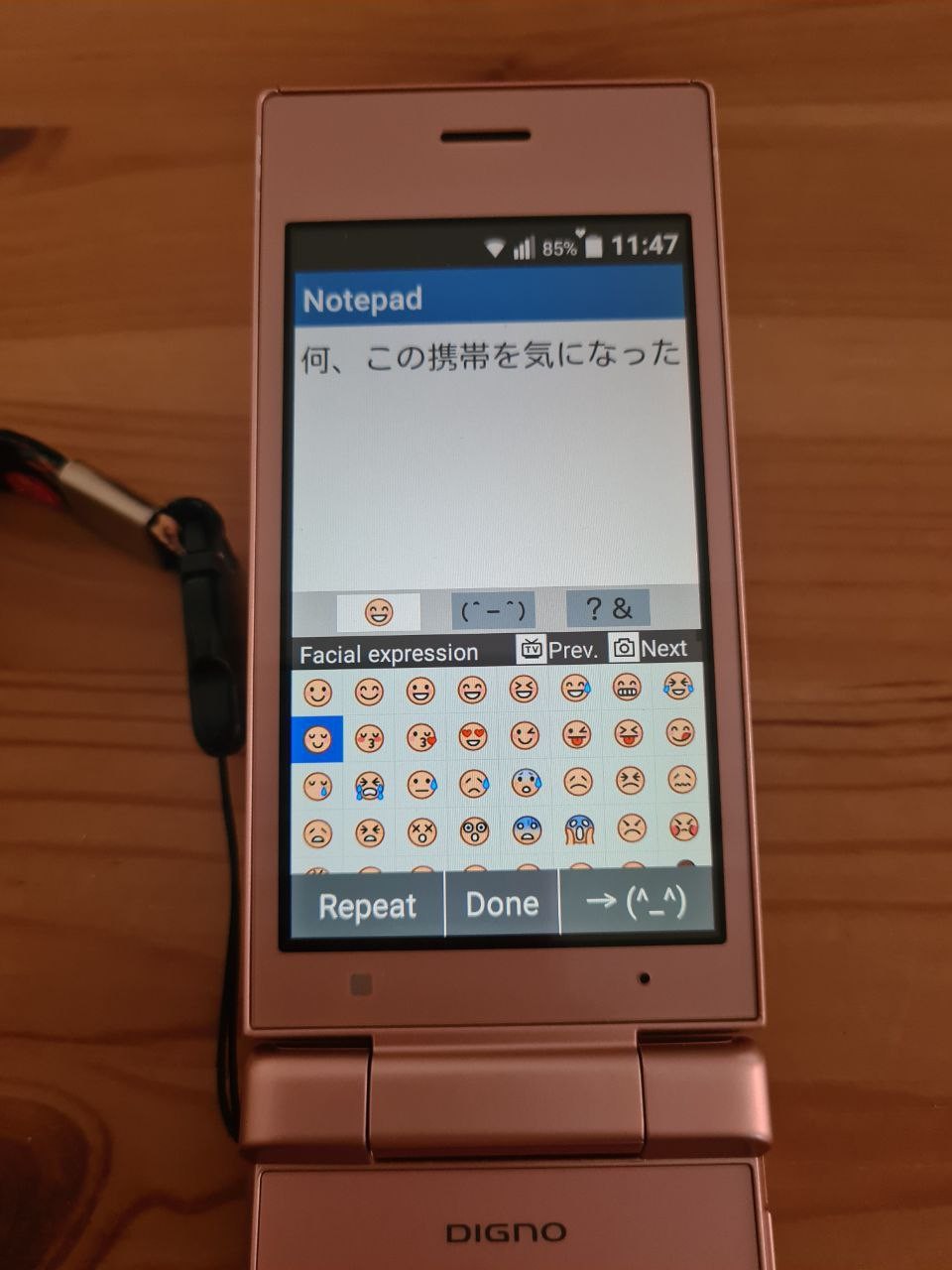
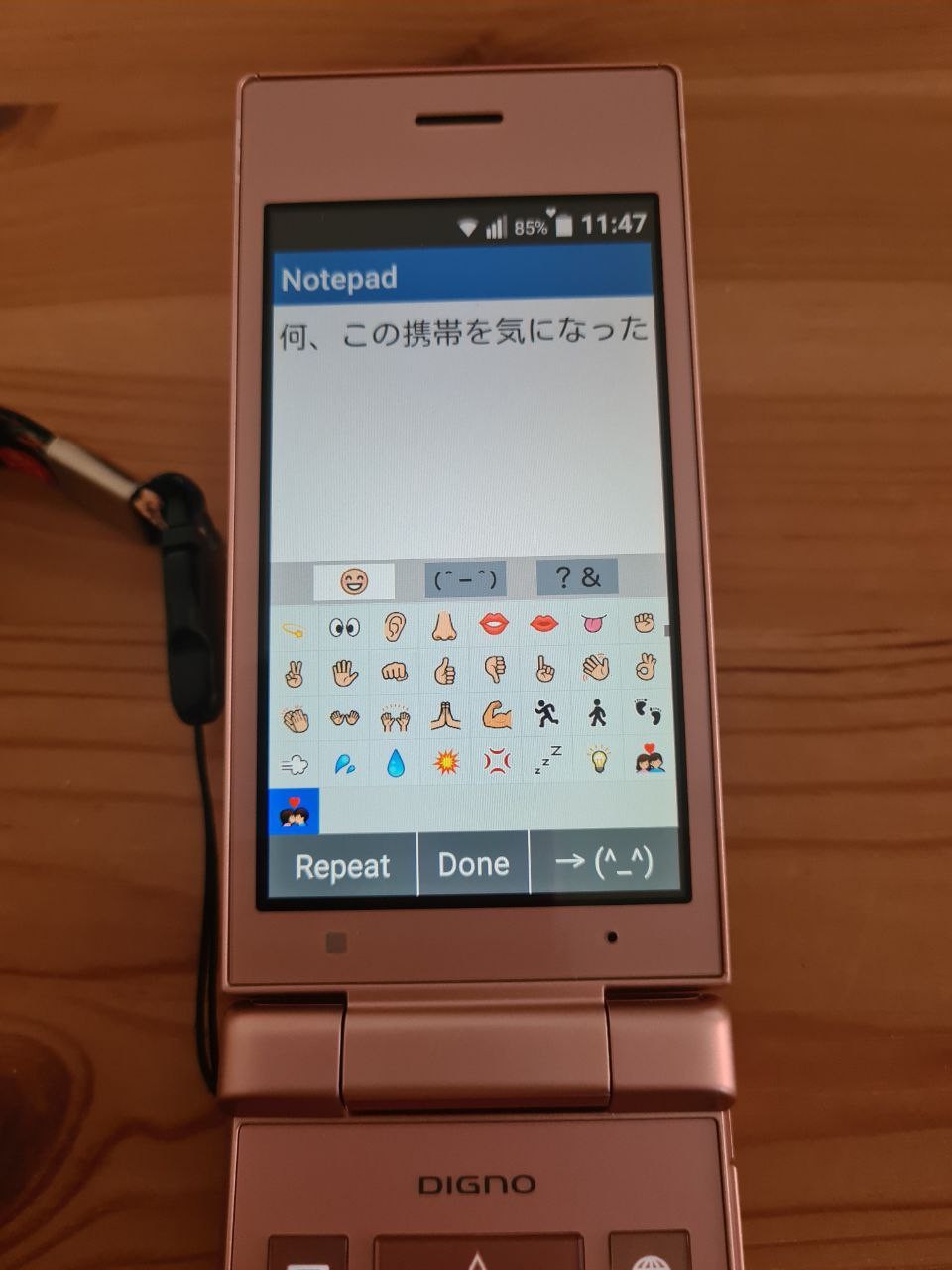
The phone supports smilies and emojis, of course. Pressing "smilies/sym" soft button opens kaomoji screen first. There's also emoji, and they look very... pixelated. Considering the PPI of the screen, I tend to think it's the choice of the phone makers.
Note that soft keys (TV/Camera) can be used for Page Up/Page Downs
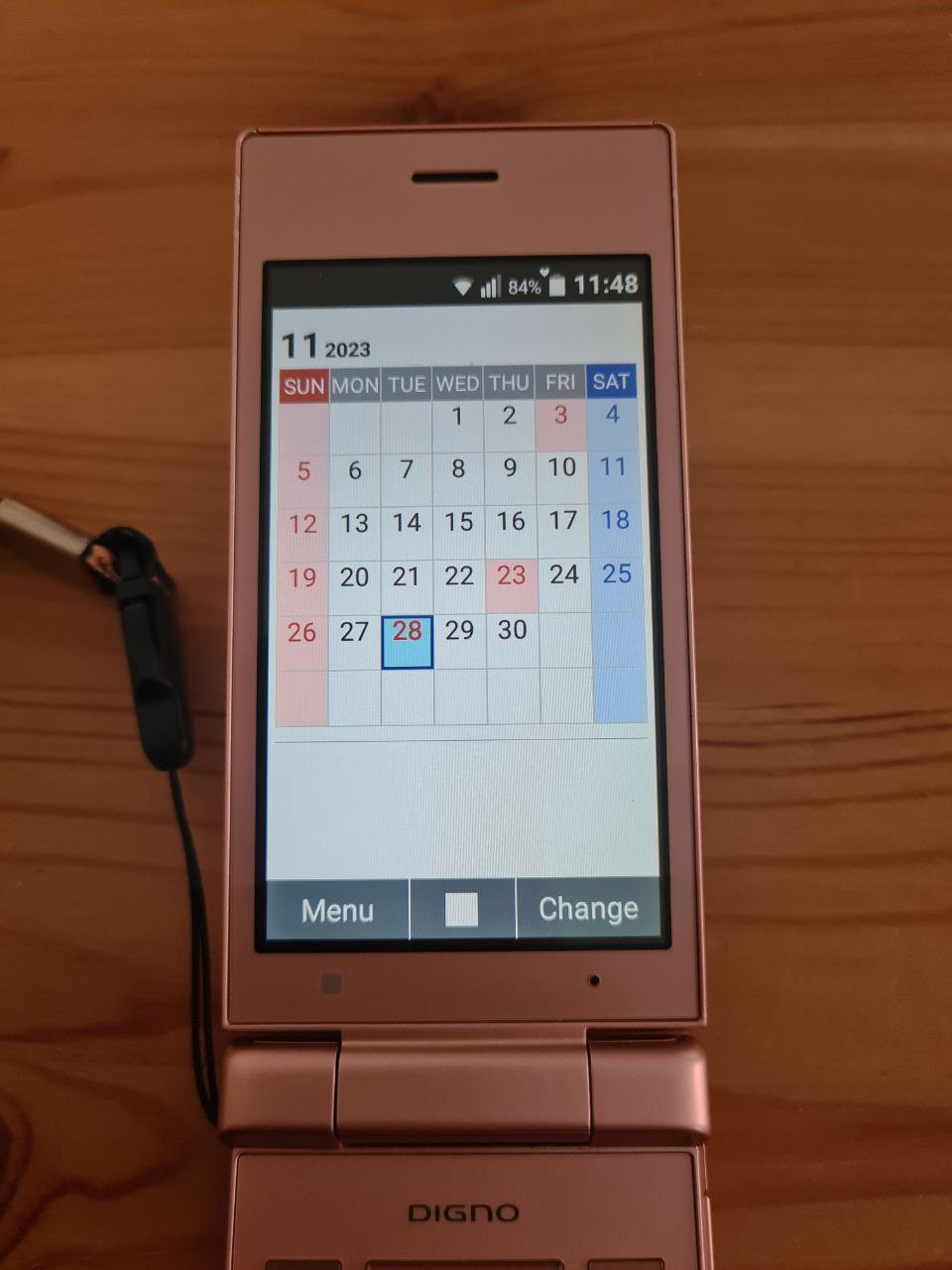
The calendar app is beyond basic. I cannot even tell if its supports syncing with Google Calendar. Probably not.
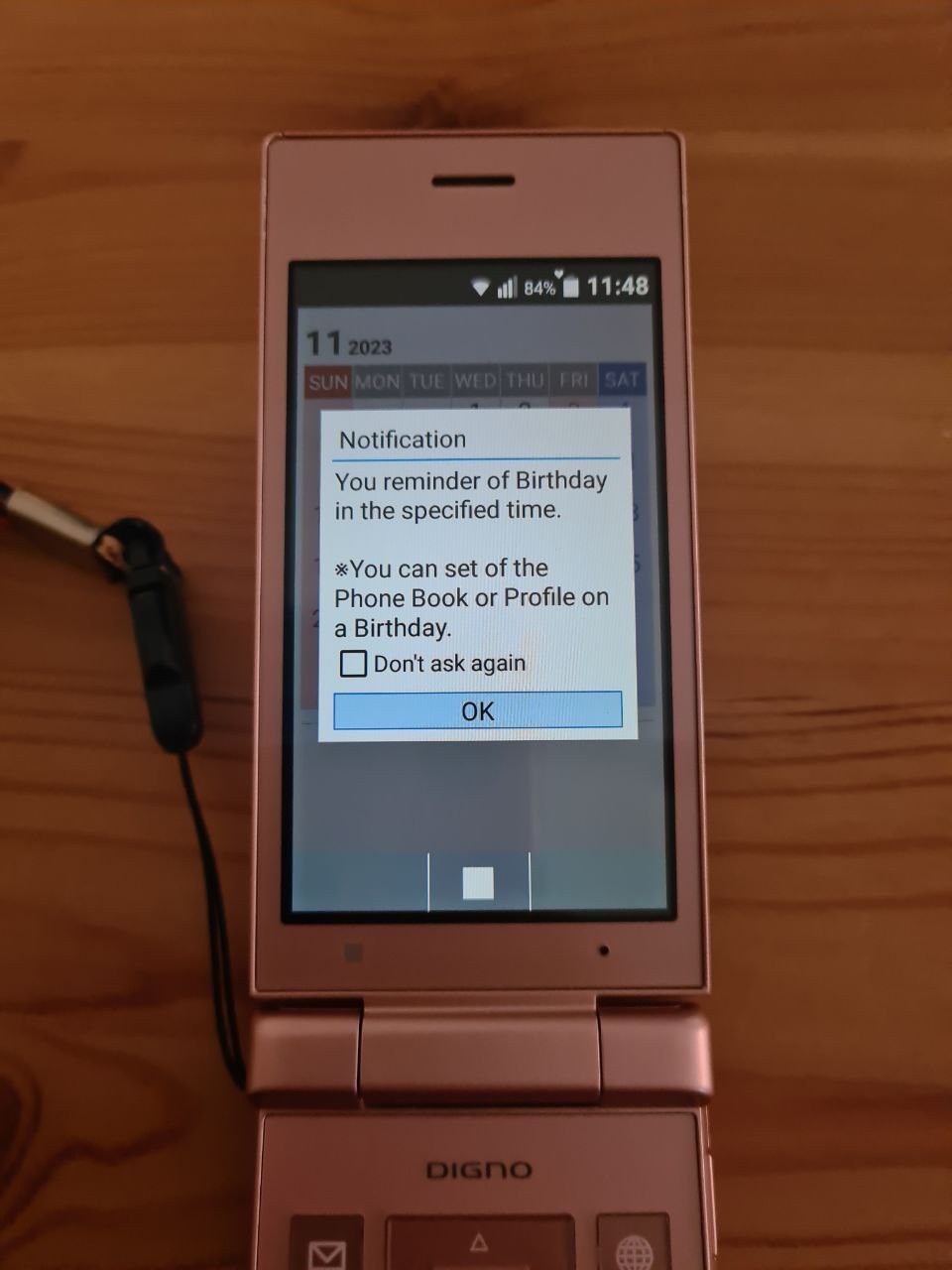
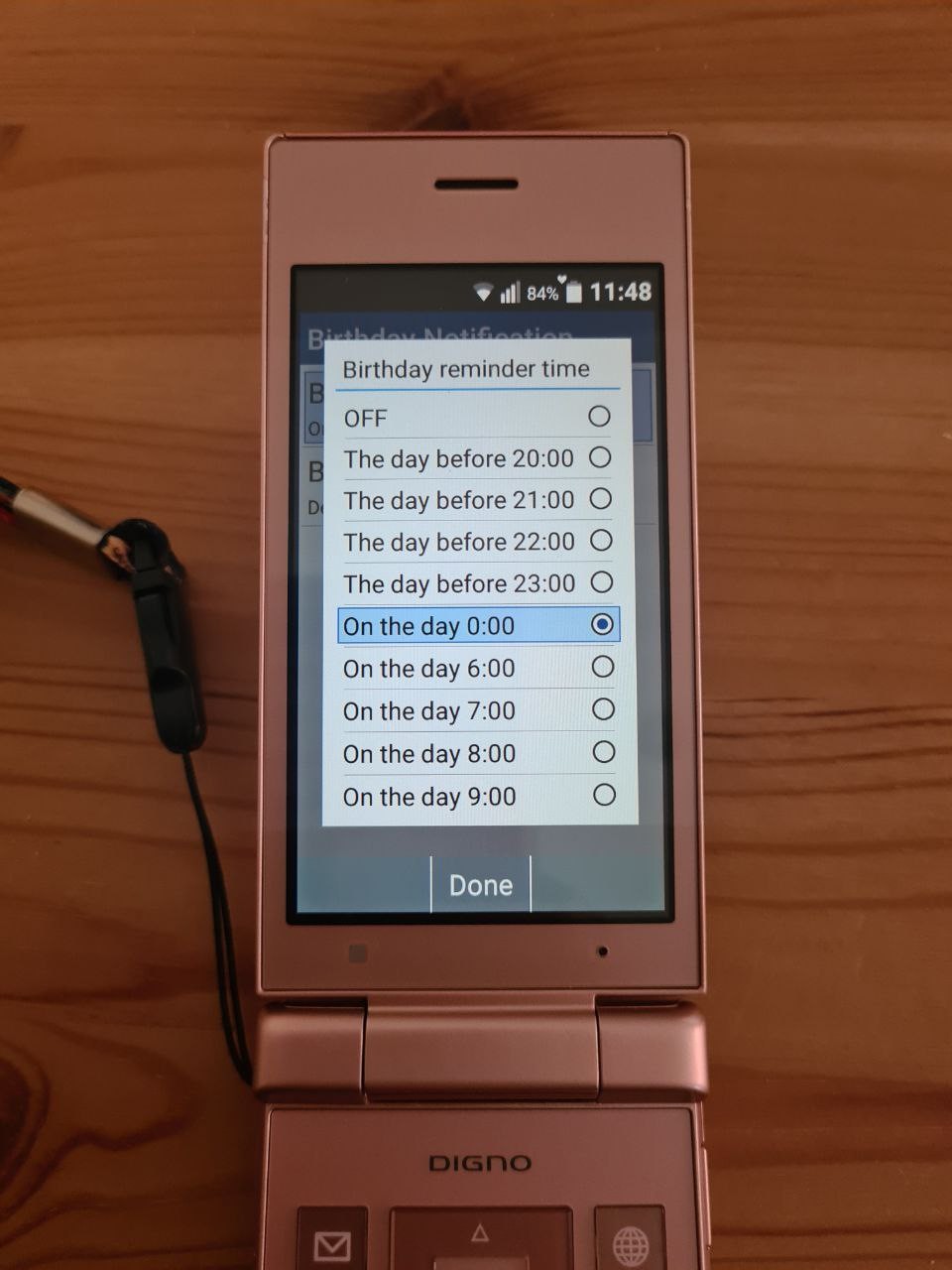
It has a function for birthday reminders (and it takes birthdays from contact profiles). The default time for Birthday reminders is midnight of the birthday.
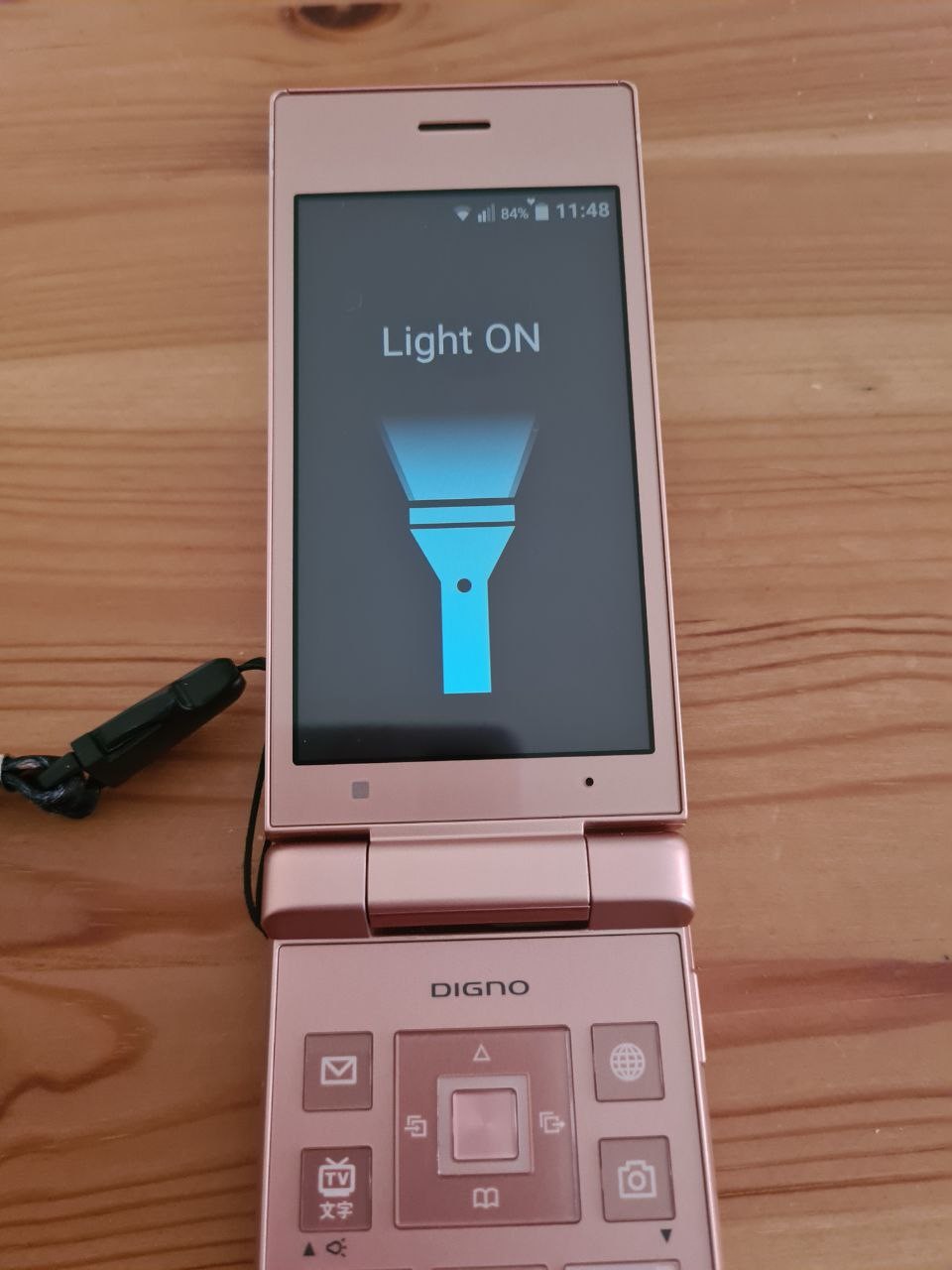
Flashlight app, hidden so well in the Tools menu, just turns on the flashlight, while making the screen dark. I think making the screen white and turning the brightness to the max would work better.
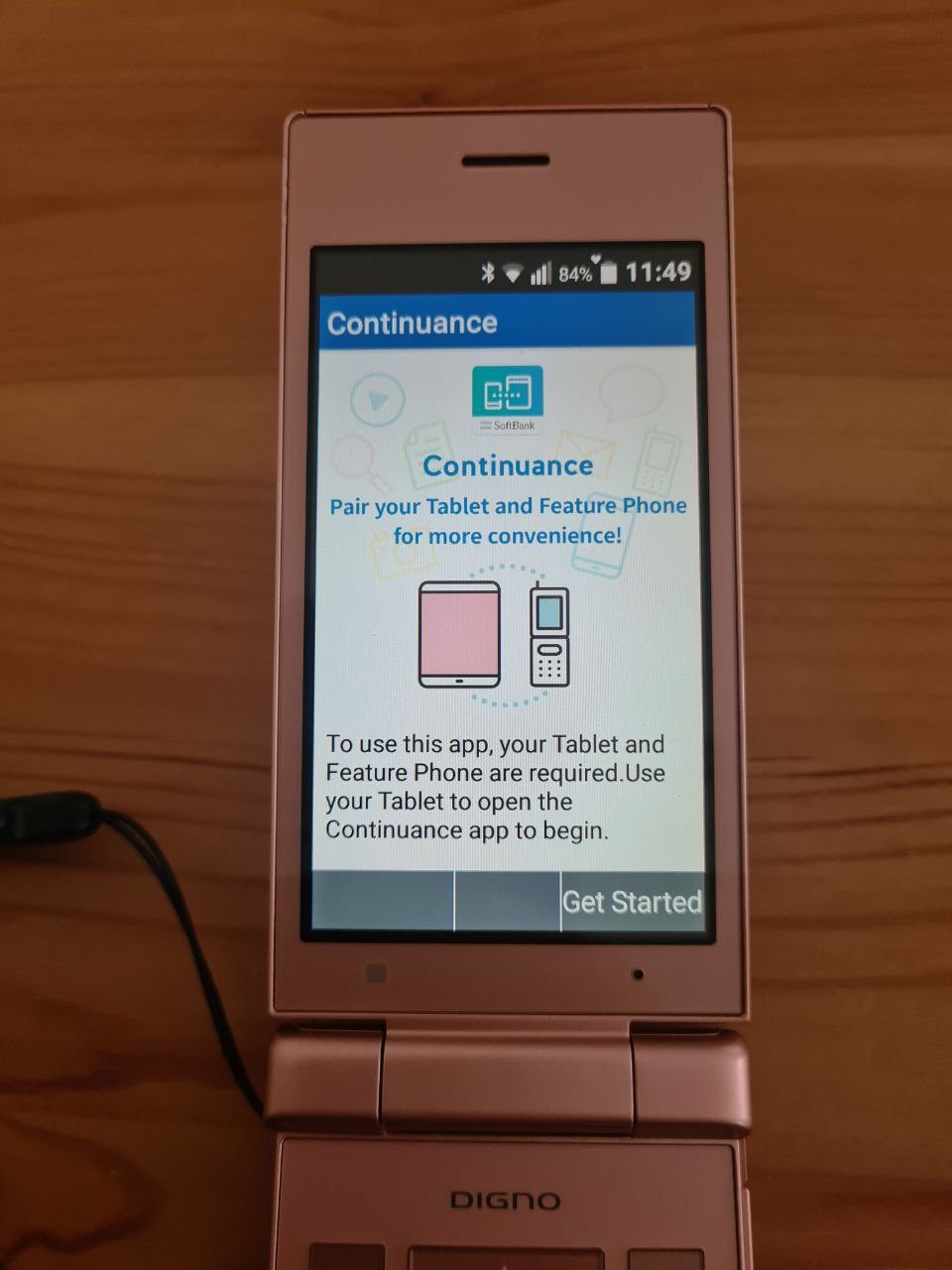
Now, Continuance, a mystery app.
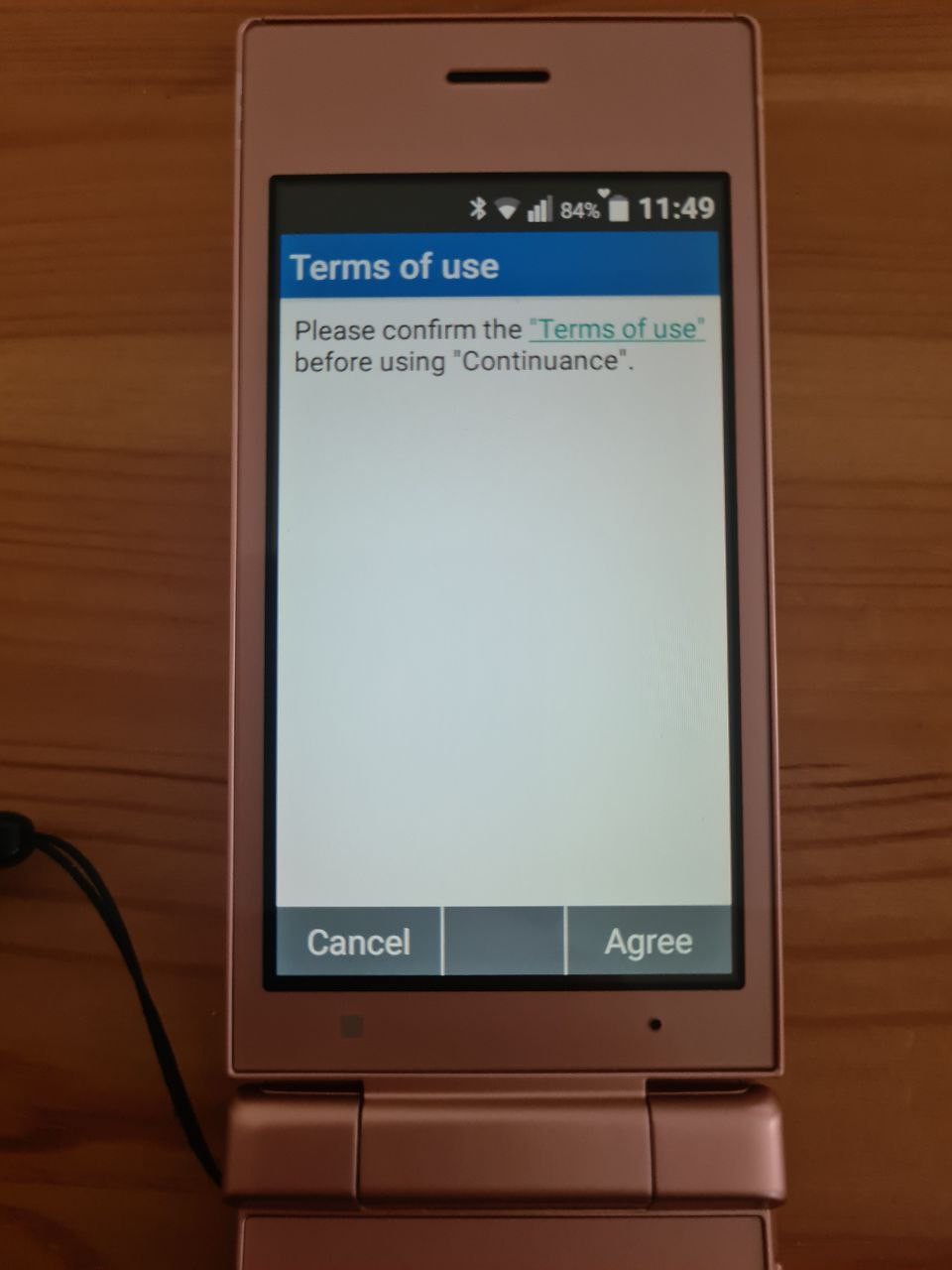
First, it asks to accept the terms of the service, and then it explains that it is for pairing the phone and the tablet.
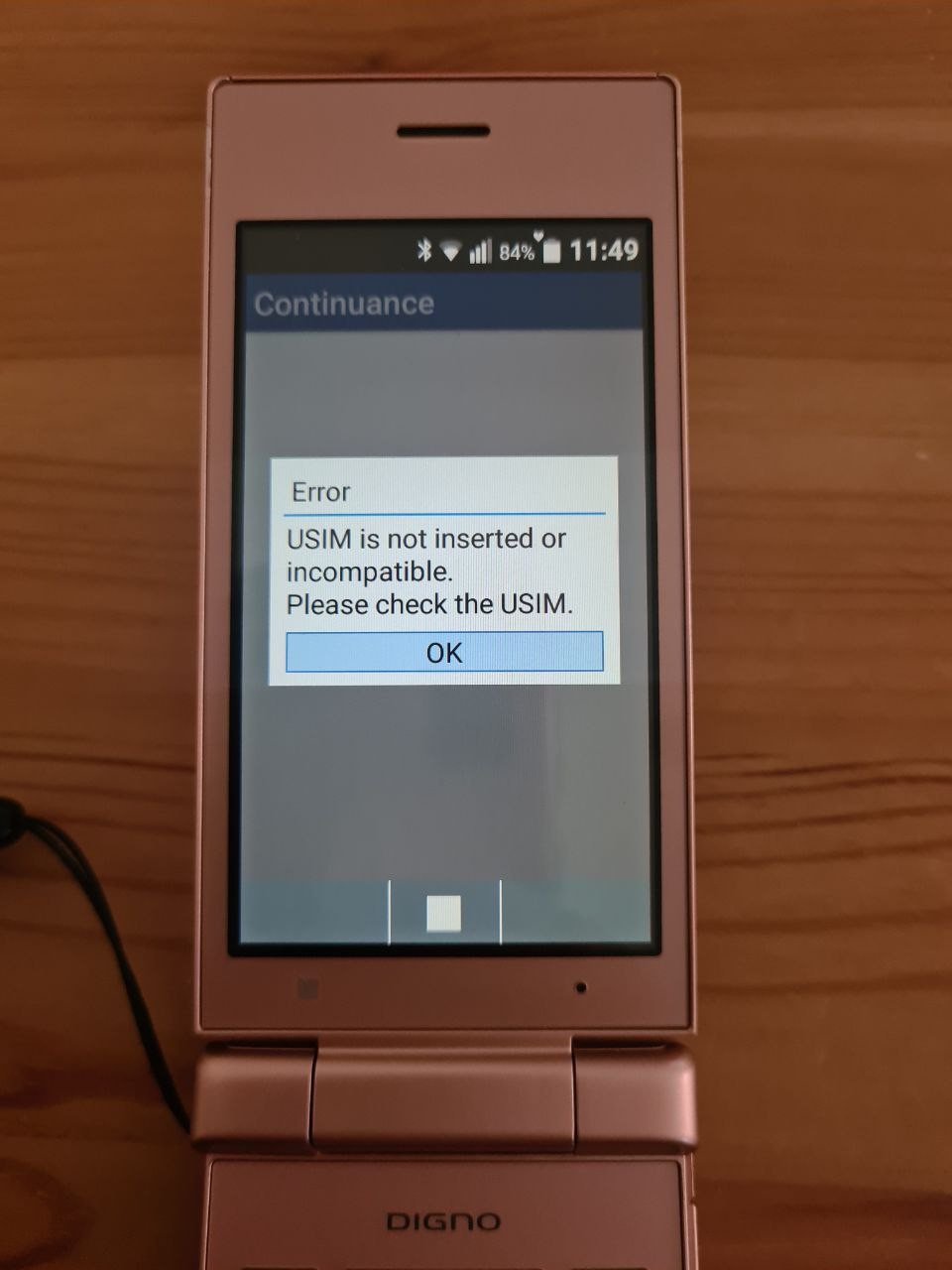
It seems many people in Japan do not have personal laptops, and use tablets for personal computing instead. So, it makes sense to offer some integration. Tethering? File exchange? I have no idea, because the app doesn't like my SIM card.
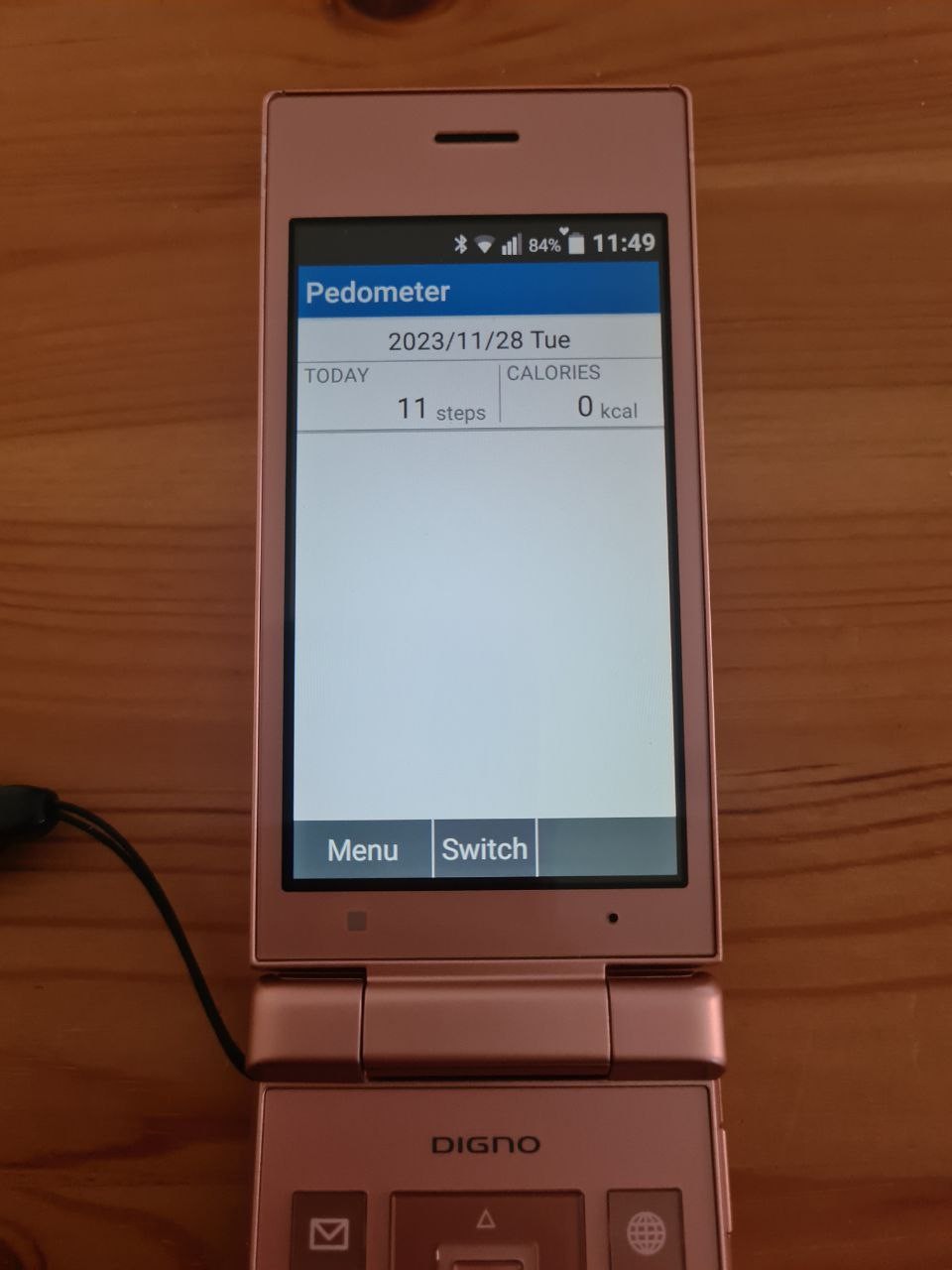
Pedometer. It's steps that counts! The number of steps seems wrong, I am certain I walked with this phone a bit more than ten steps.
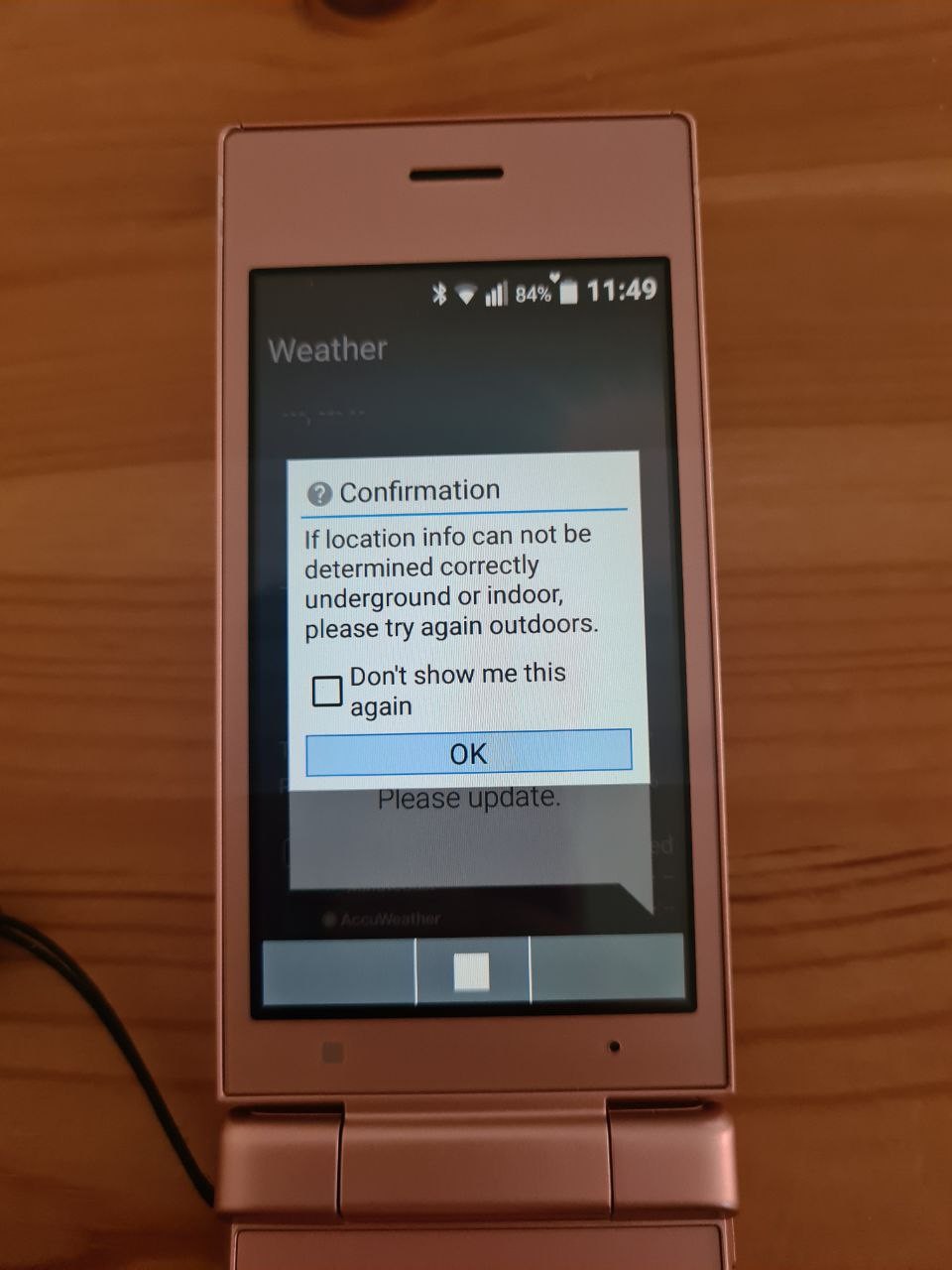
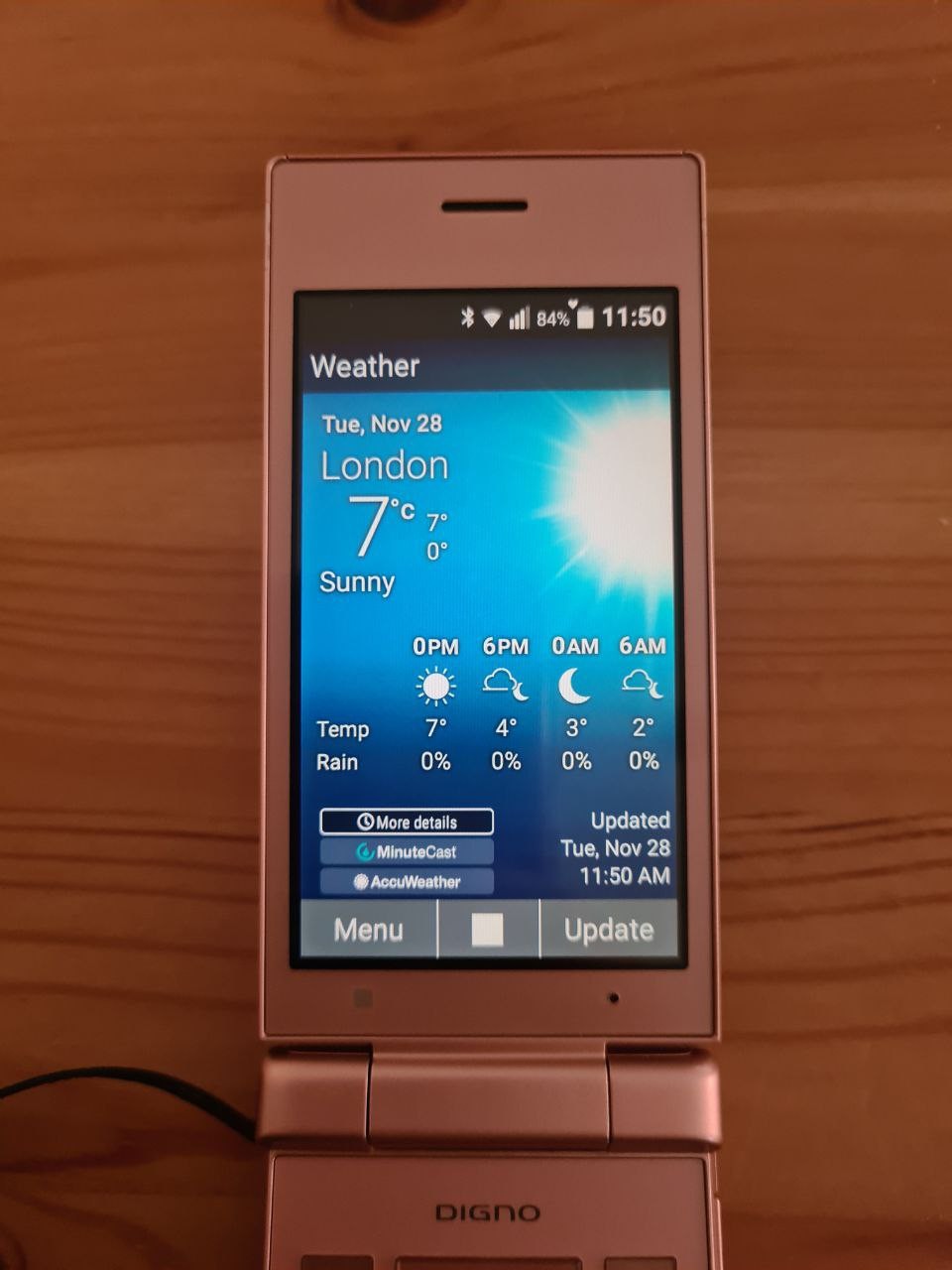
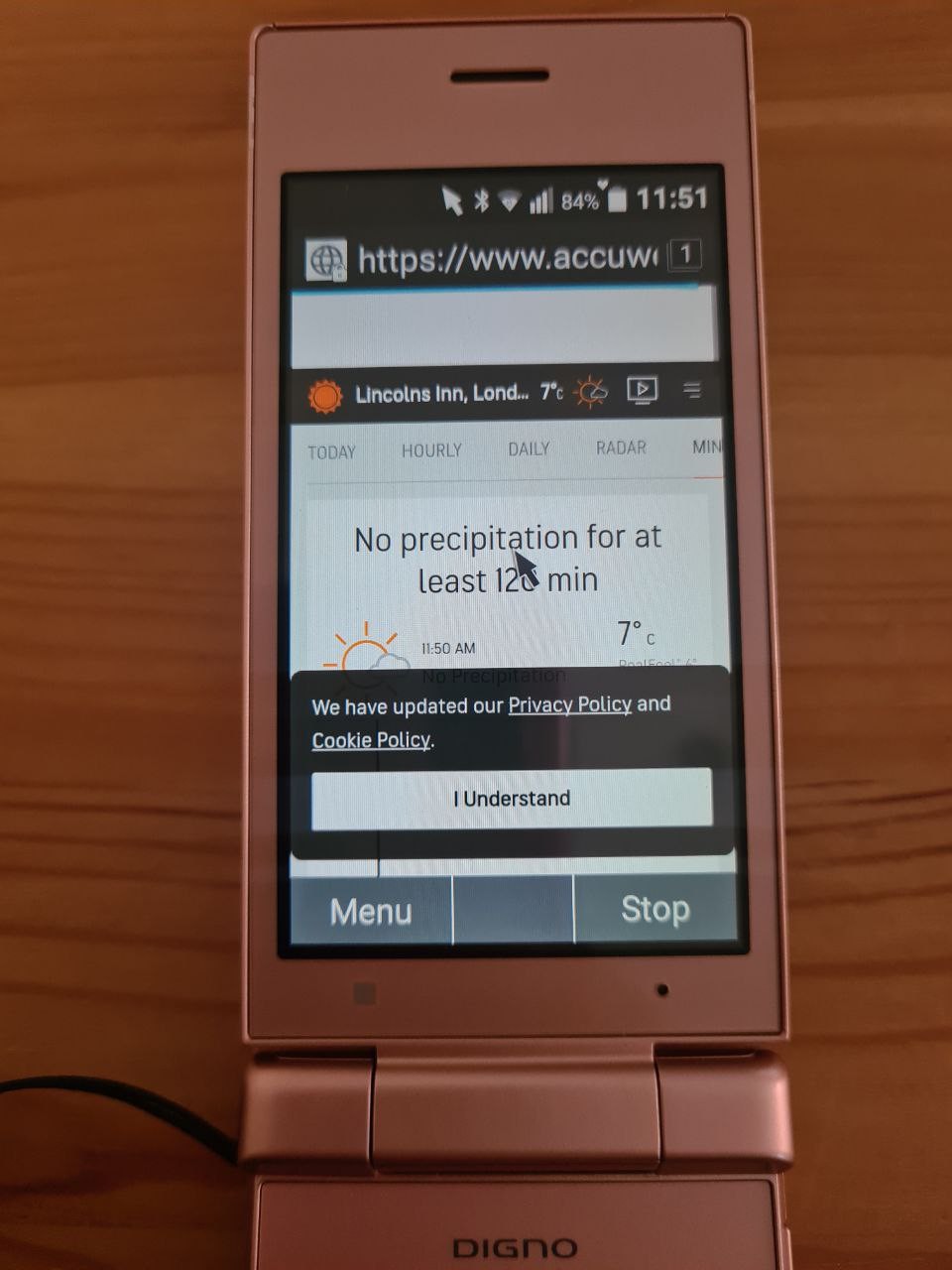
Weather app recommends outdoors for better location predictions. The app itself is pretty, but any button in the app opens web browser full of pop-ups, which aren't pretty at all.
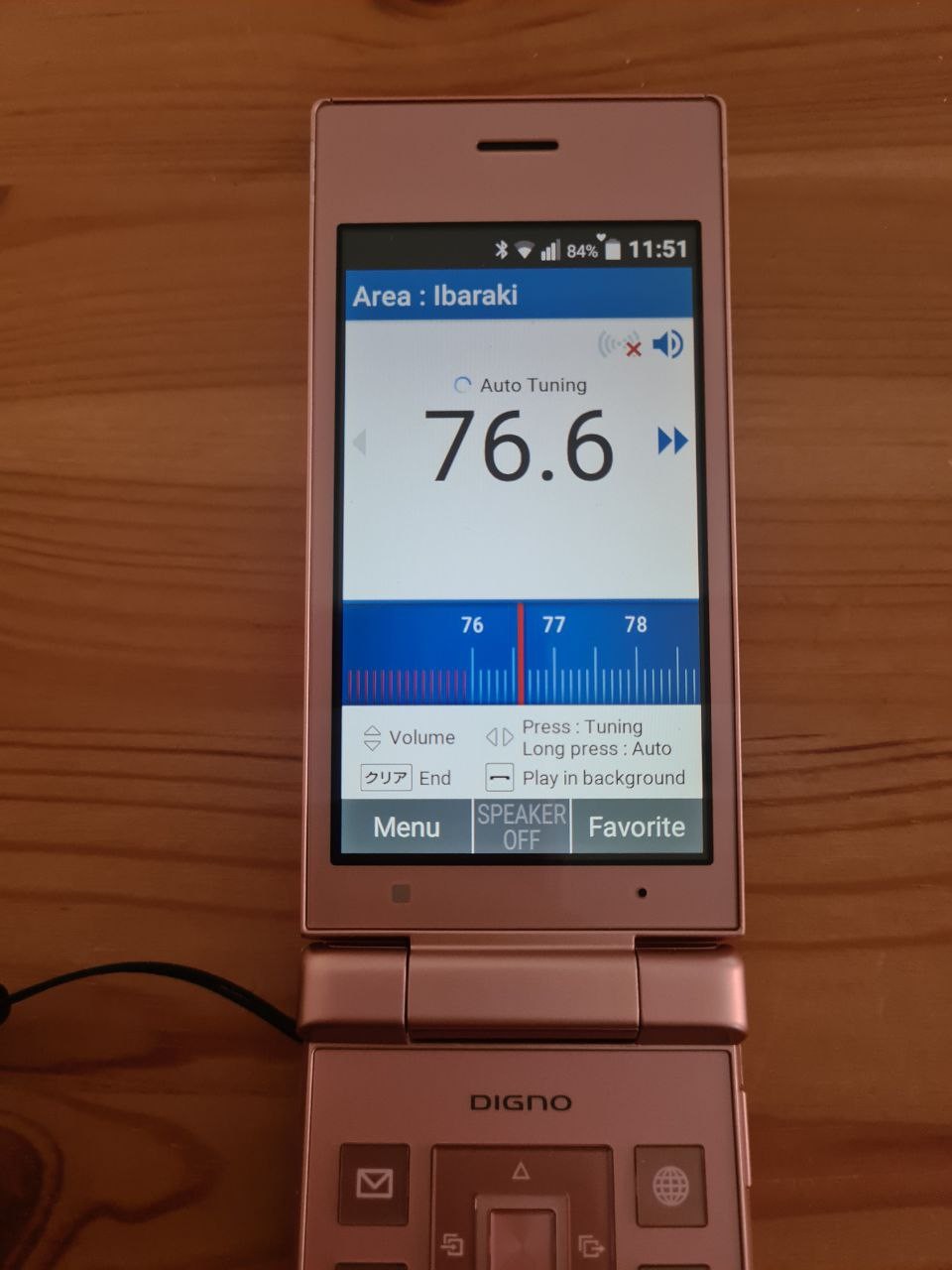
FM Radio app.
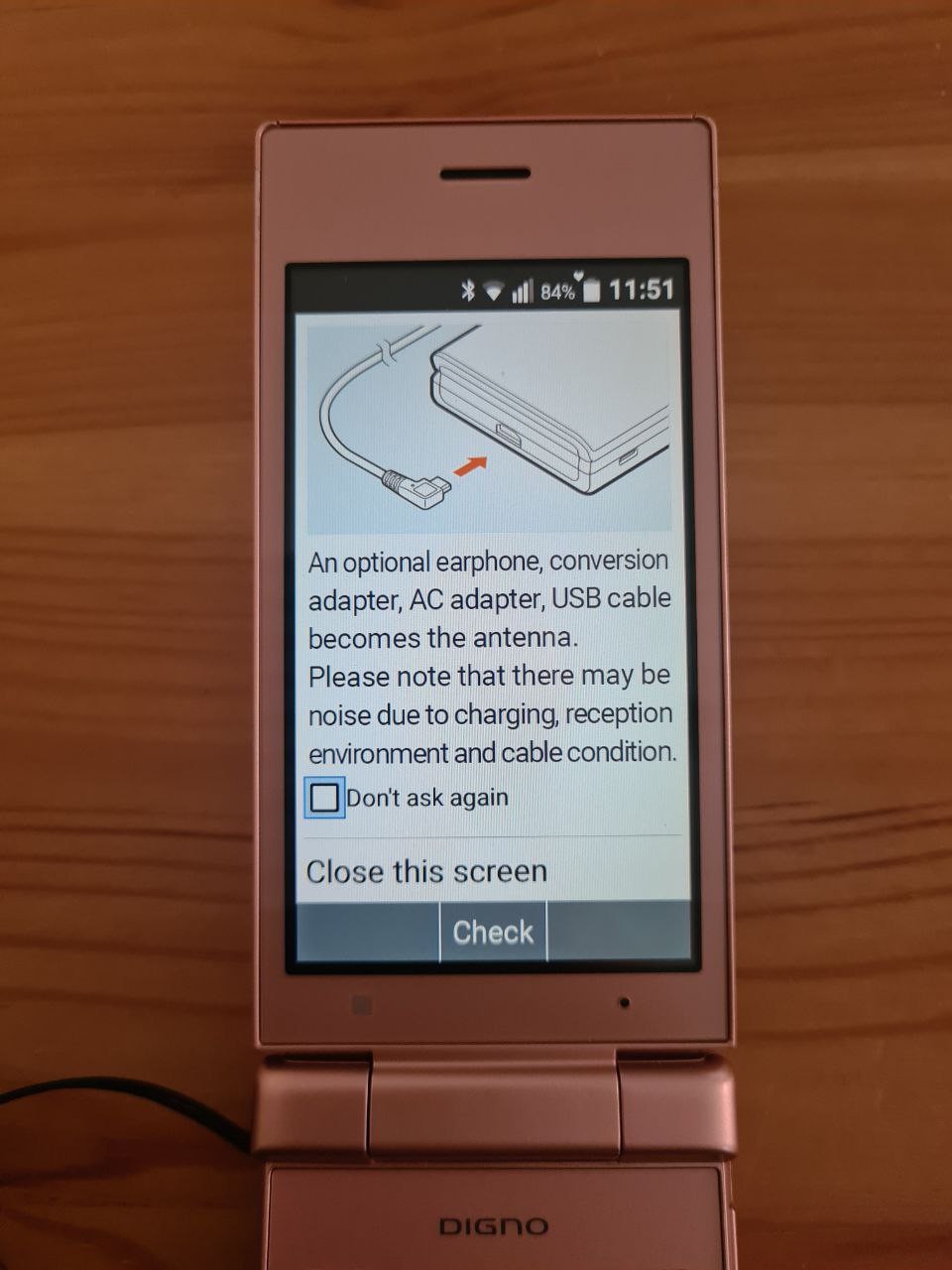
For best experience, connect anything to the phone's micro USB. Oh, the phone doesn't have a headphones jack :<
There's pre-programmed frequencies for local Japanese radio, but there's also auto-tuning. The radio can be left to play in background, which compensates for the lack of built-in MP3 player. (´-ω-`)
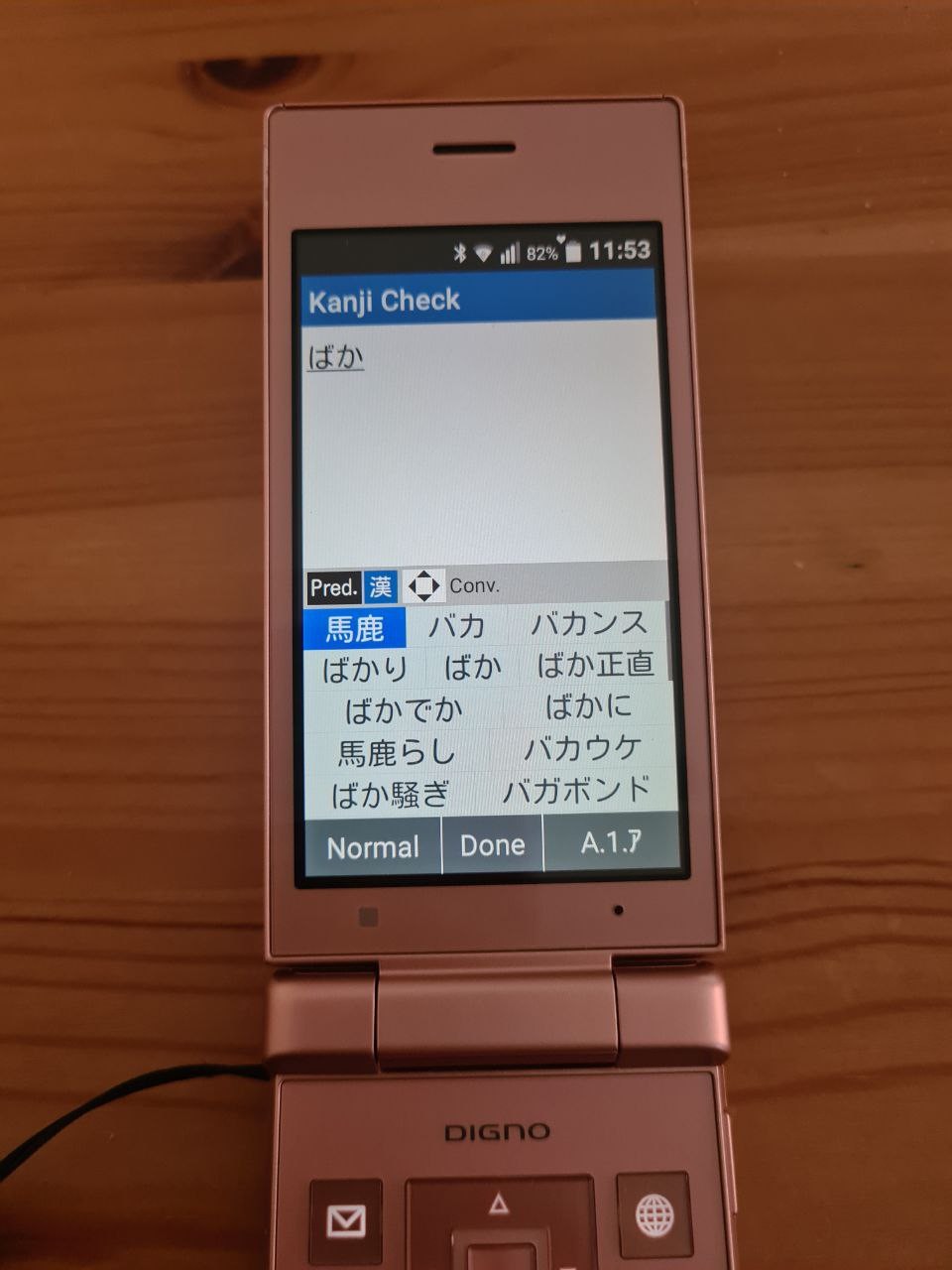
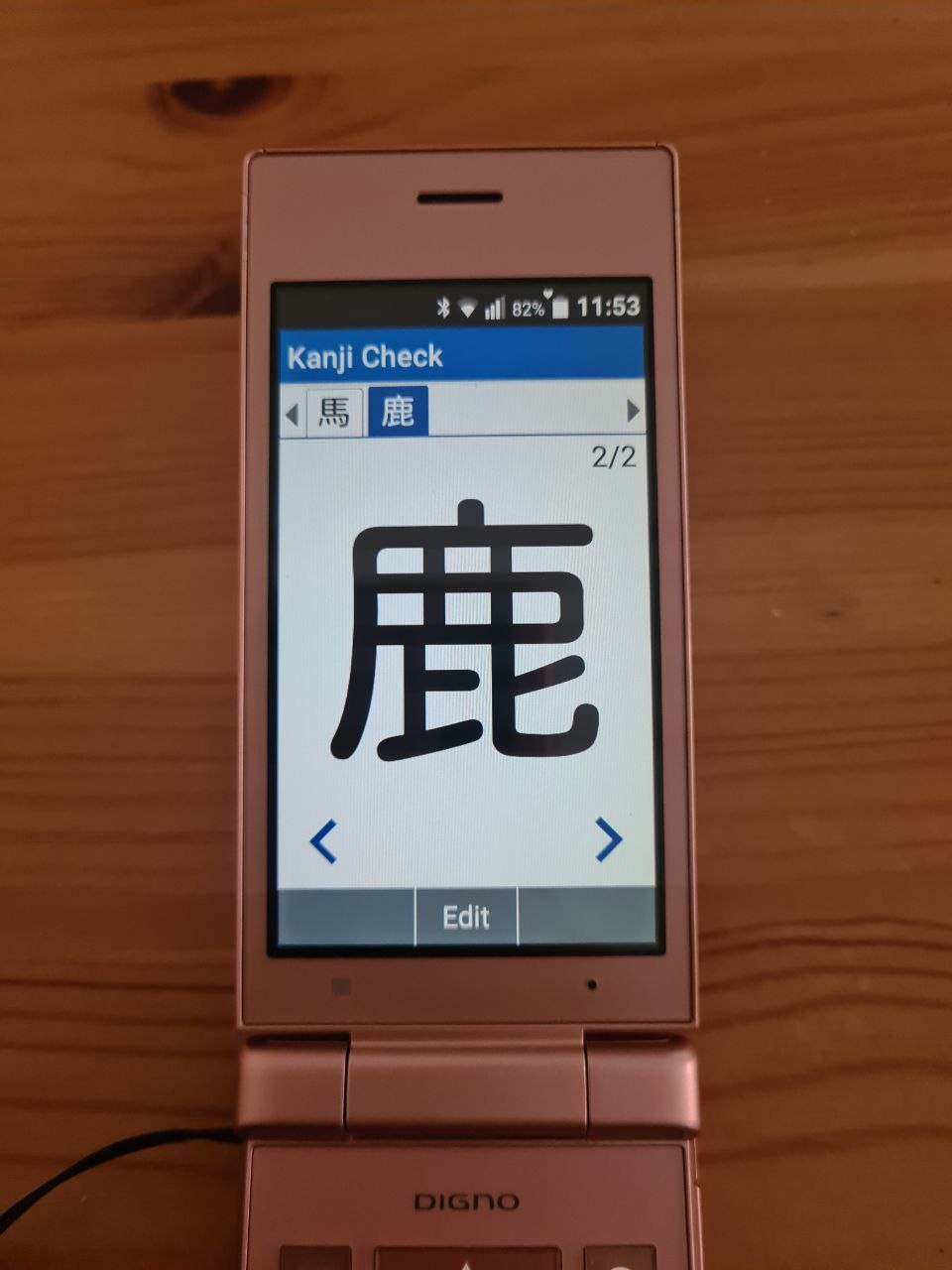
Kanji check is a very important app for anyone who needs to hand-write. It works like this: you type the kanji, and then you can examine each of them zoomed-in, so you can make sure that you're writing it correctly. Otherwise people will think that you're a horse-deer ("baka", dummy).
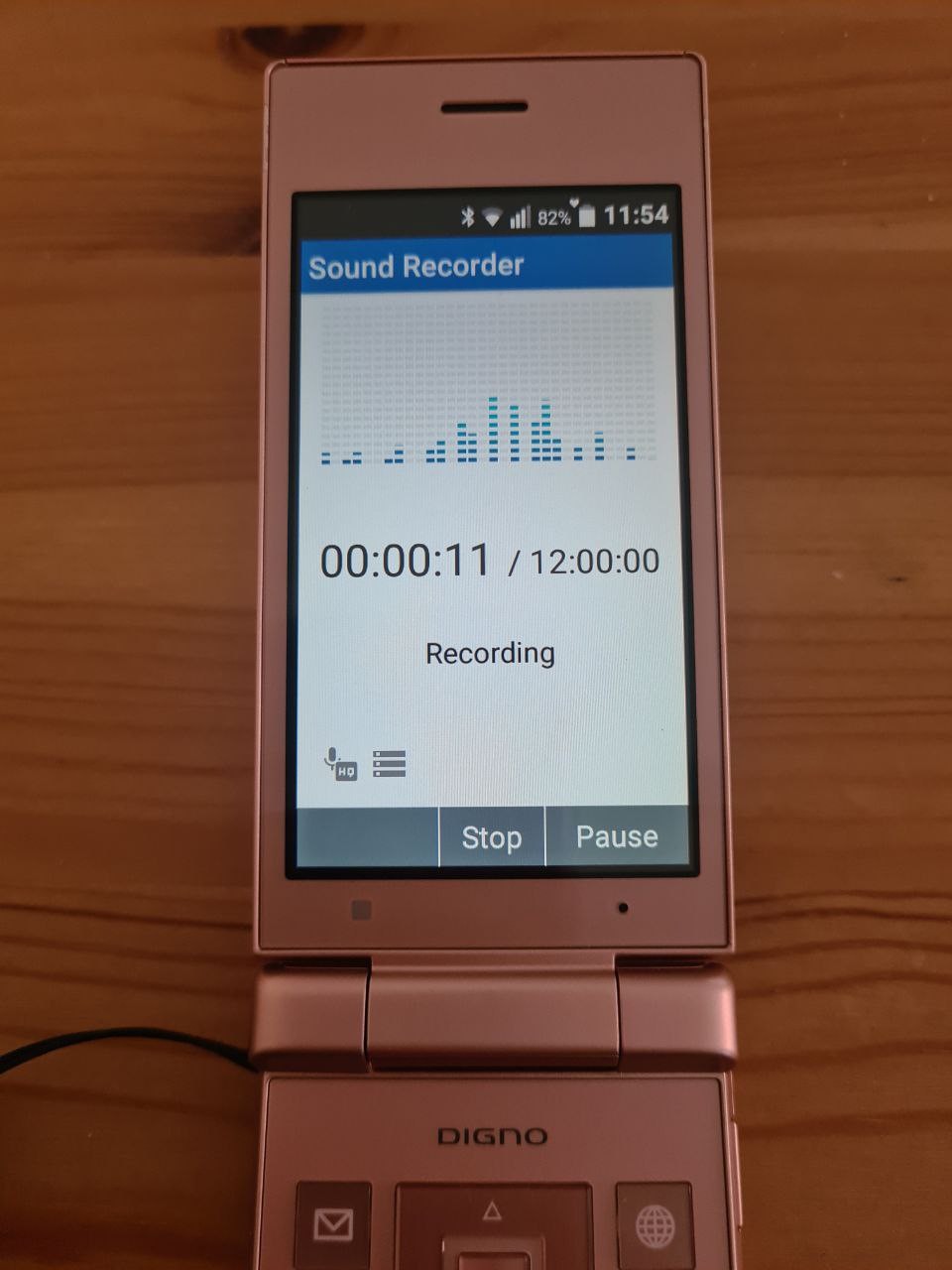
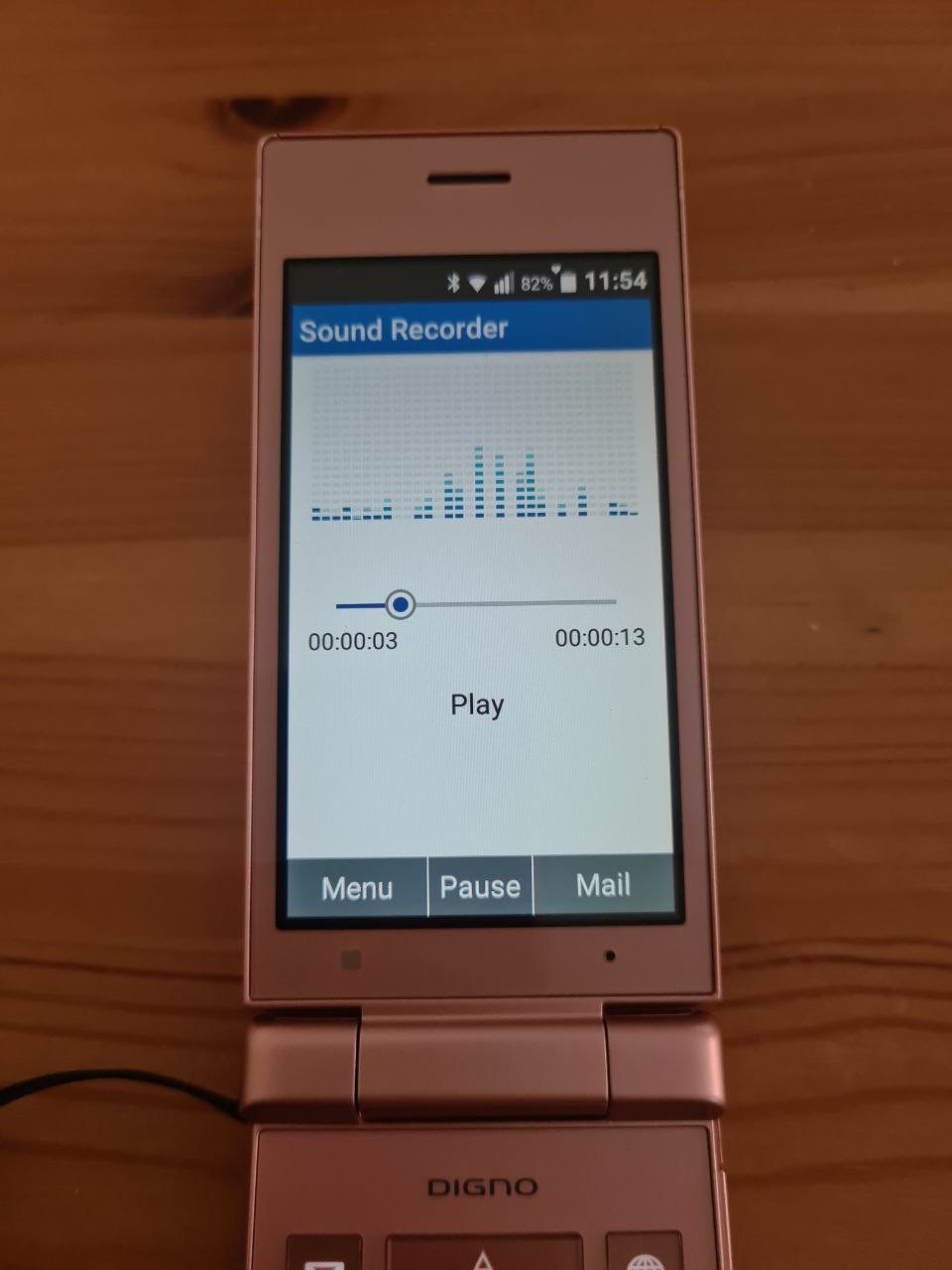
Sound recorder app is simple and seems to be for those who send voice memos over mail. It has spectrum analyzer animations that are just that, animations.
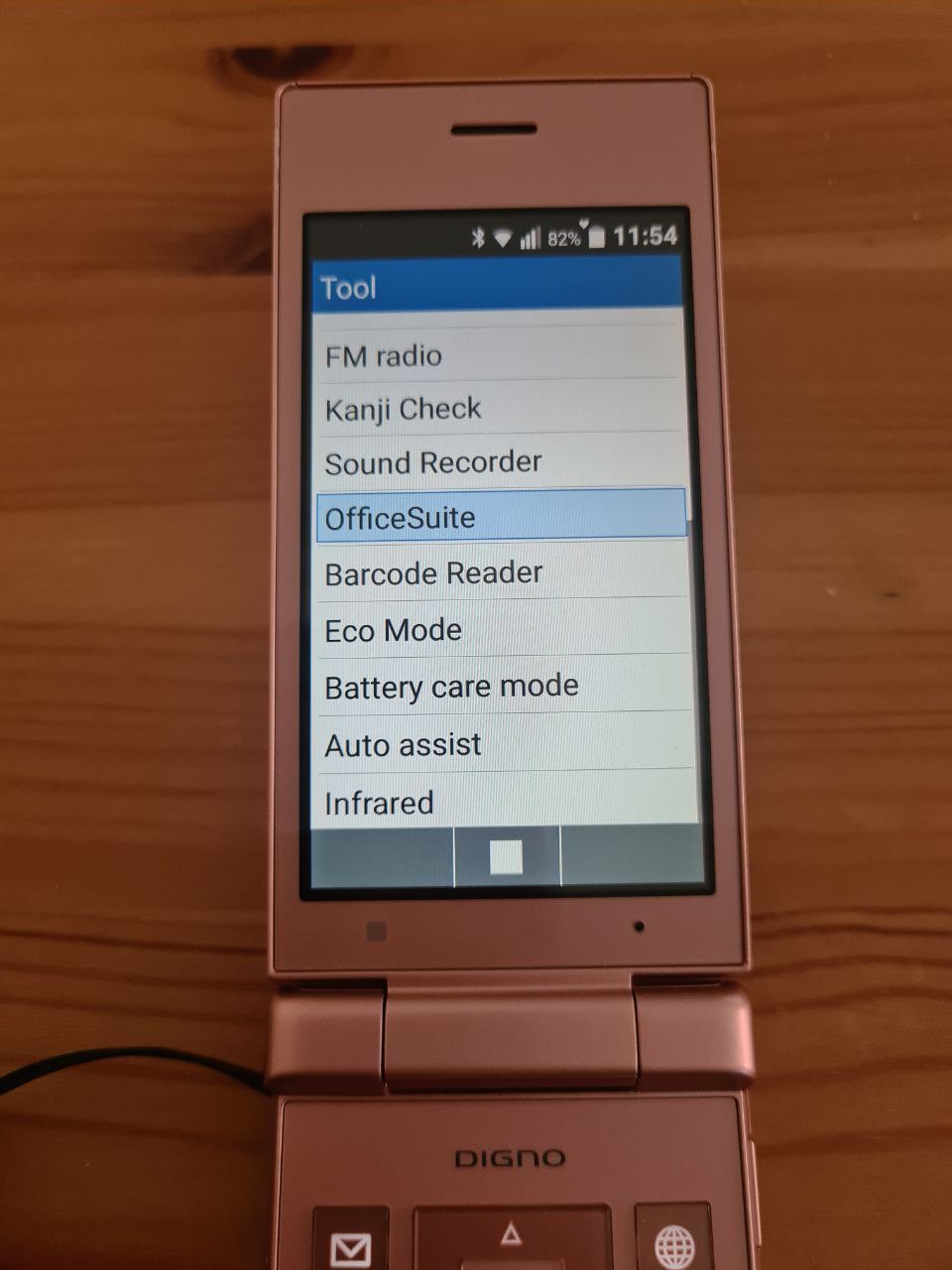
The continuation of the tool list. There's exciting things, like Office and Infrared (!!).
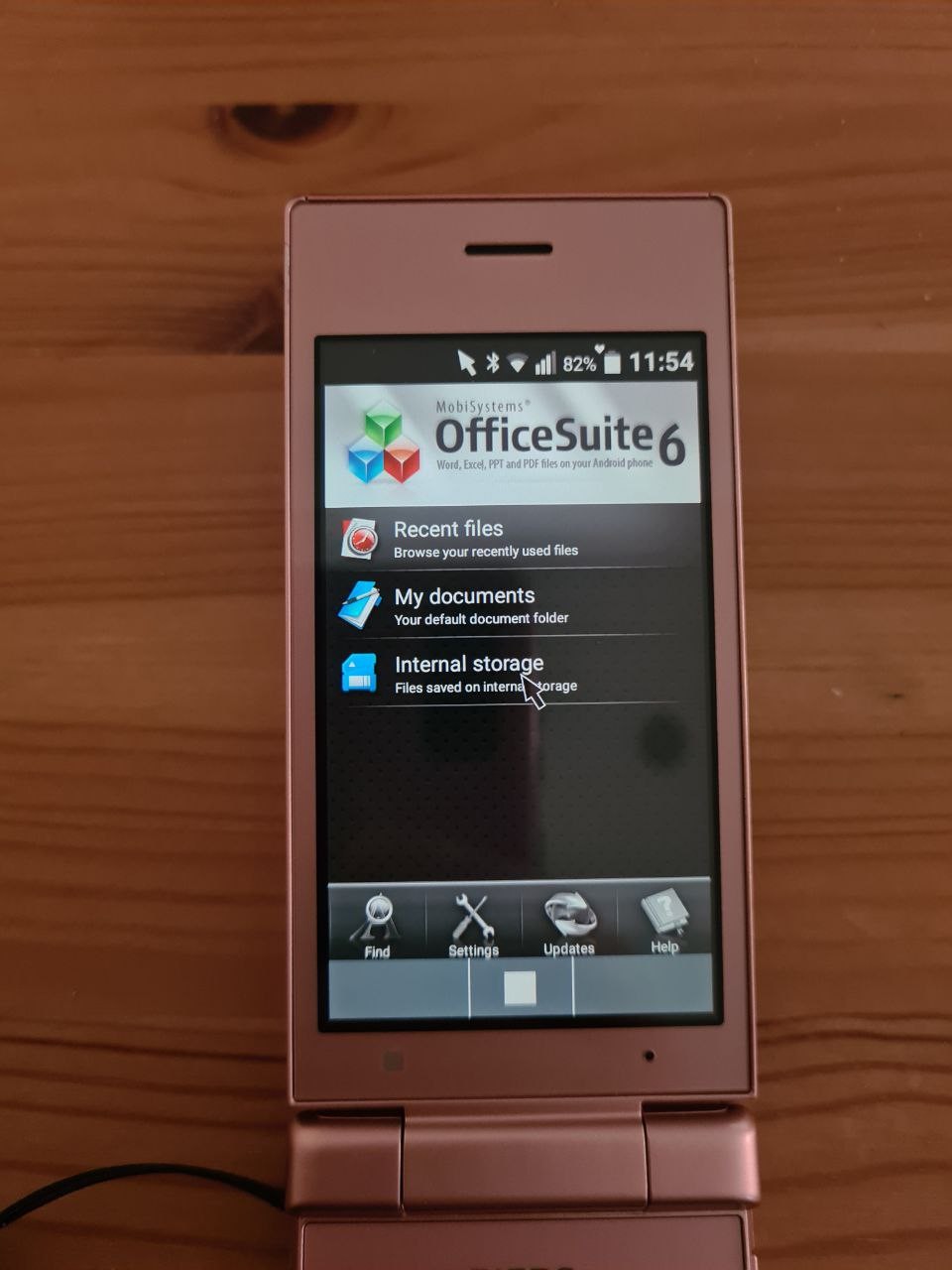
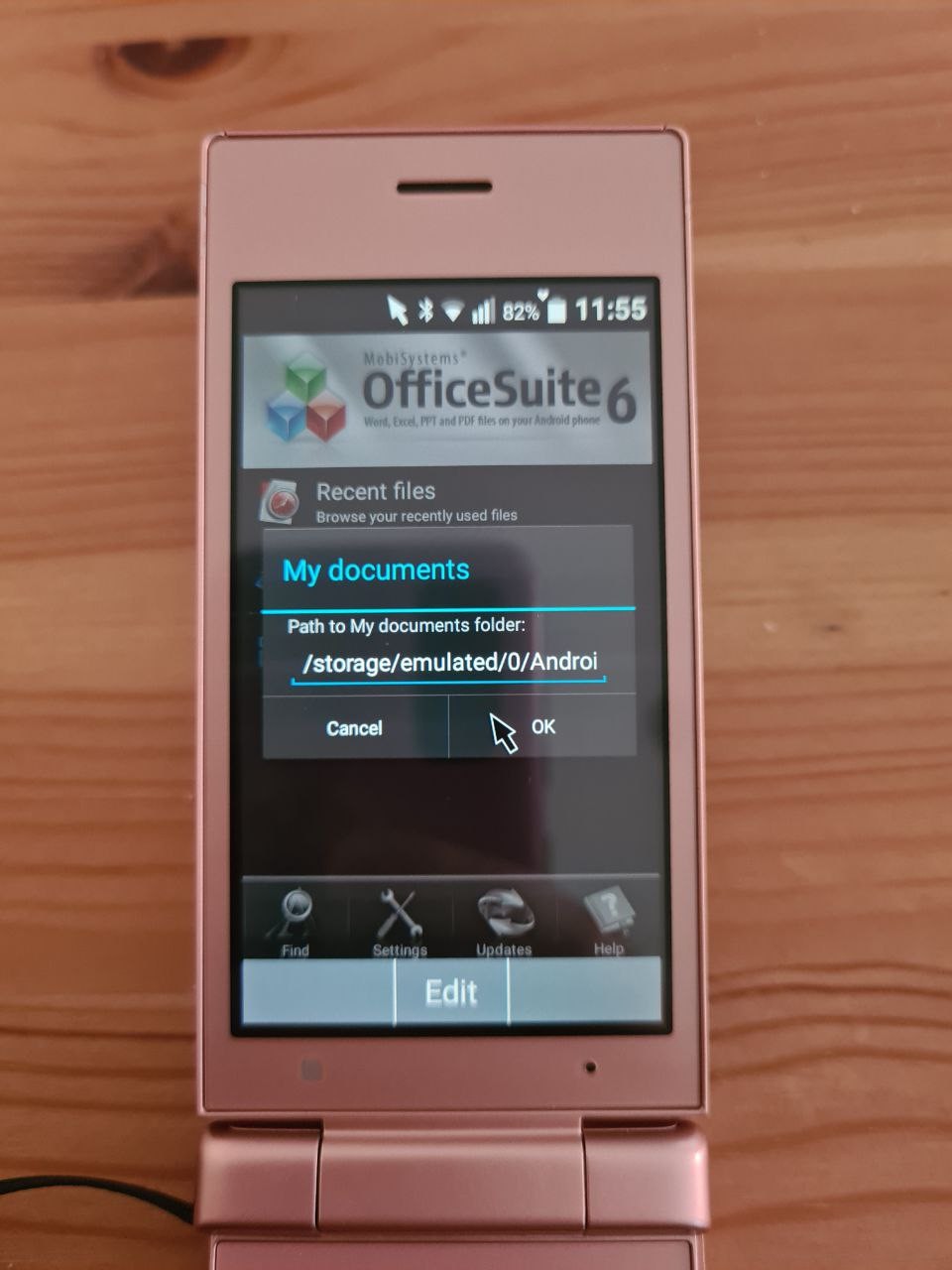
OfficeSuite is an Android app through and through. It doesn't work without a mouse pointer, and I think it will be hell to use with a keypad. There is no option to create a new document, so I give up on the app.
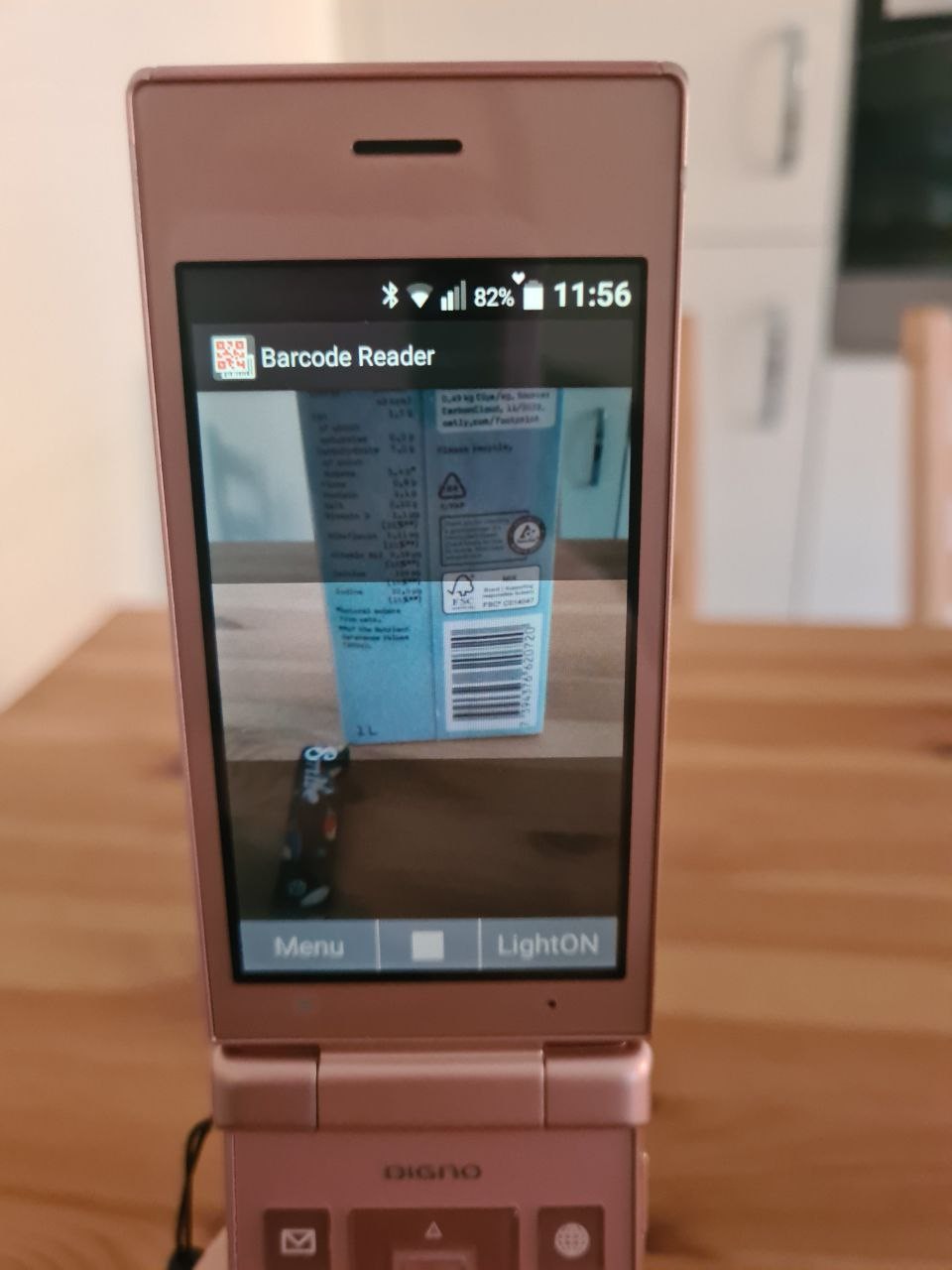
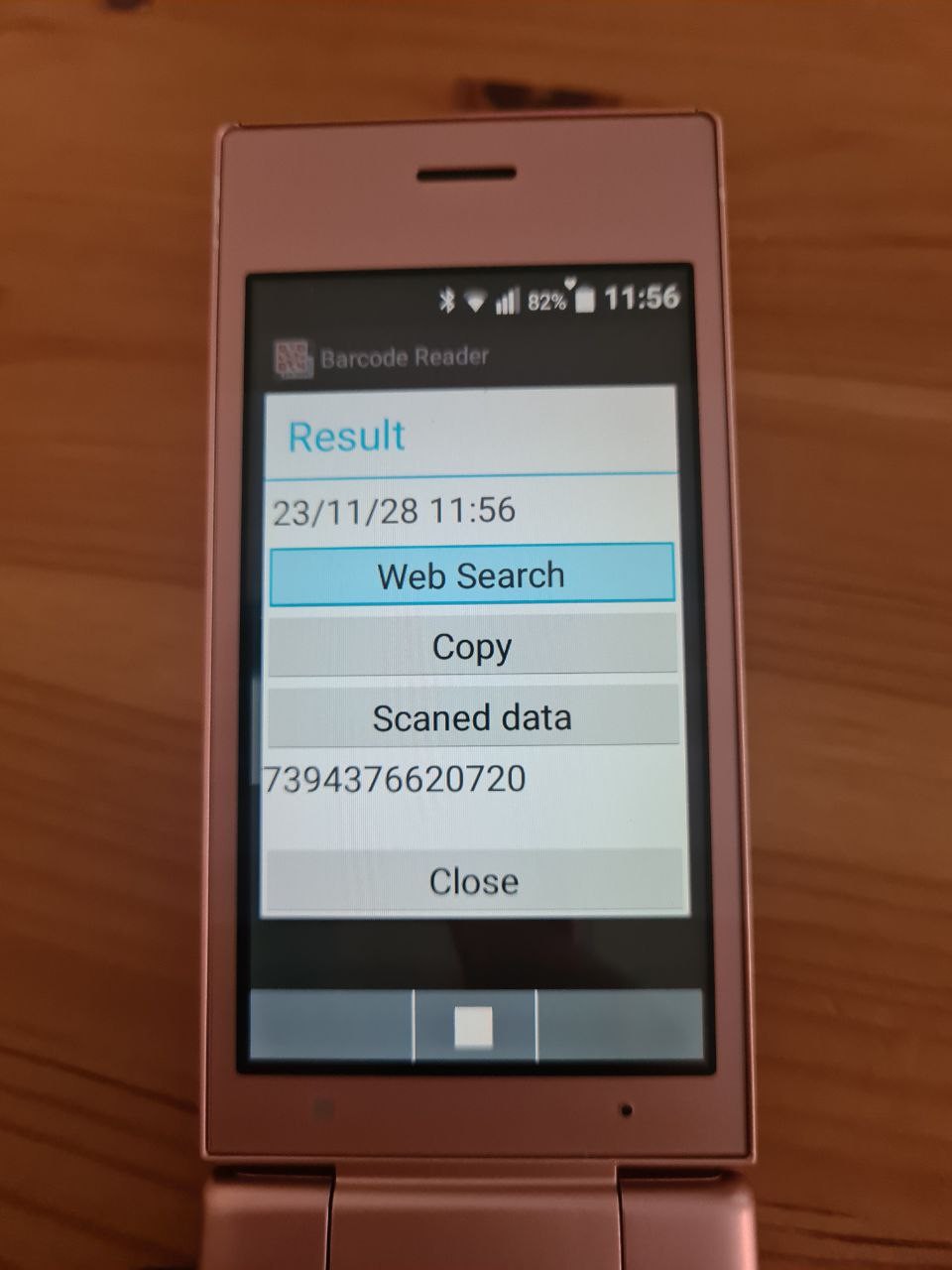
The barcode scan app is very simple. The result jumps out as soon as it scans something resembling a barcode (and perhaps a QR code too, but I didn't check).
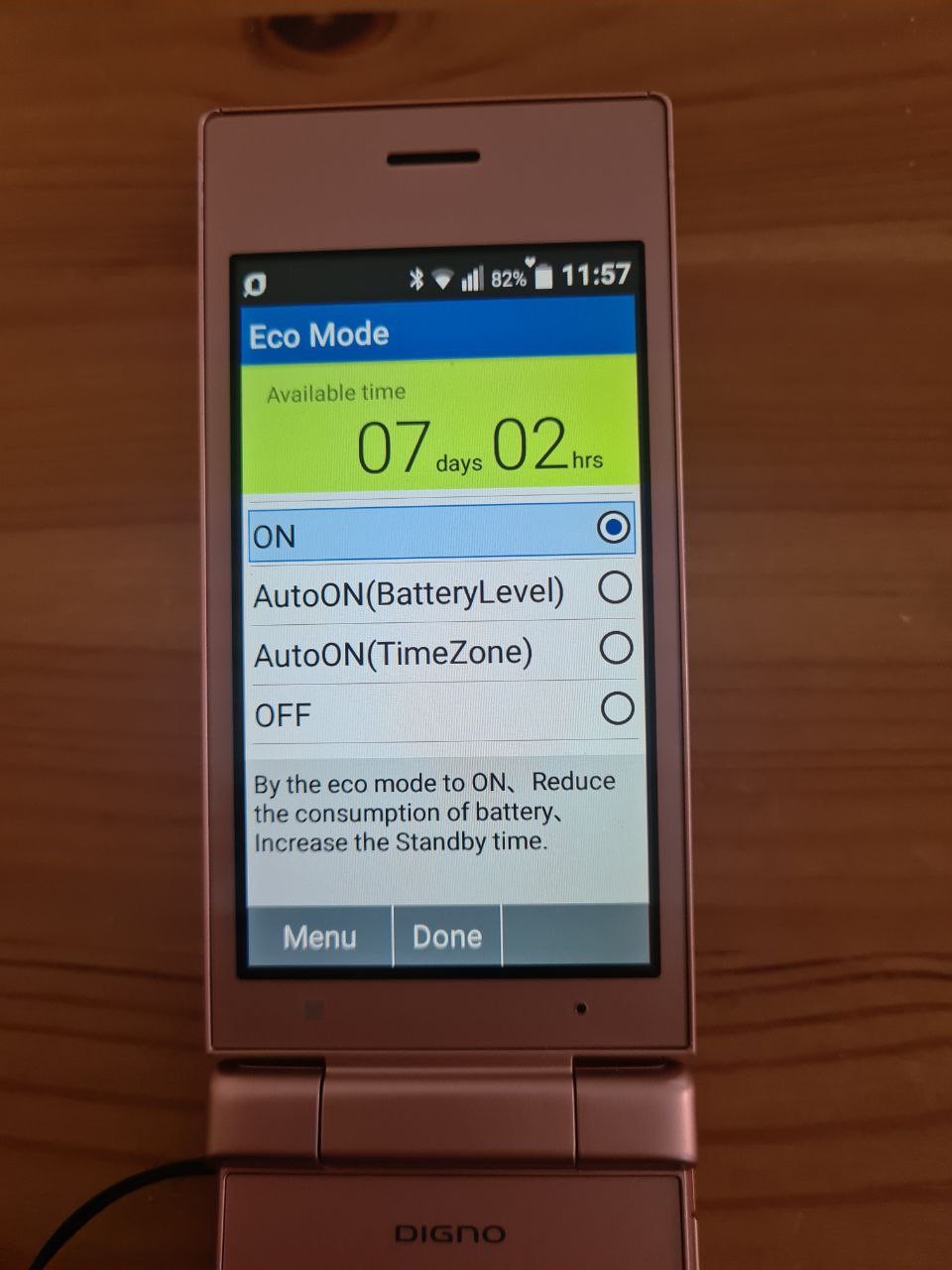
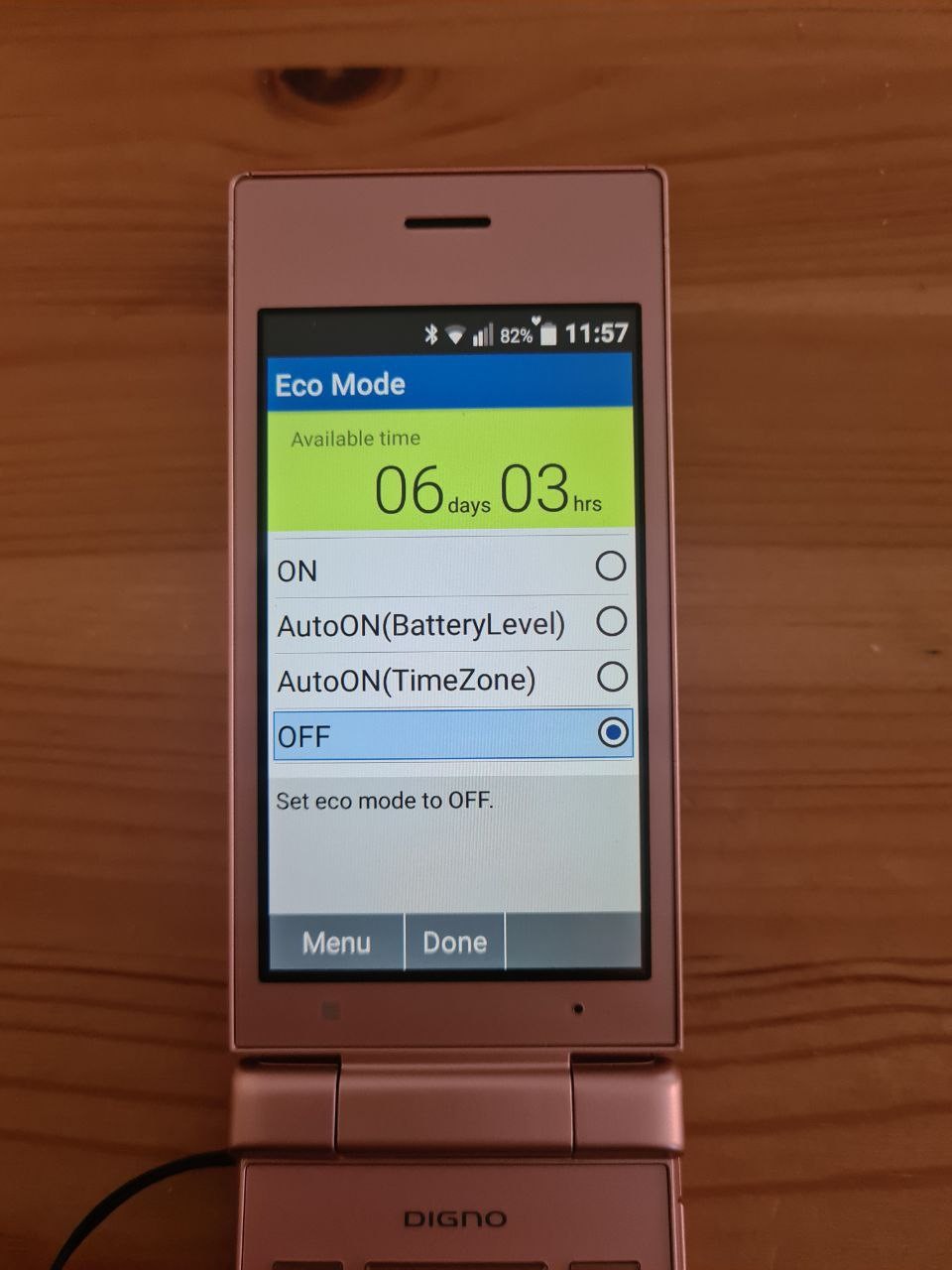
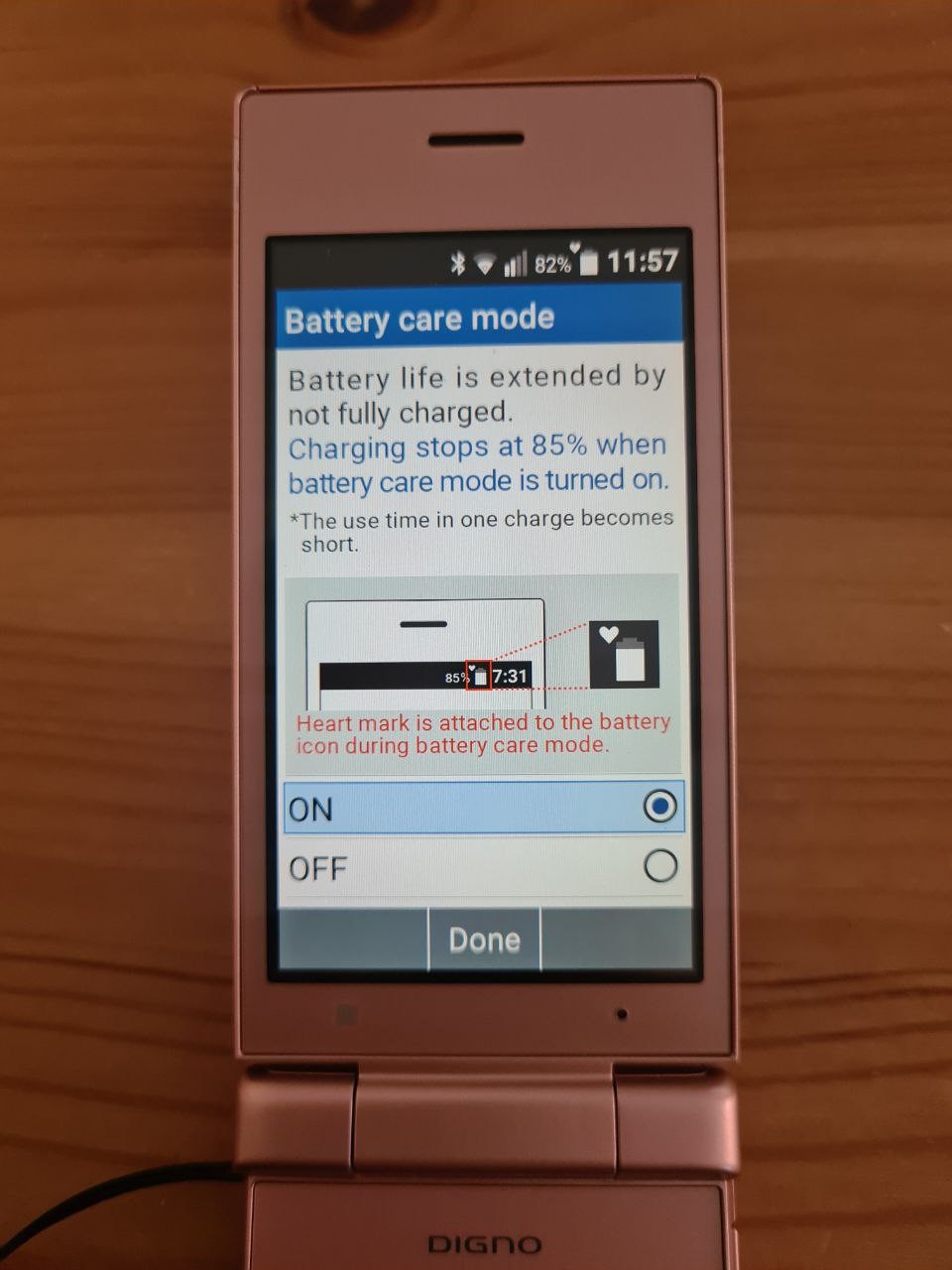
Battery Eco mode and care mode. It claims that Eco mode will allow the phone to work for up to 7 days from a single charge.
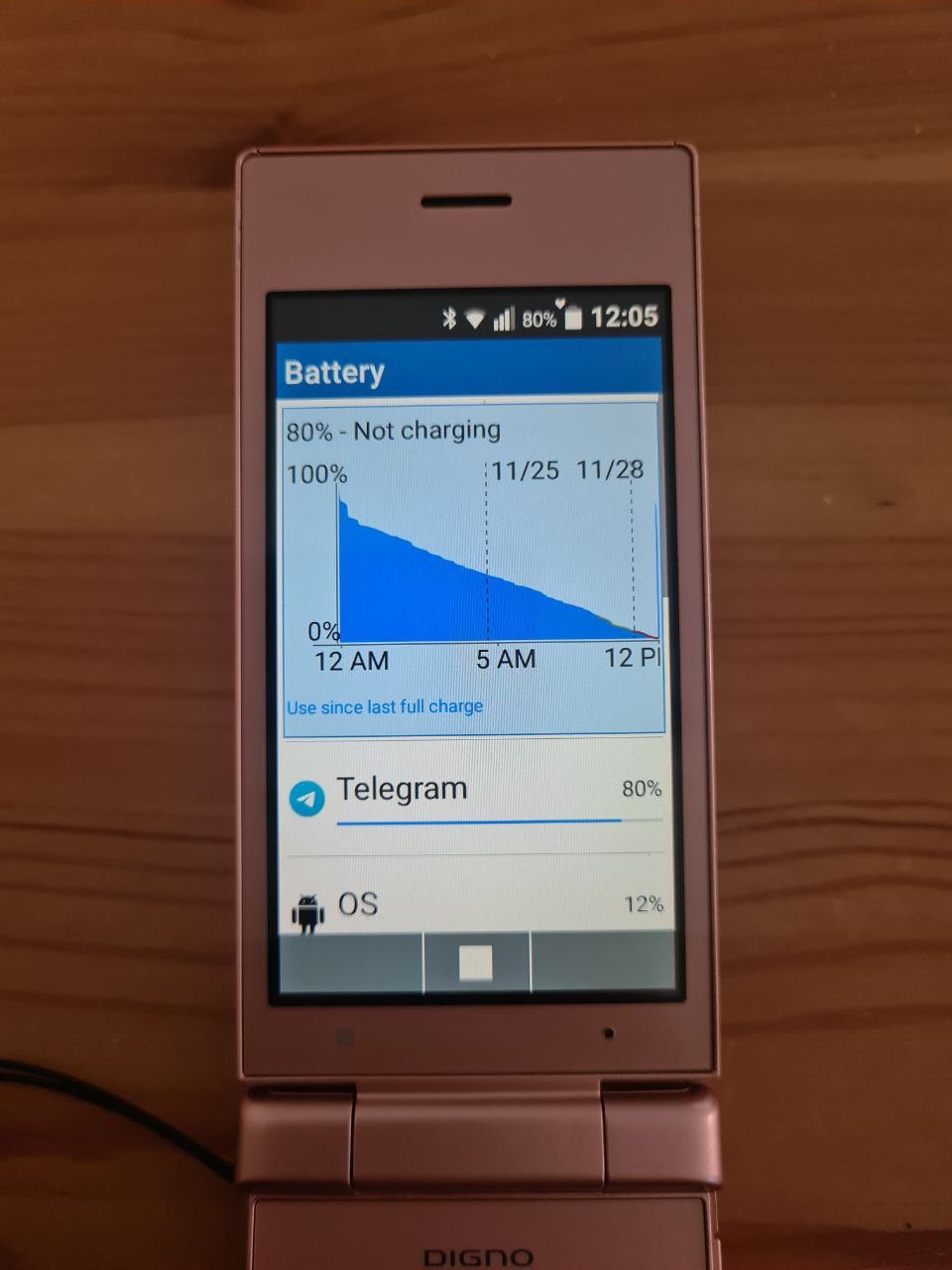
From people who use these day-to-day I've heard that two days is more realistic. But then when I checked settings, 80% of battery usage was Telegram that even isn't logged in.
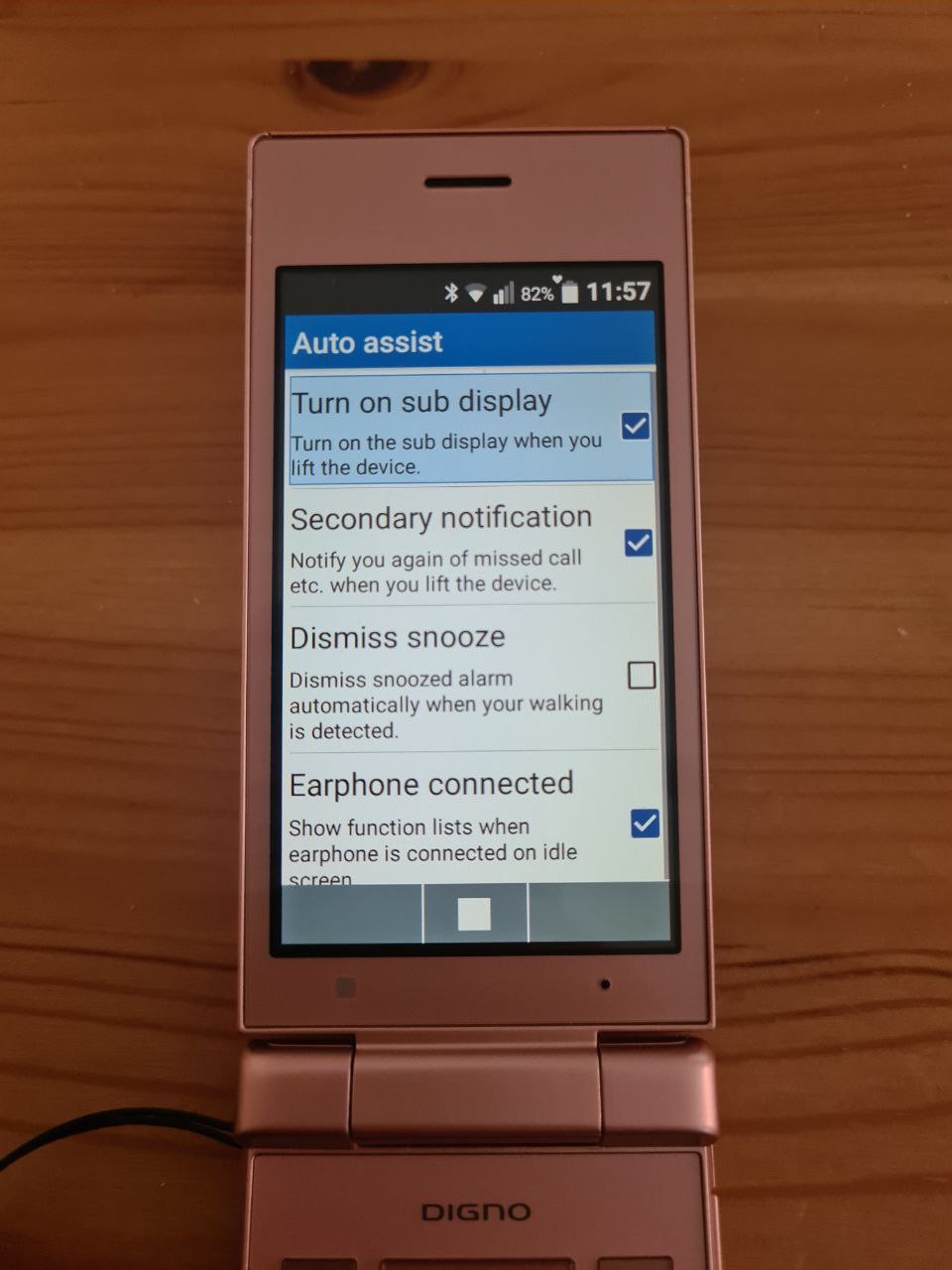
Auto Assist is actually an app to set up accessibility. Why it's in the tools and not in the settings? Same can be said about the battery Eco Mode though.
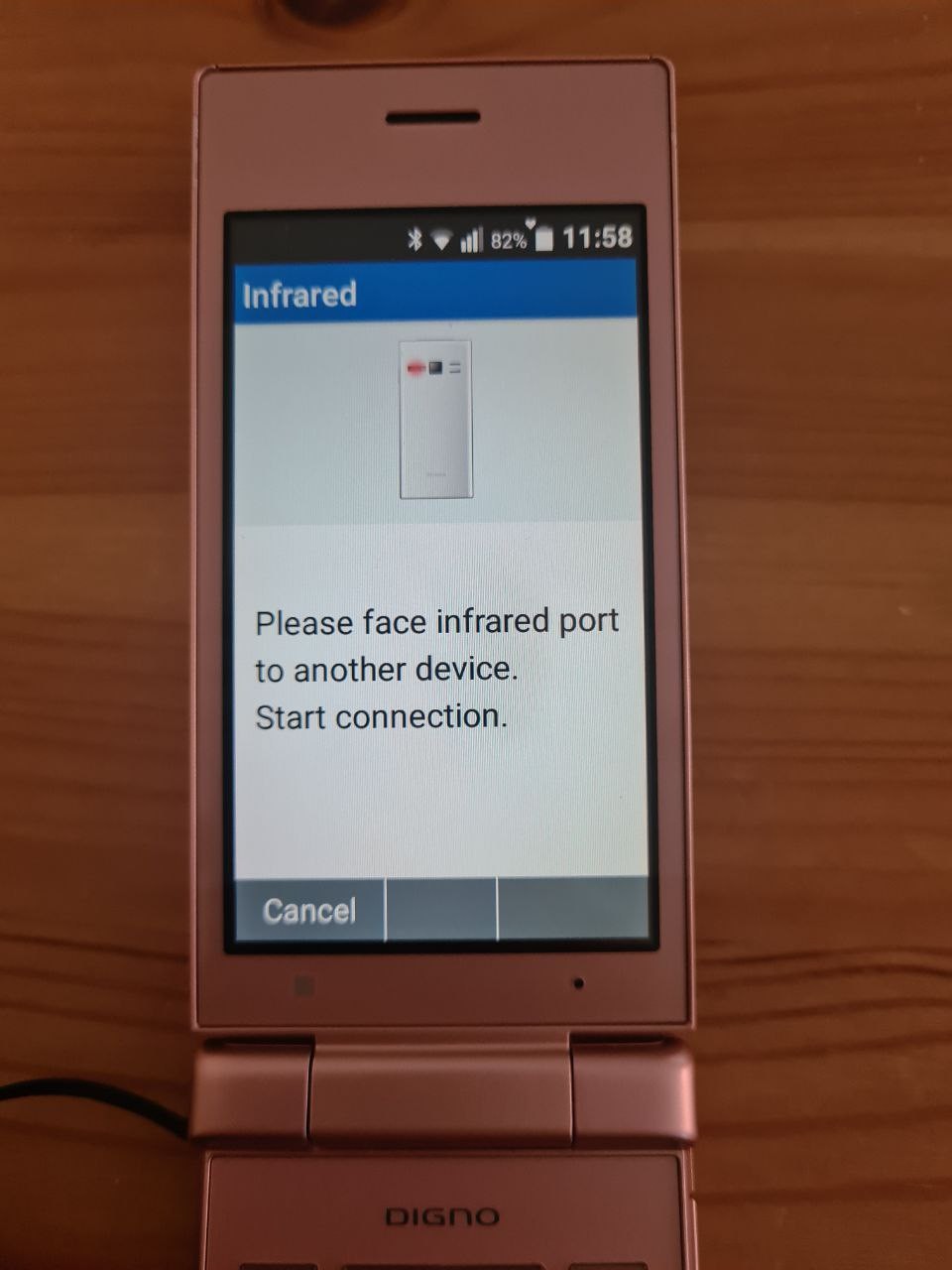
Infrared is the last tool in the tool list. I would expect it to be a part of the File Manager, but no.
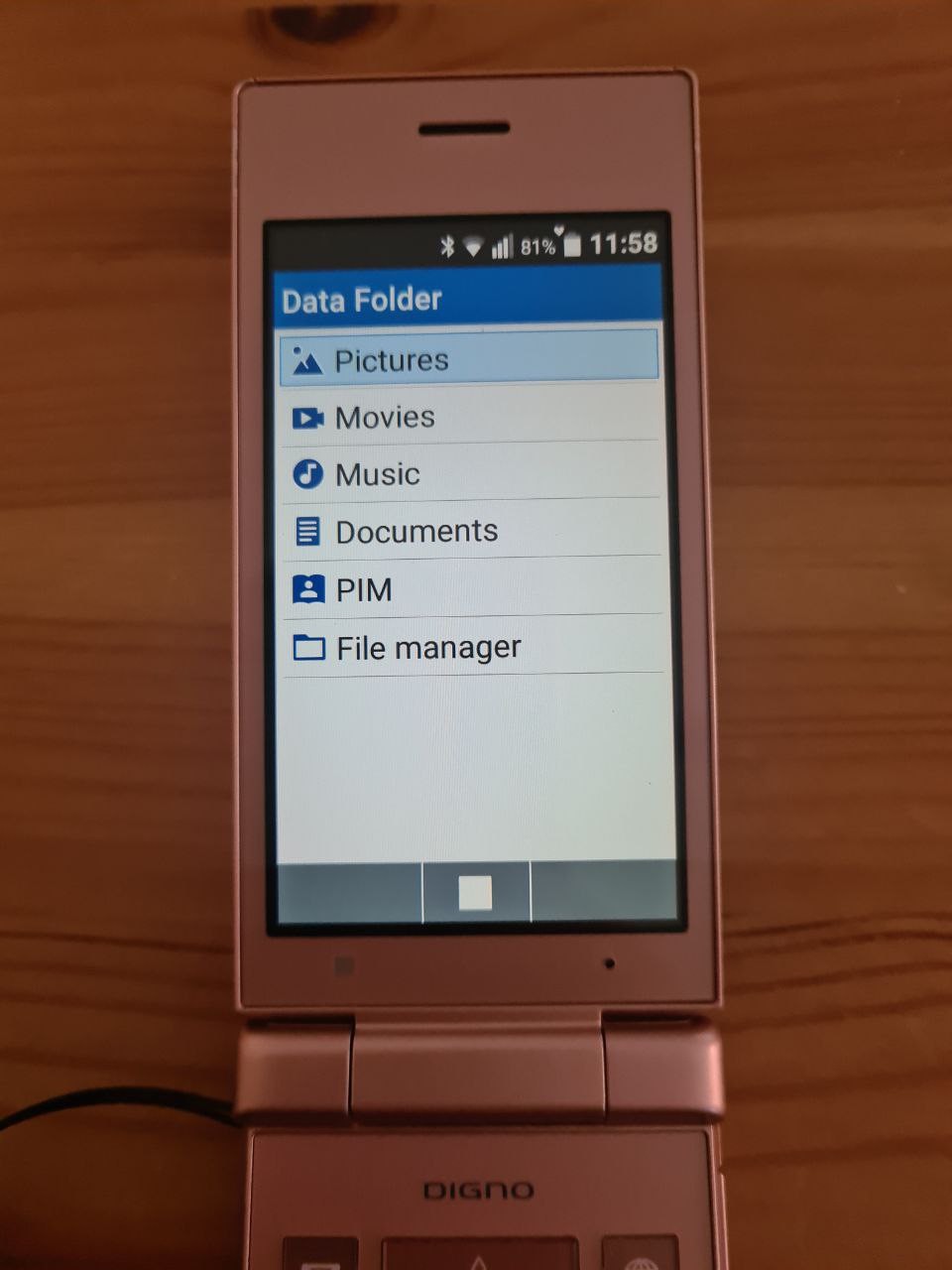
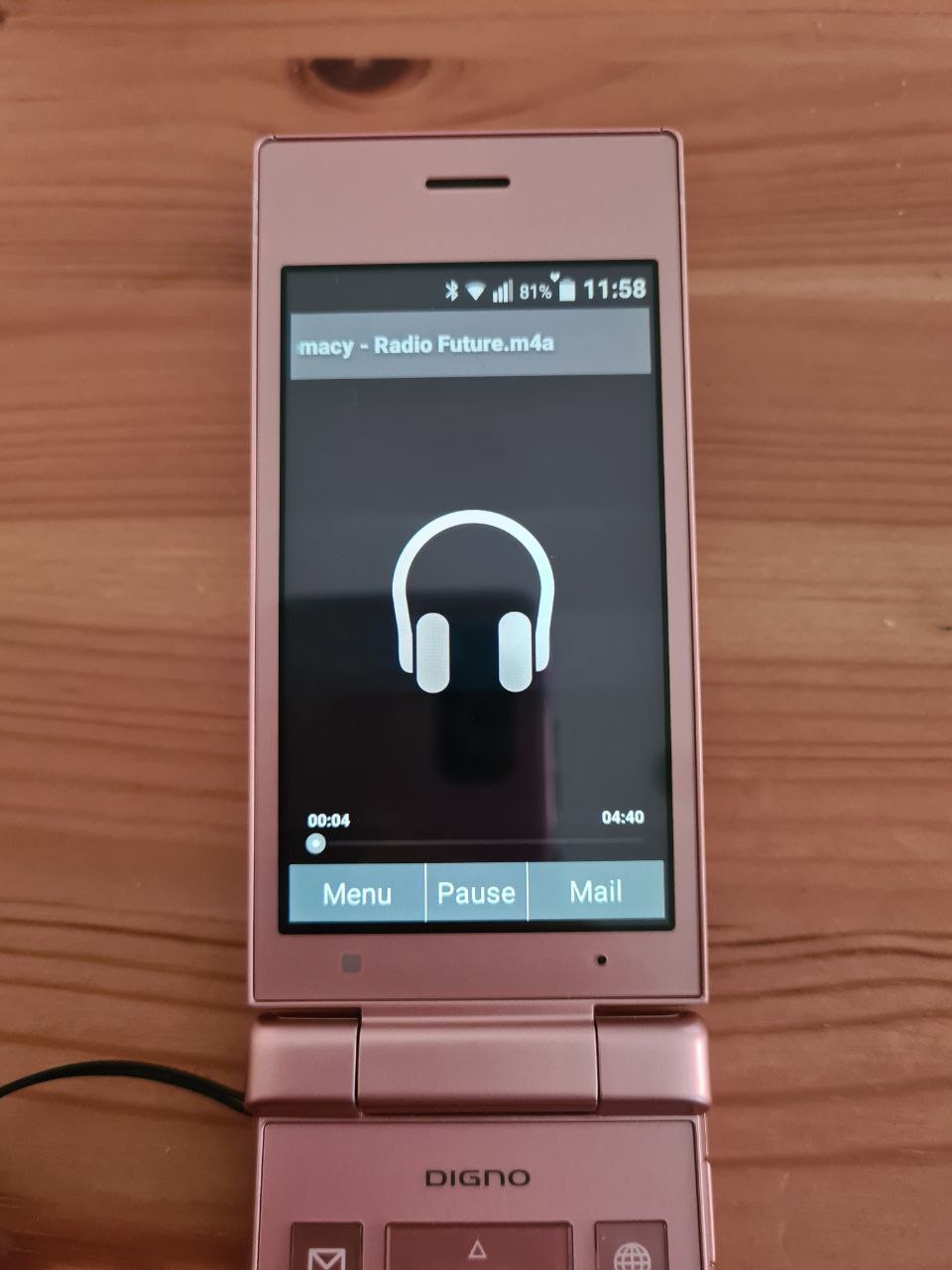
Back to the main menu! Let's start the Data app. It is a catch-all for anything file-related, including photos, music and contact files. This is where you go to check your camera roll or music library. The app can play mp3, m4a and amr, but it doesn't support playlists.
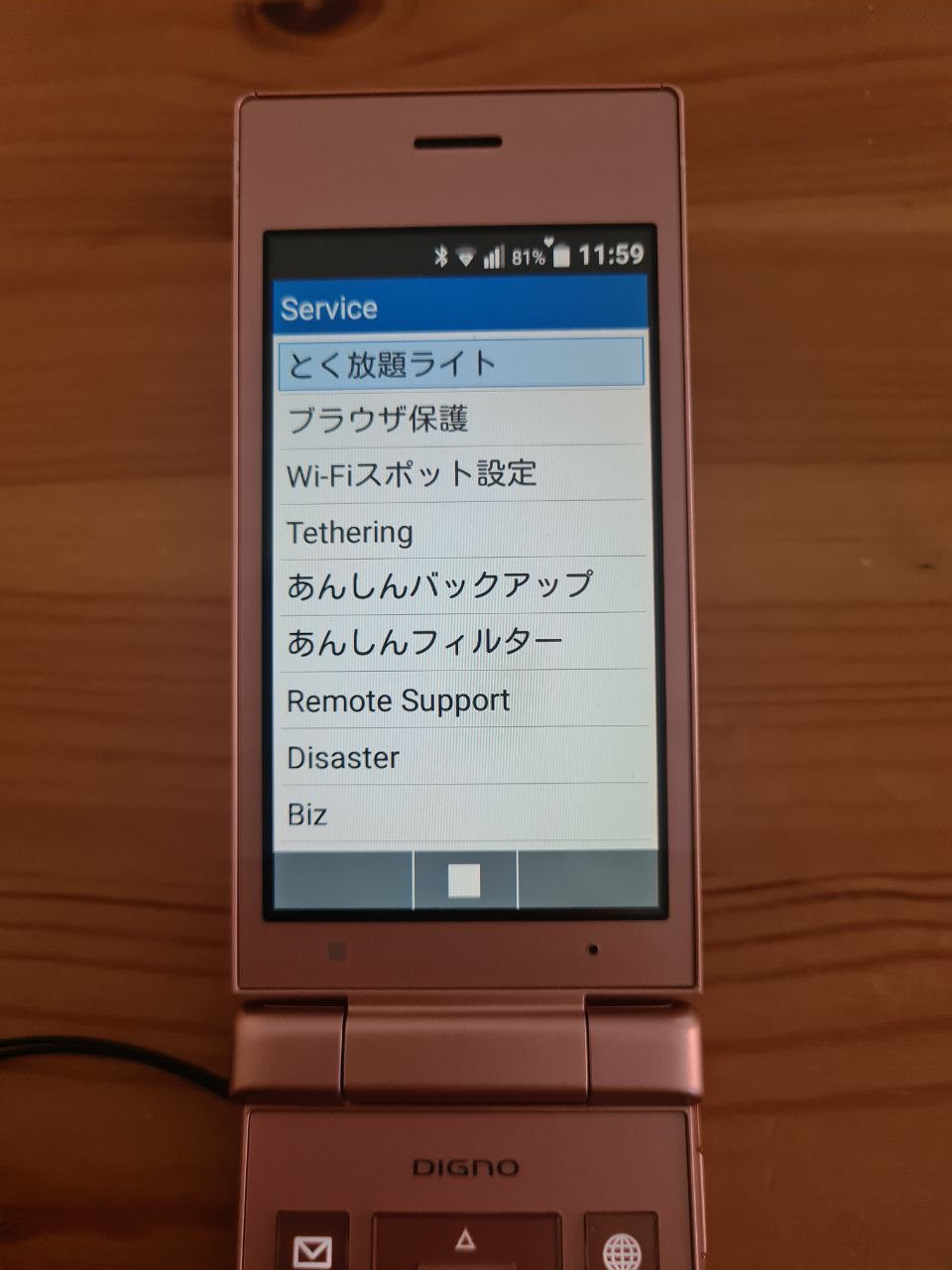
The next app is Service. Again, it's a collection of mini-apps. It is mostly Japan-related, and so it's not translated.
The first app in the list opens a browser page with a redirect. It's called "Tokuhodai Light" (all-you-can-eat). It's a site with discounts and coupons. This phone is surely for family-oriented, isn't it.
The second app, "browser protect" seems to be for tweaking sites available to the customer, but it doesn't work, probably because it's provider-specific.
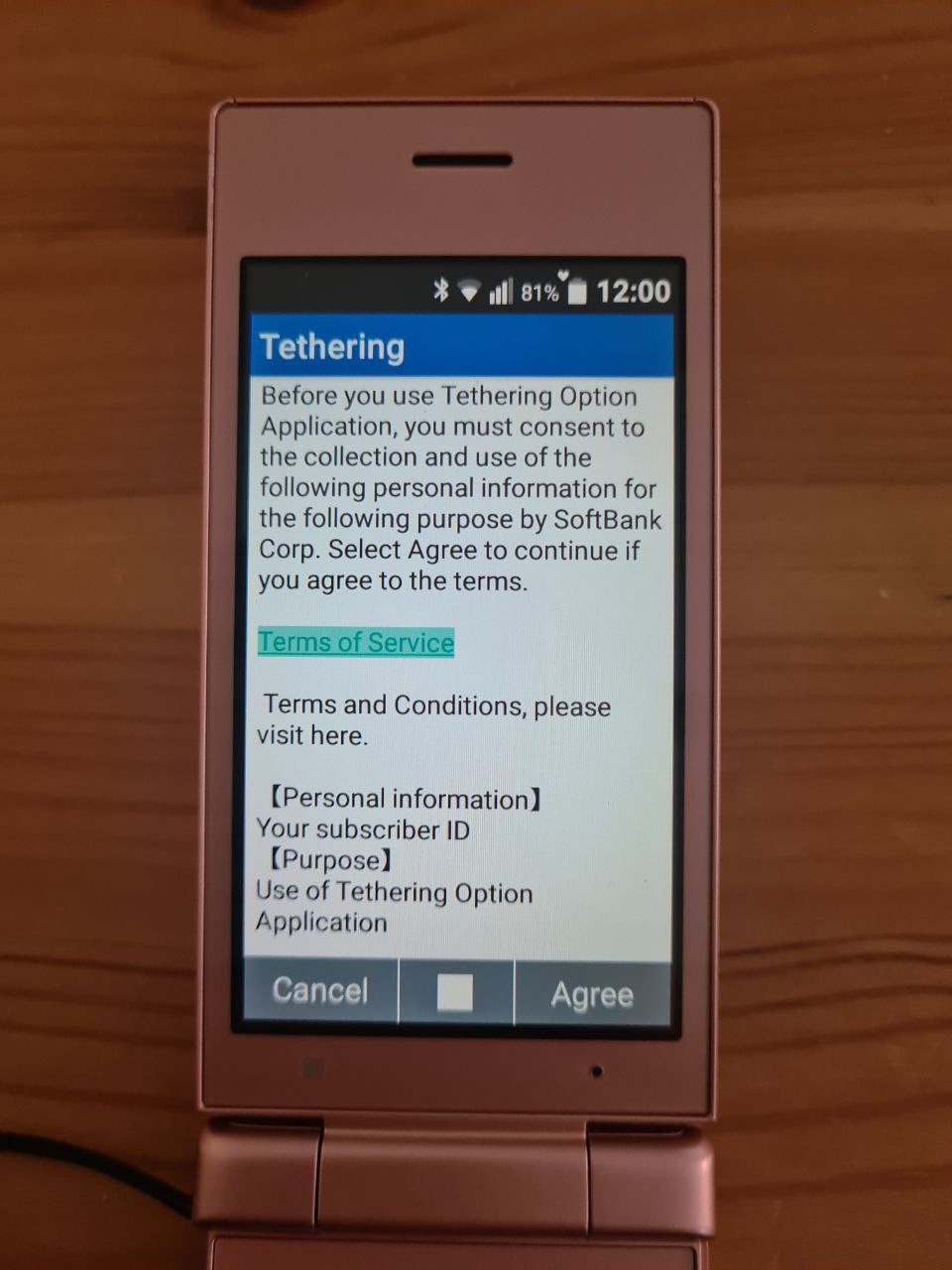
Next are WiFi and Tethering apps. WiFi is Softbank specific (note: Japanese phone company that owns ARM), and it's for discovering free WiFi HotSpots by SoftBank. Tethering also seems to be vendor-locked, I couldn't go past the agreement screen.
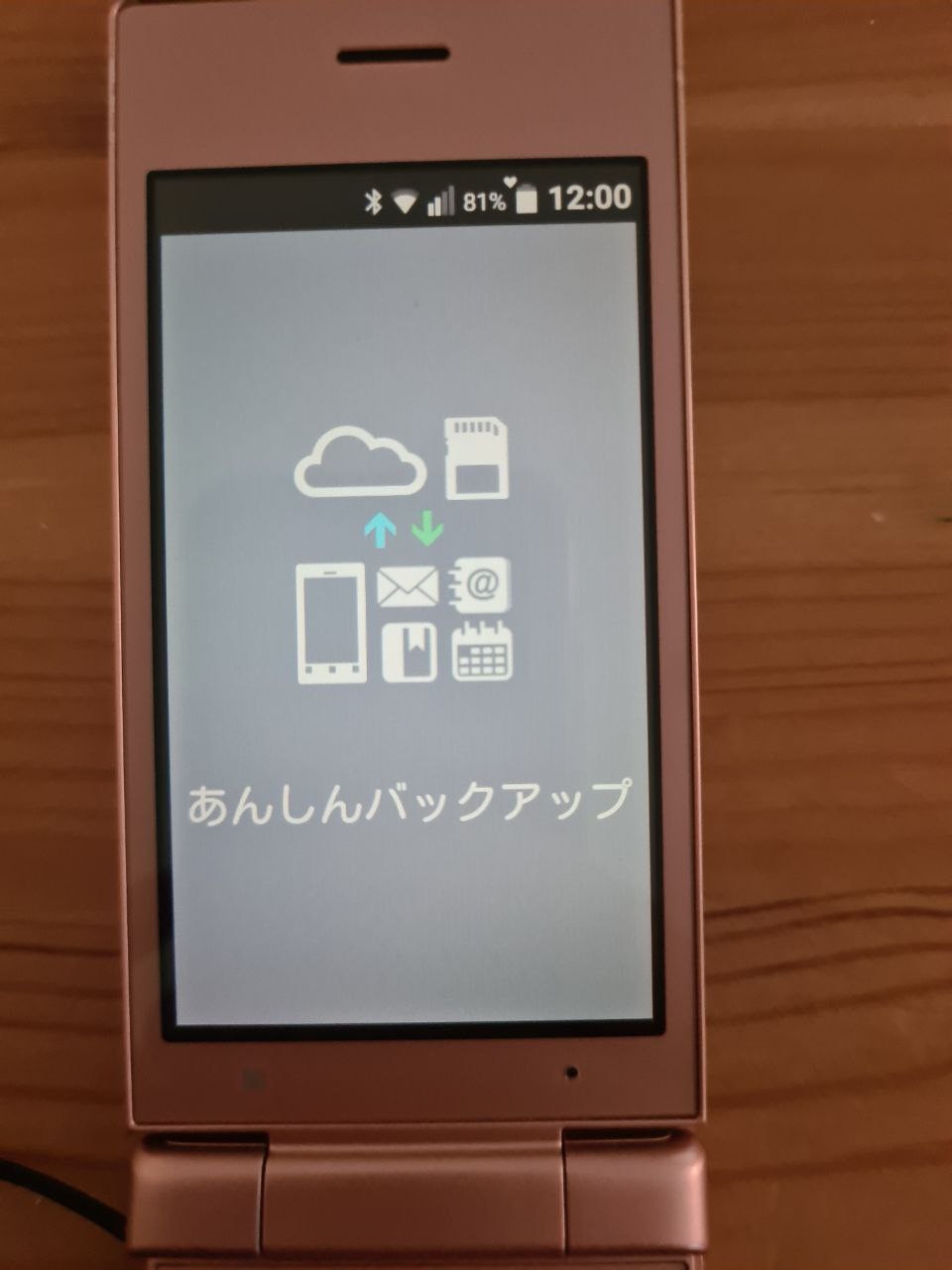
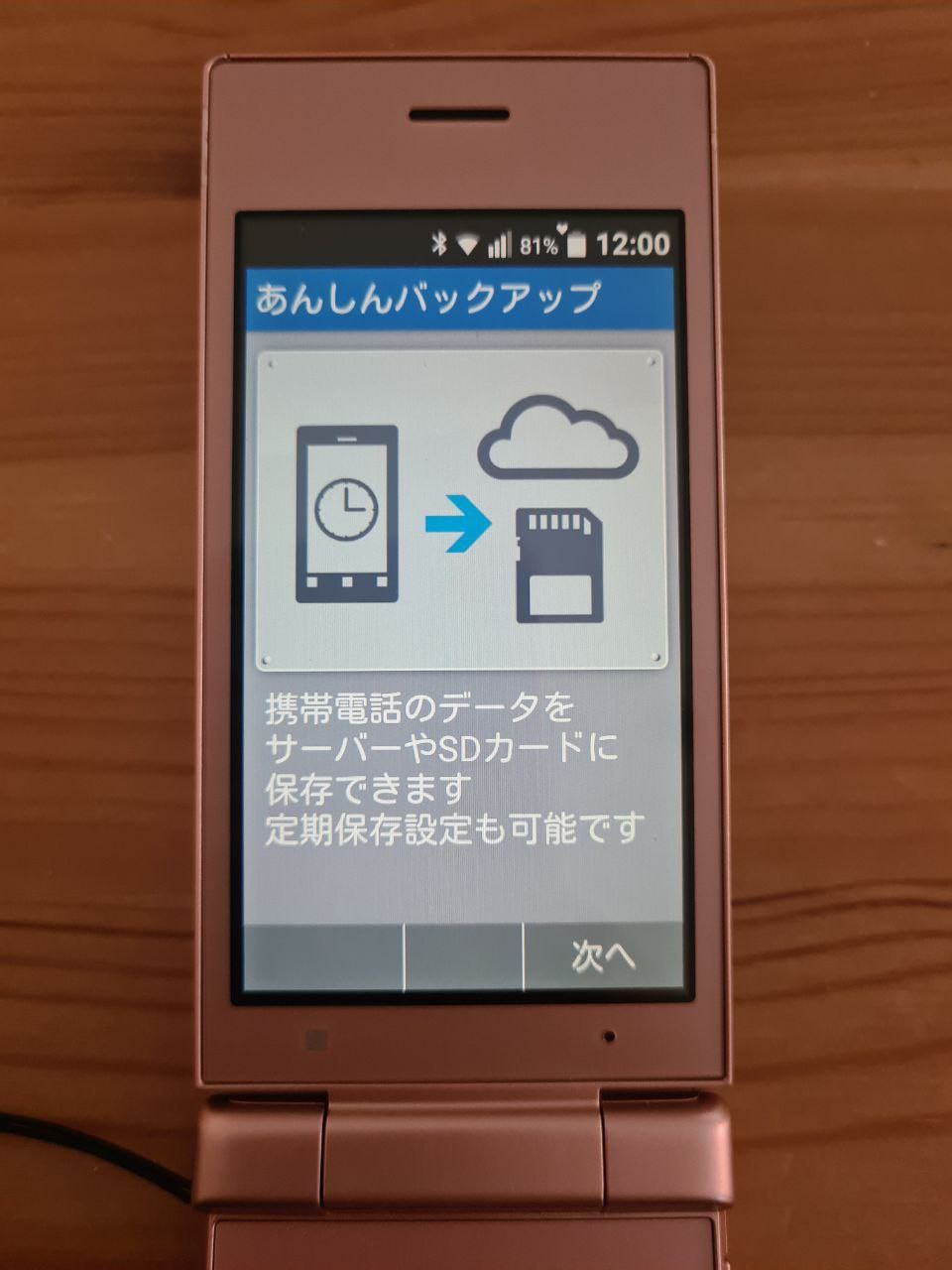
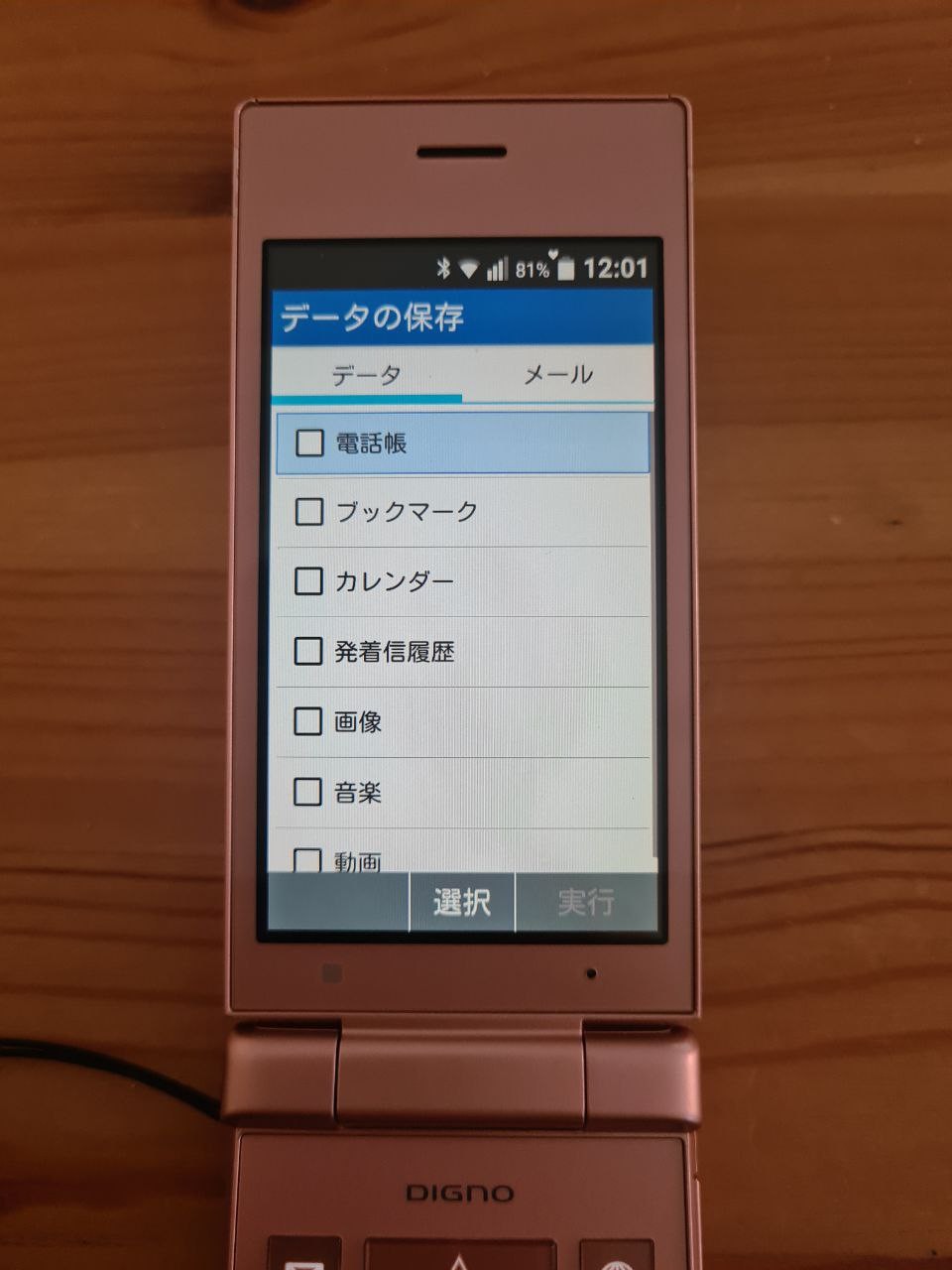
Anshin Bakkapu ("Peace of mind Backup") is a cloud and SD backup tool. It is simple to use, just choose where you want to back things up, and what things you want to back up.
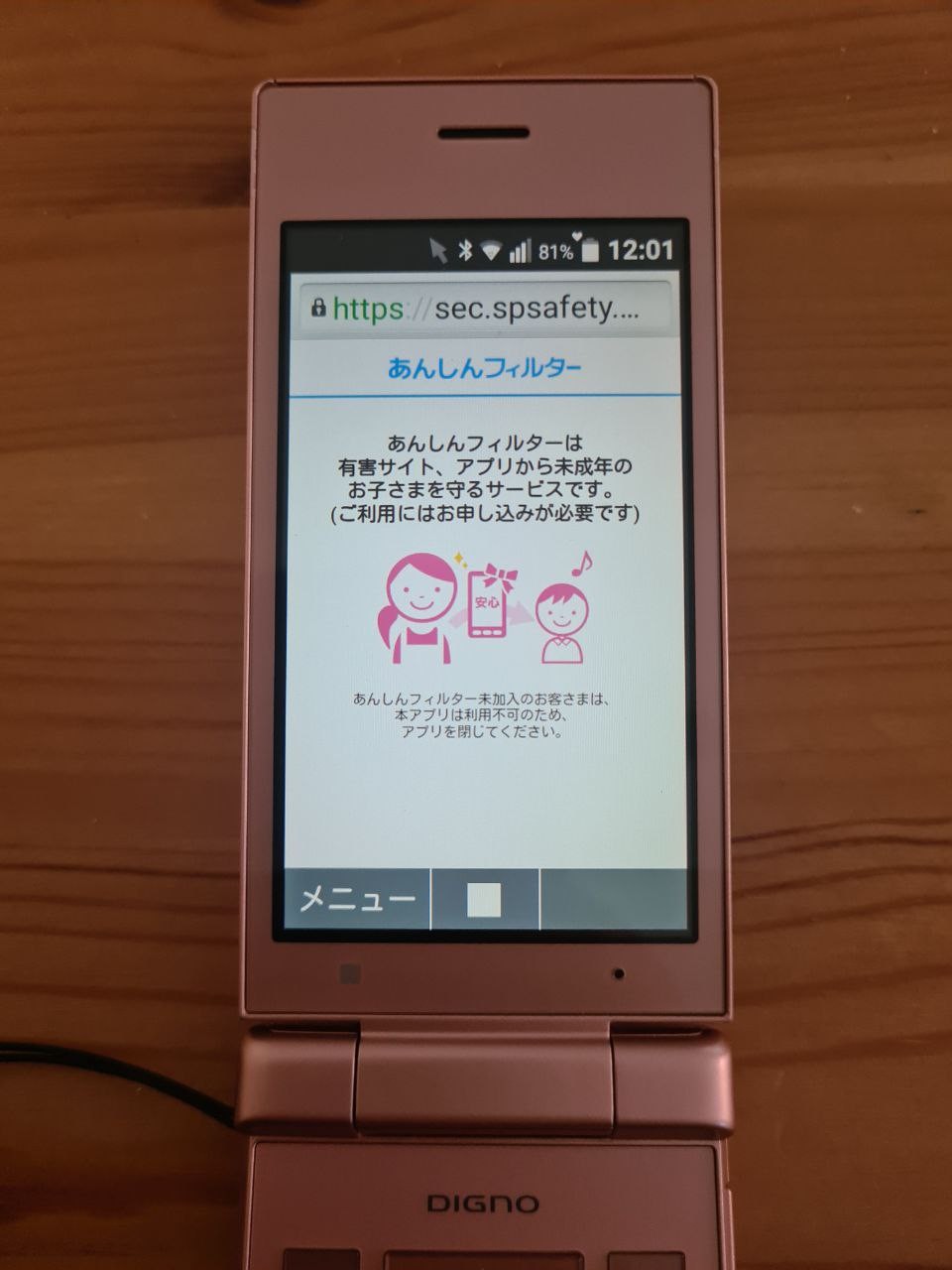
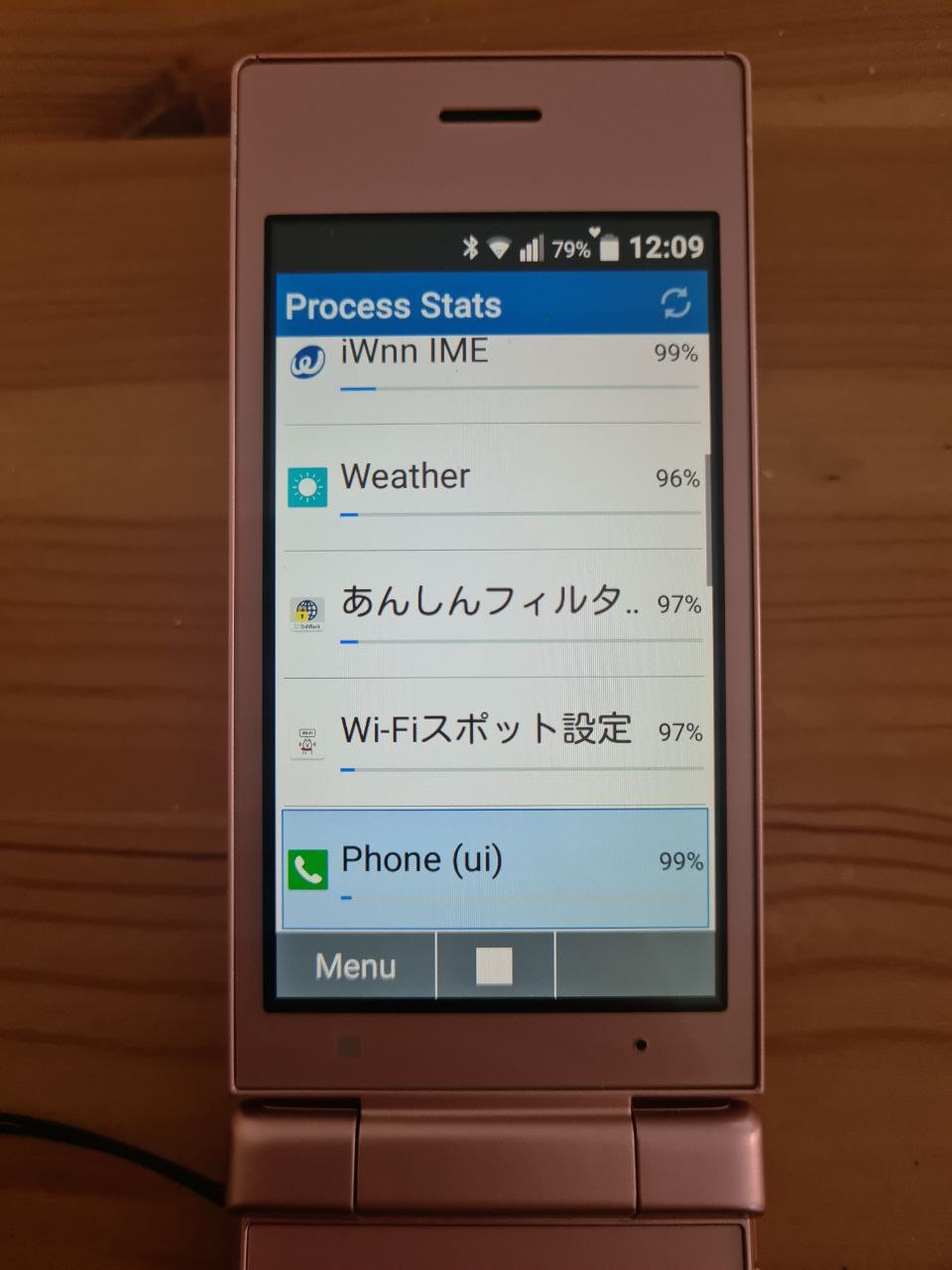
Anshin Fiiruta ("Peace of mind filter") is a browser app that allows to set up what apps from your provider are available for your phone.
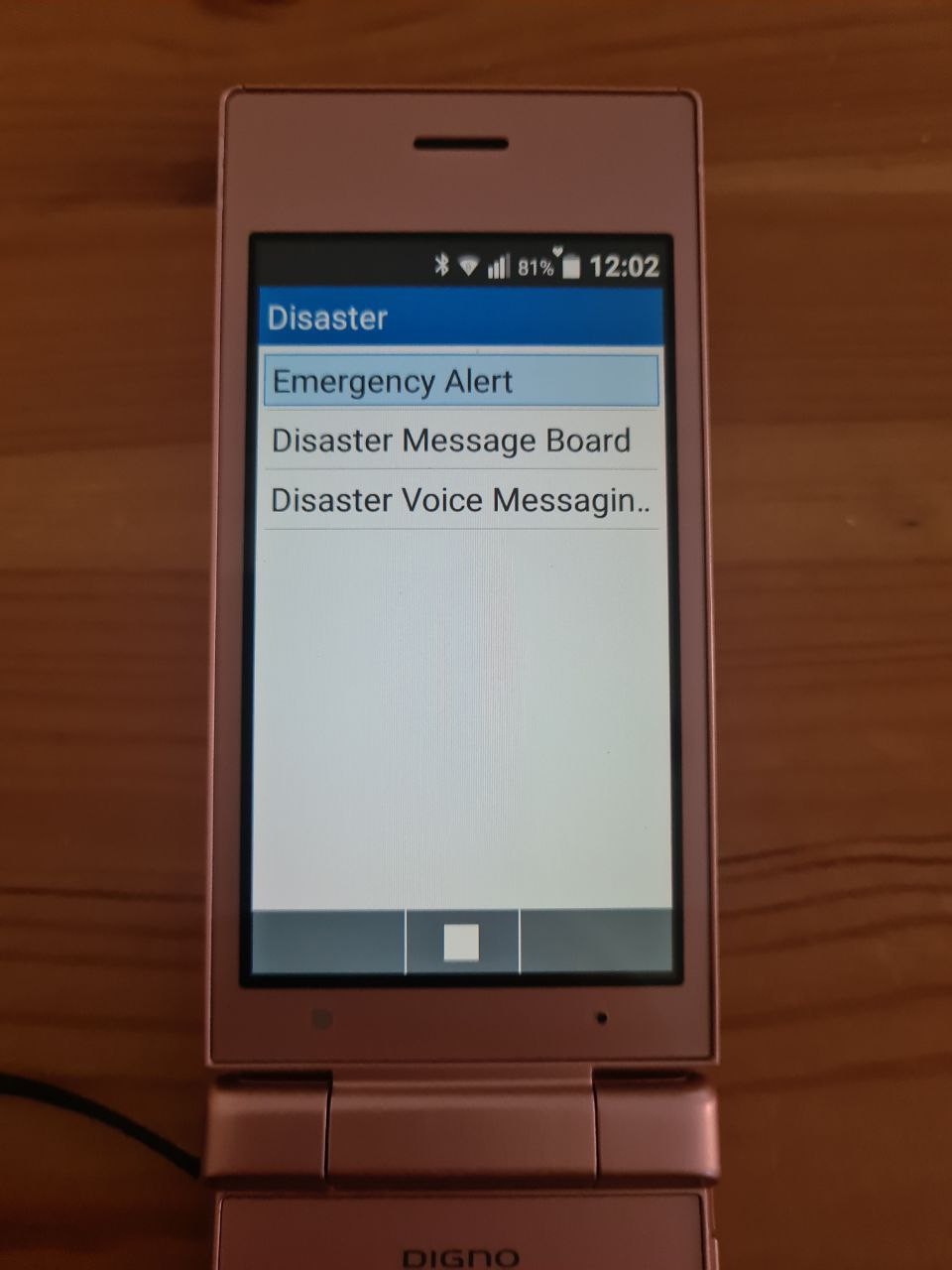
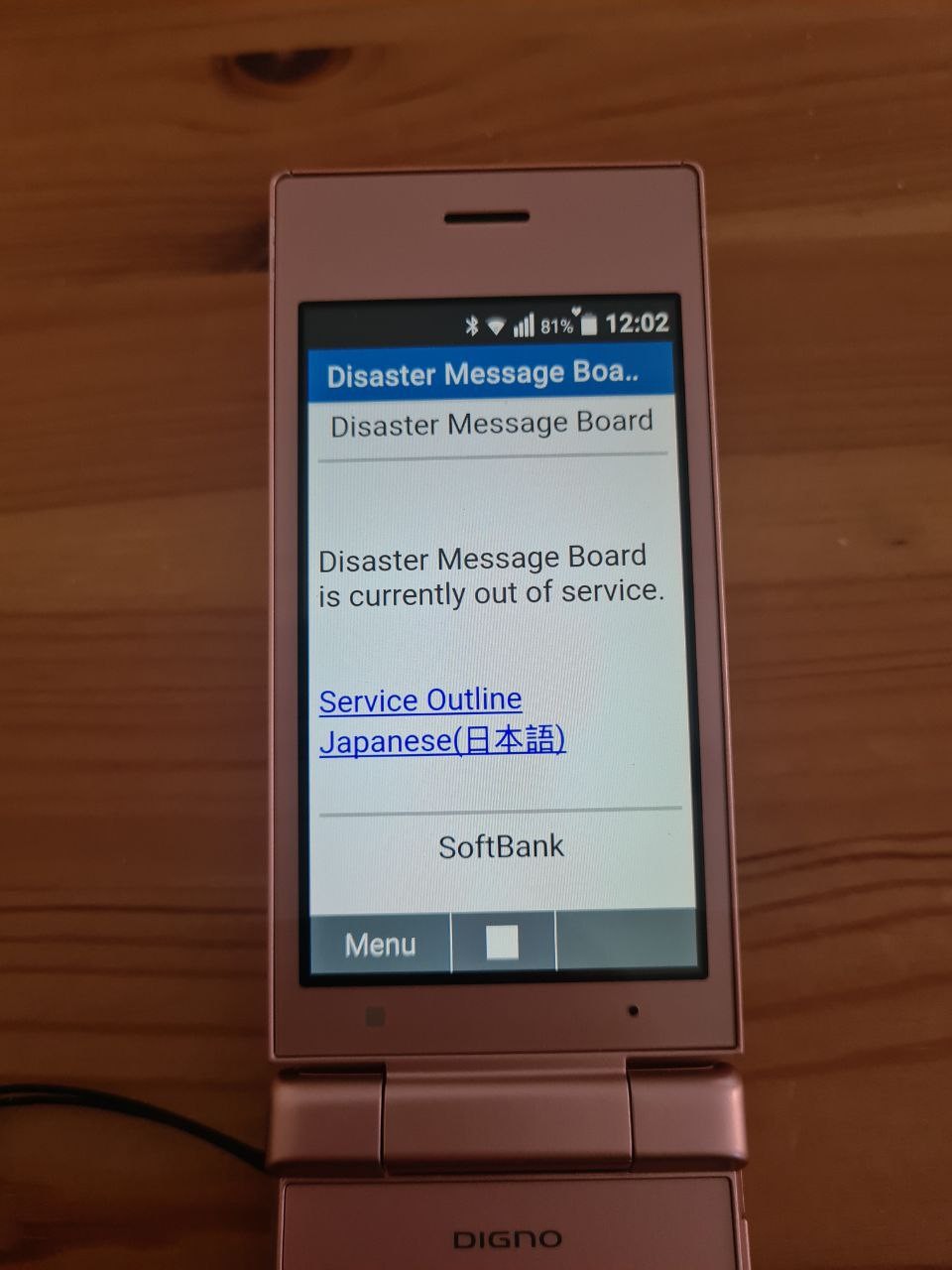
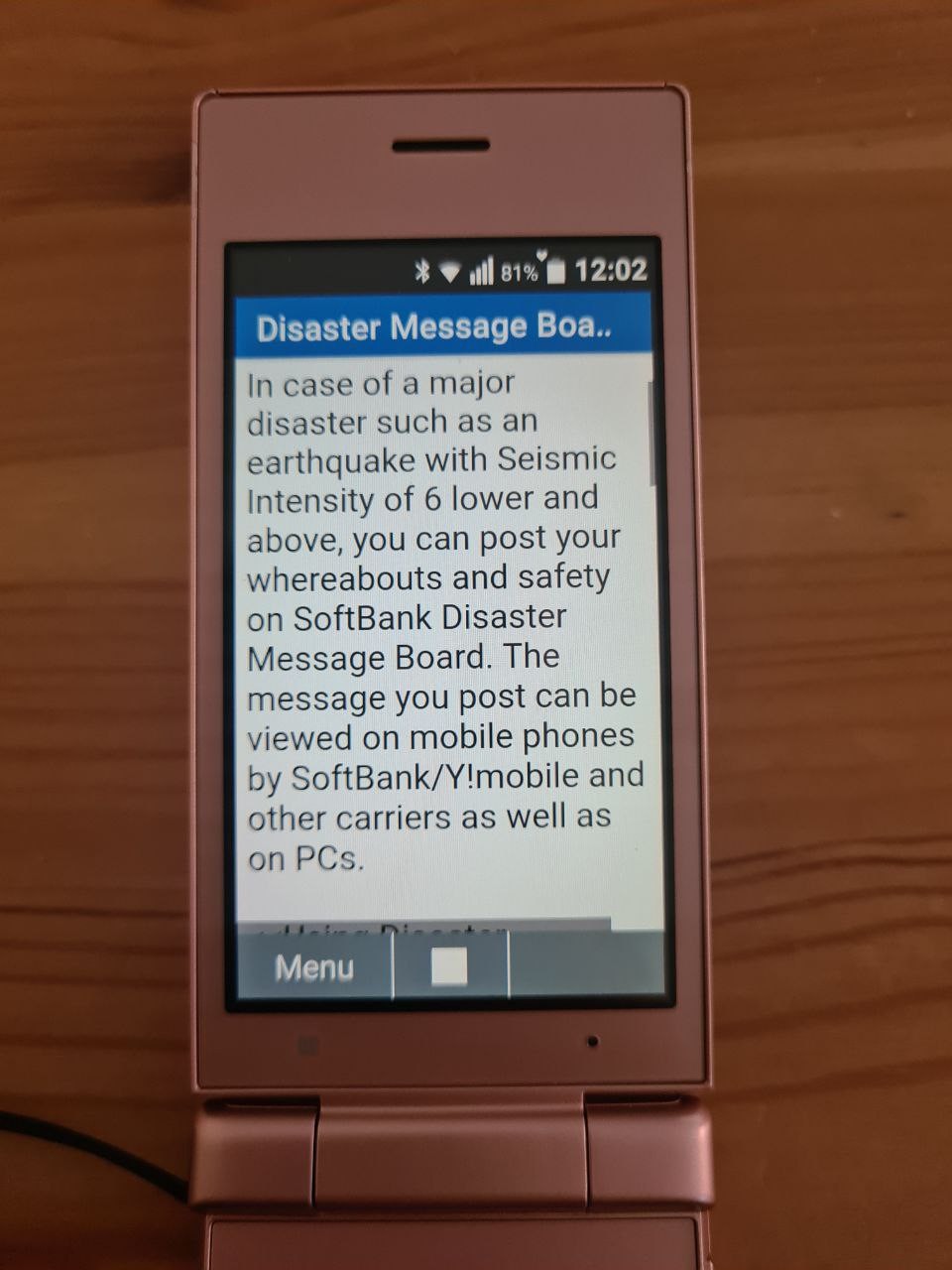
Disaster app. I wish all the phones had it so prominently. I think it is more relevant for Japan with its frequent earthquakes (especially after Touhoku disaster), but disasters happen, so it's good to prepare for them.
There's a history of emergency alerts, and a board where you can leave a message that you're safe (or not safe).
The message board is out of service, but I think that is because the phone is outside of Japan.
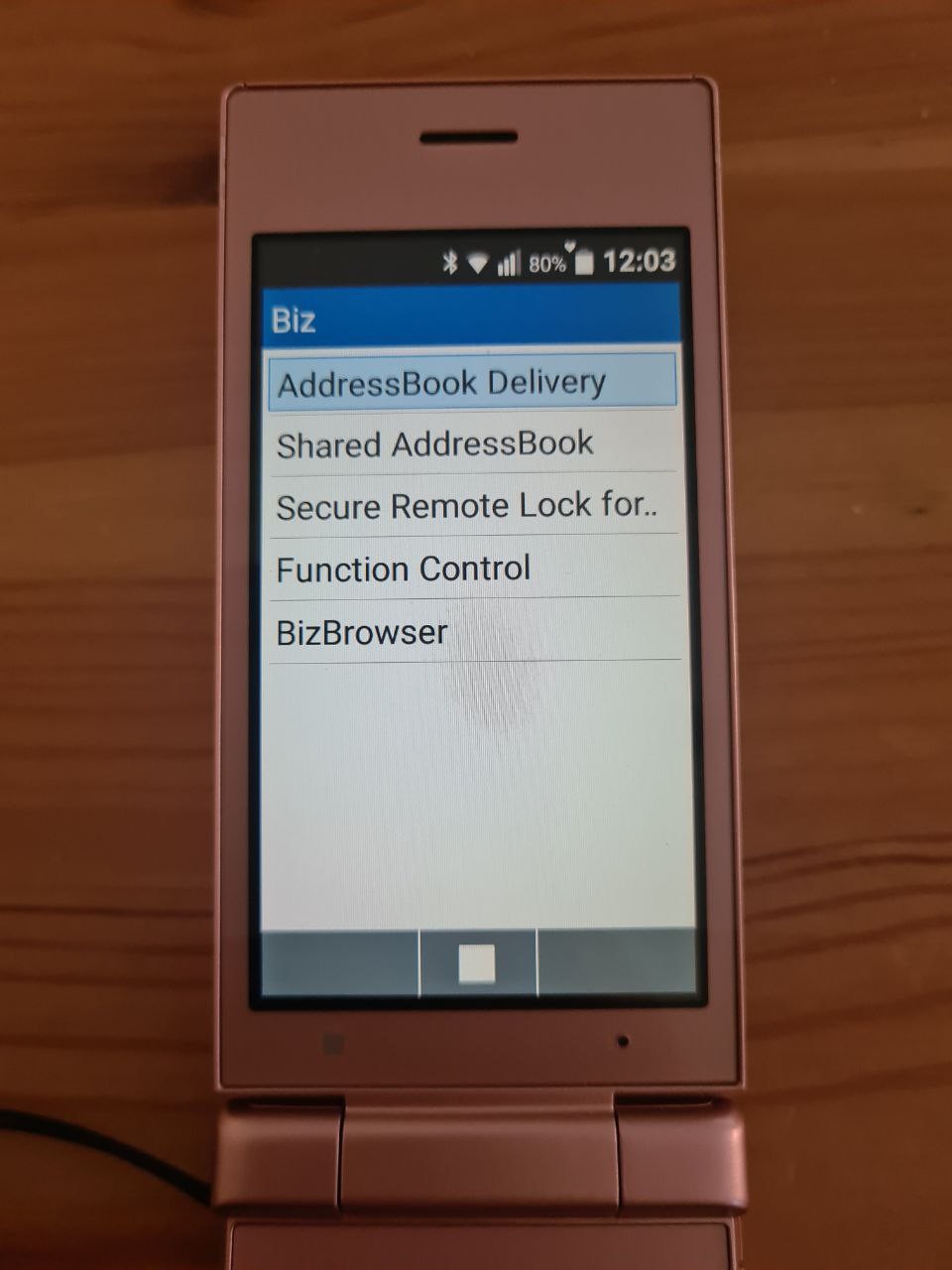
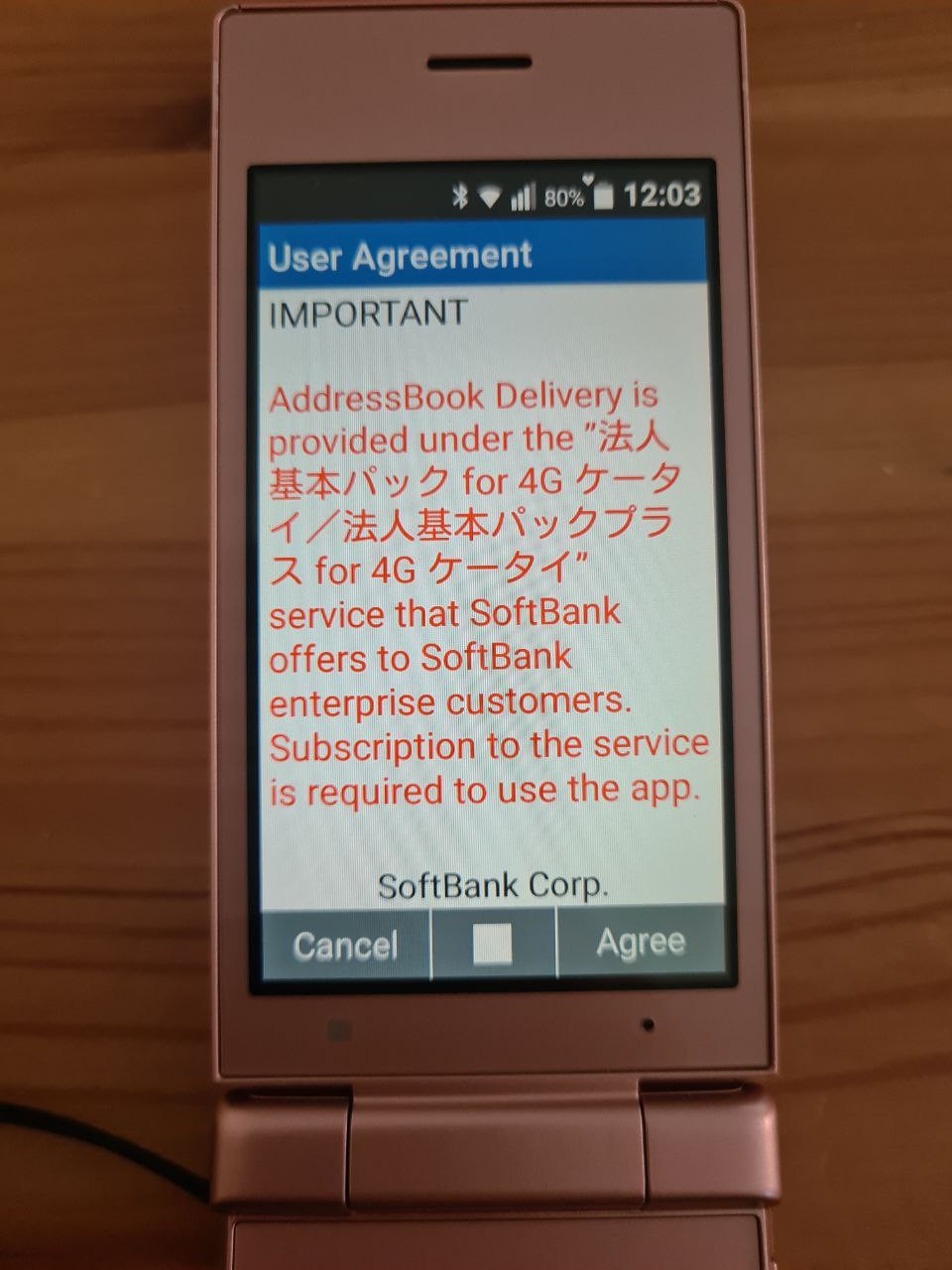
Final tool in the Service is Biz, a set of tools for enterprise phone management. It's a subscription service.
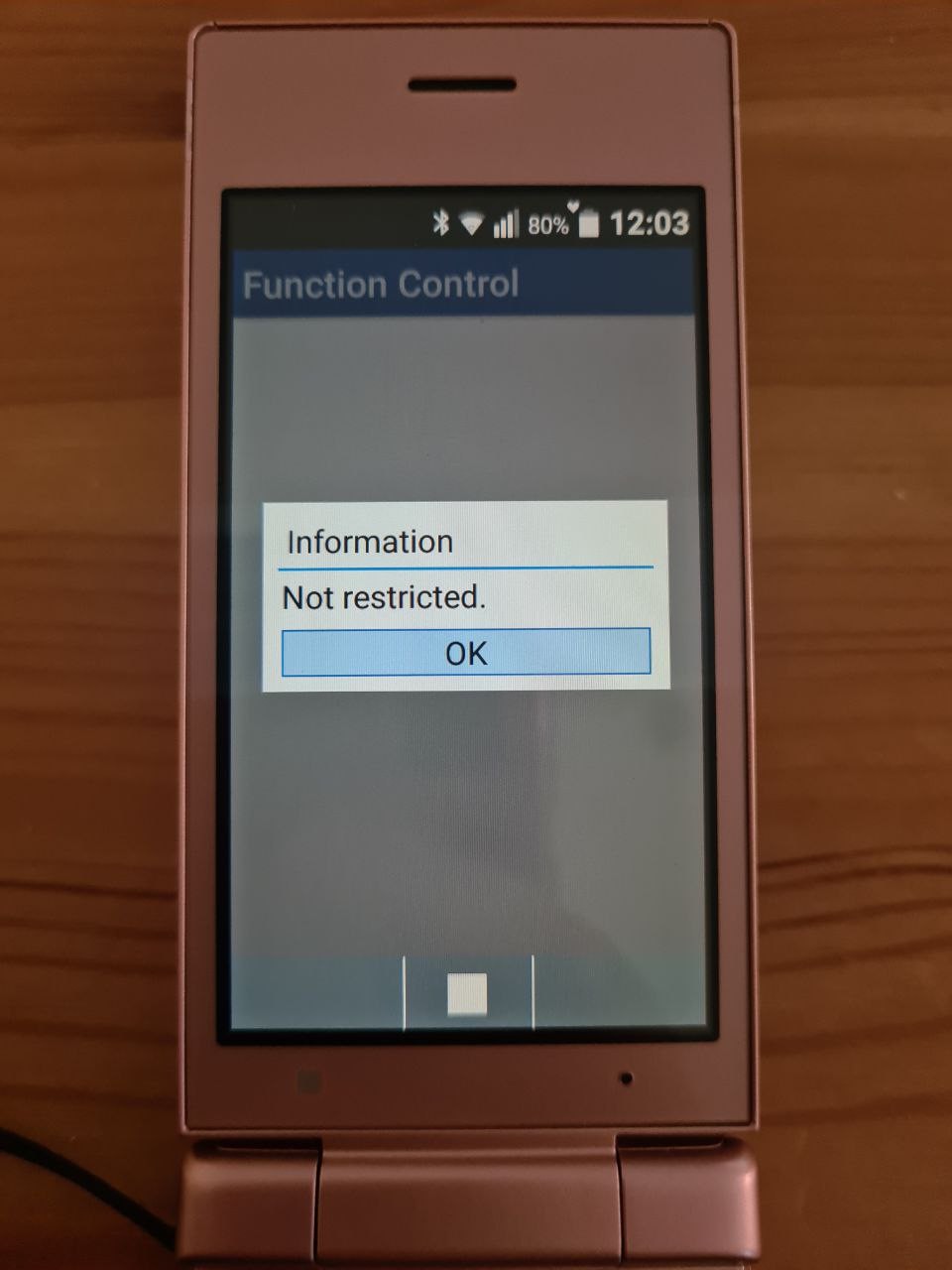
It's good to know that the phone isn't locked in any way.
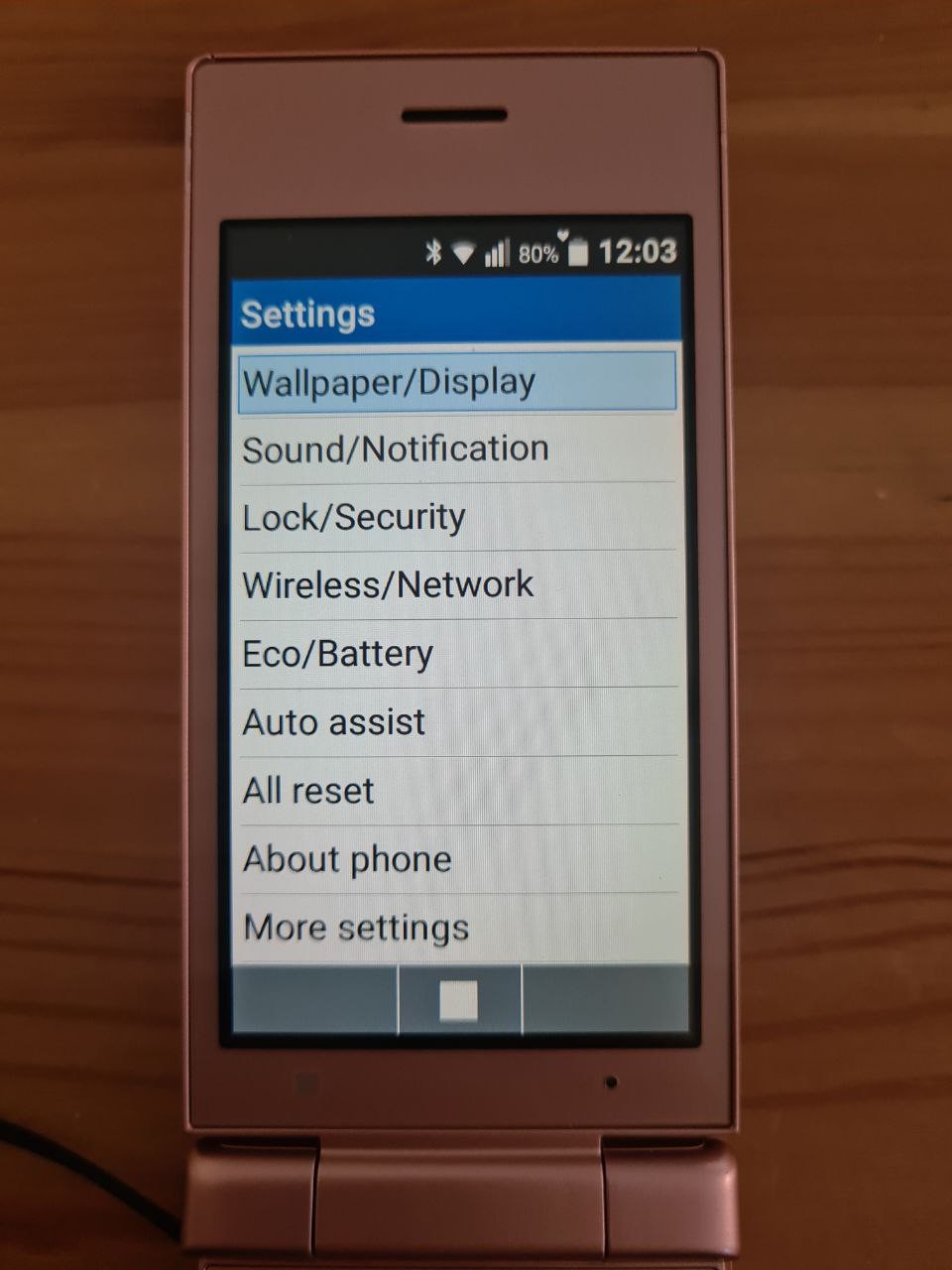
Settings screen is nothing unexpected. Wallpaper, ringtone, brighness, input type, battery life, mobile networks, bluetooth and wifi.
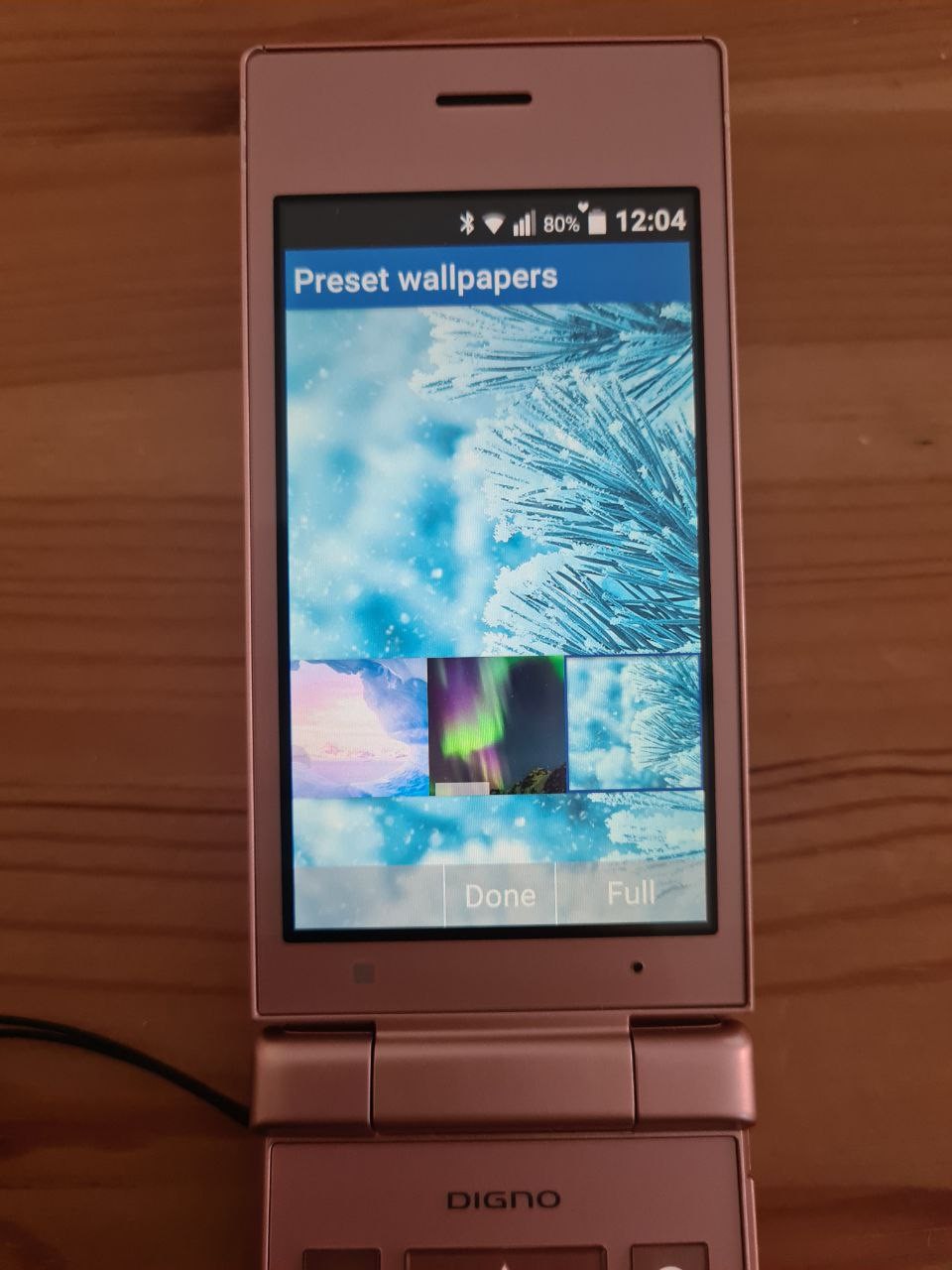
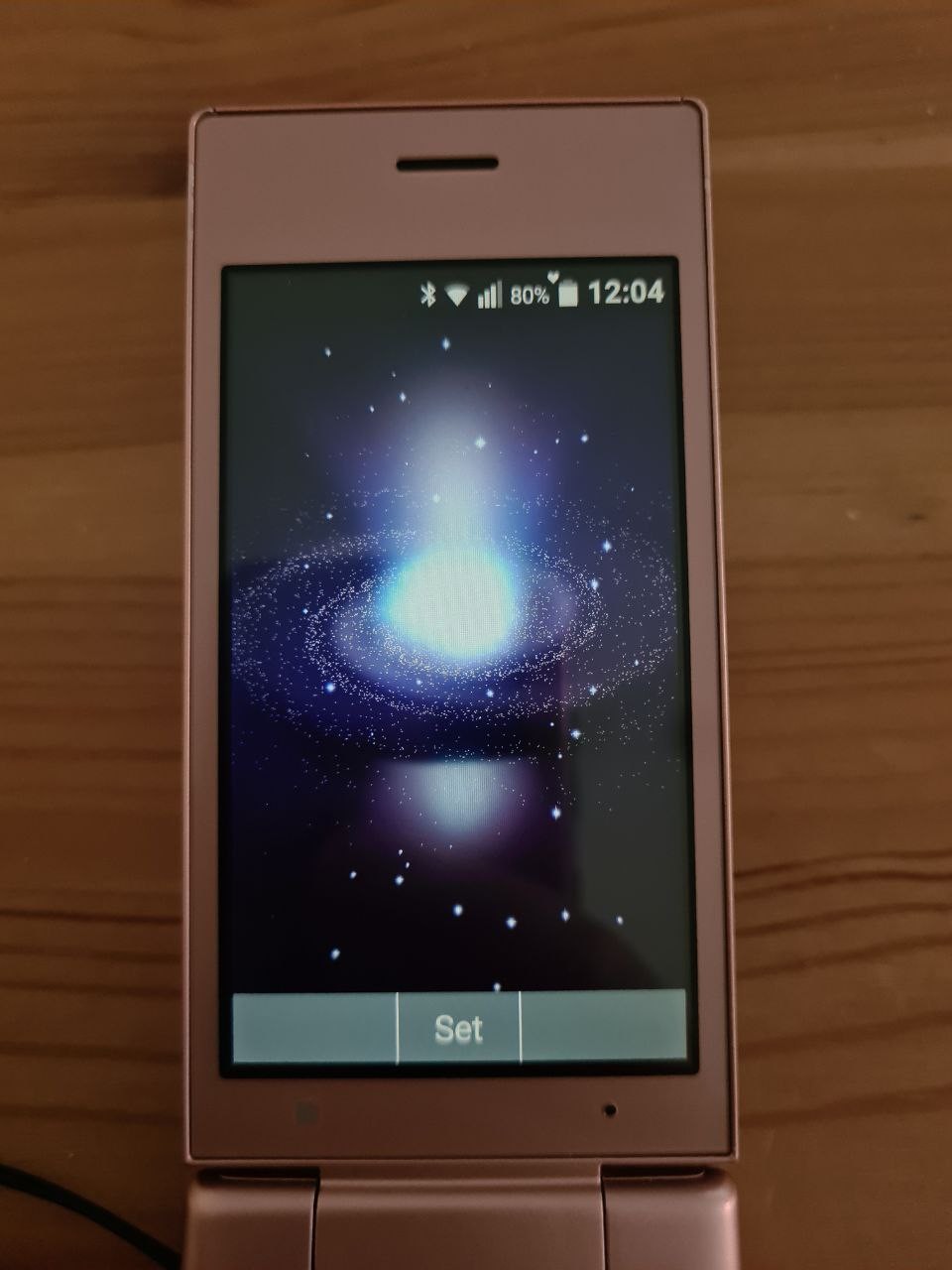
There's a bunch of wallpapers, some of them are animated.
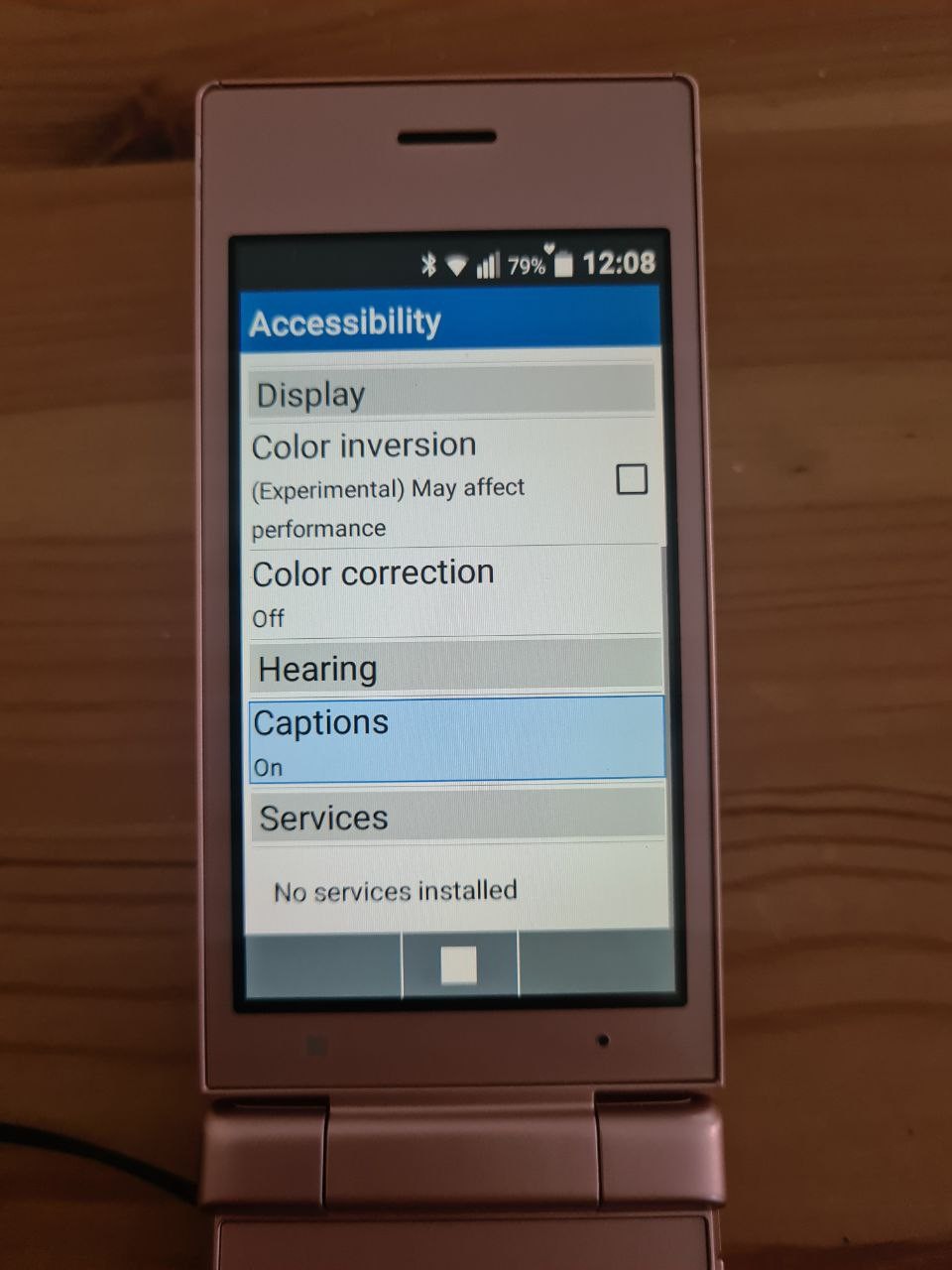
There's some accessibility options.
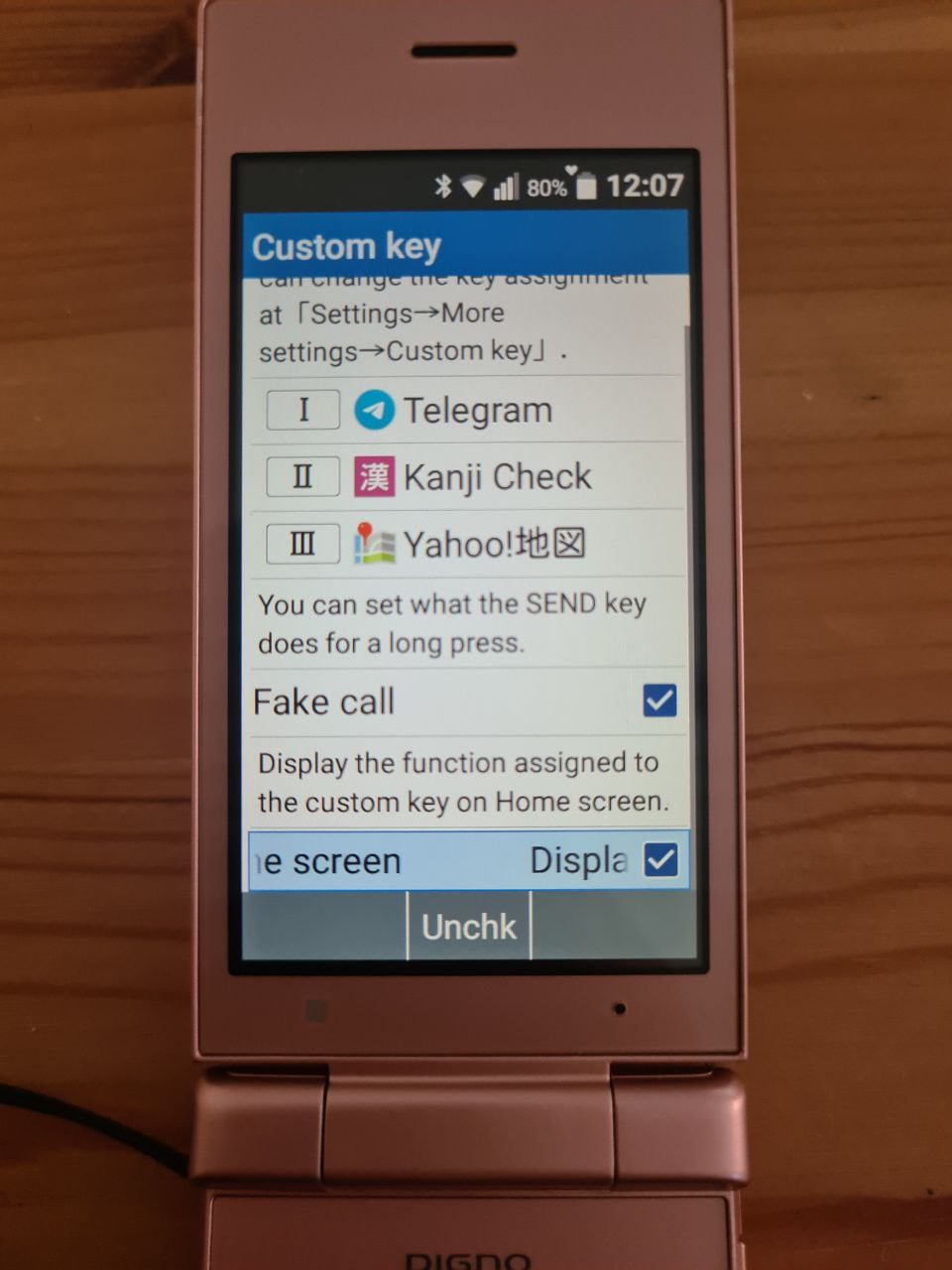
There's lots of cool hidden functions. One of those is "fake call". Long press of "call" button will start a "fake call" - very convenient when you need an excuse to leave.
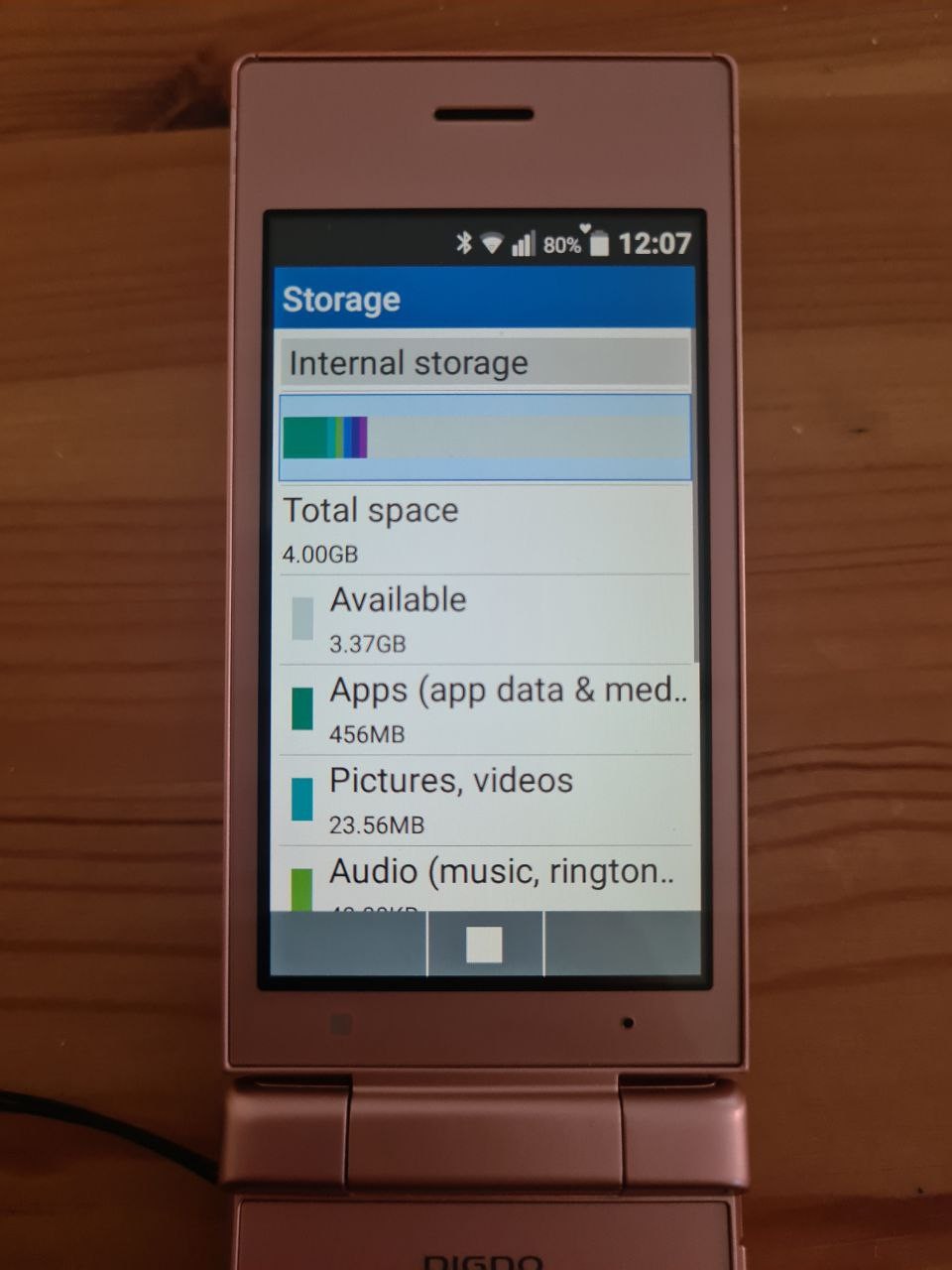
The flash size is 8 GB, but only 4GB are available for data storage.
One of the menus shows that the mini-apps actually have icons like normal Android apps!
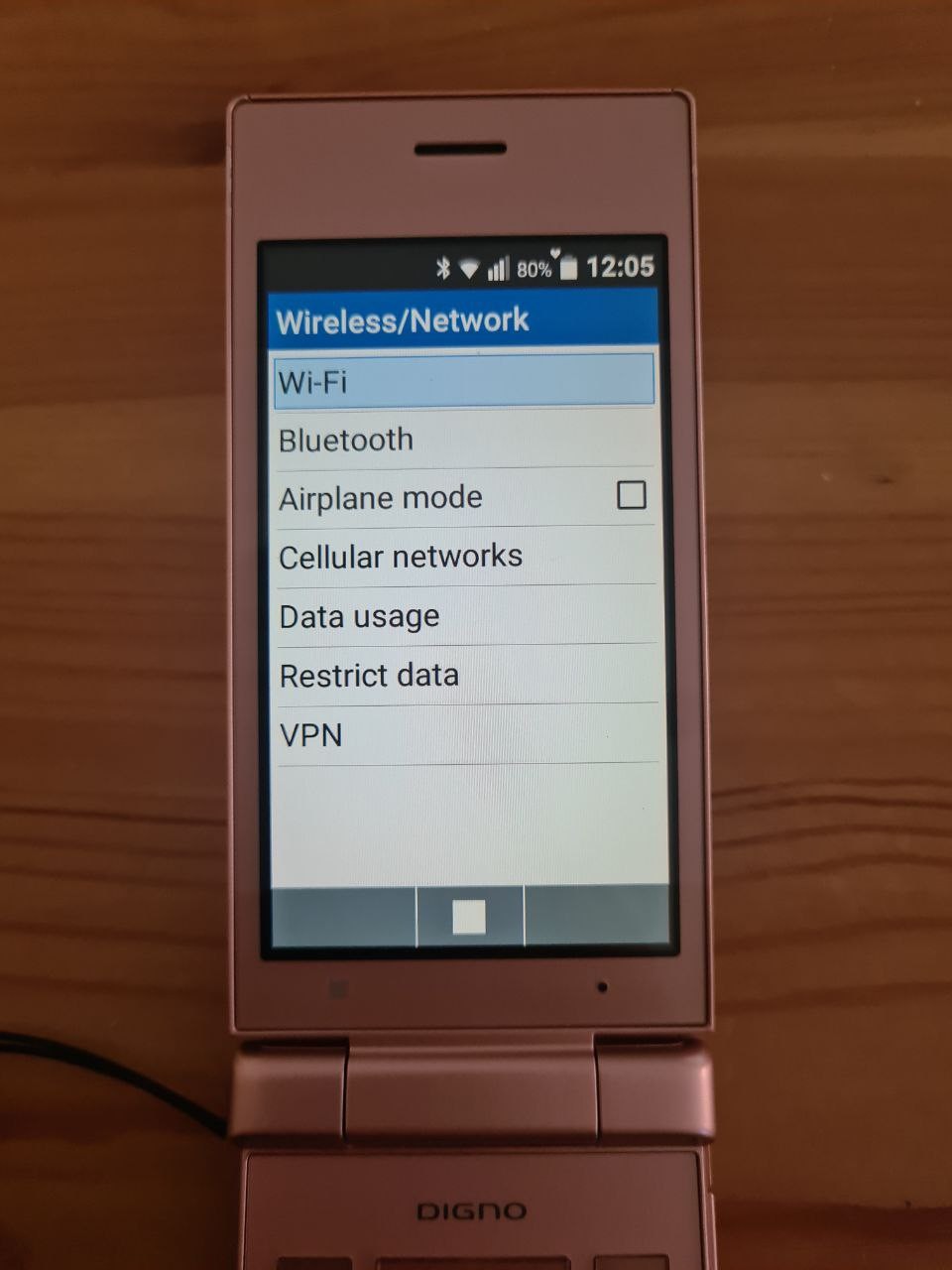
VPN settings are hidden in WiFi menu. But there are VPN settings!
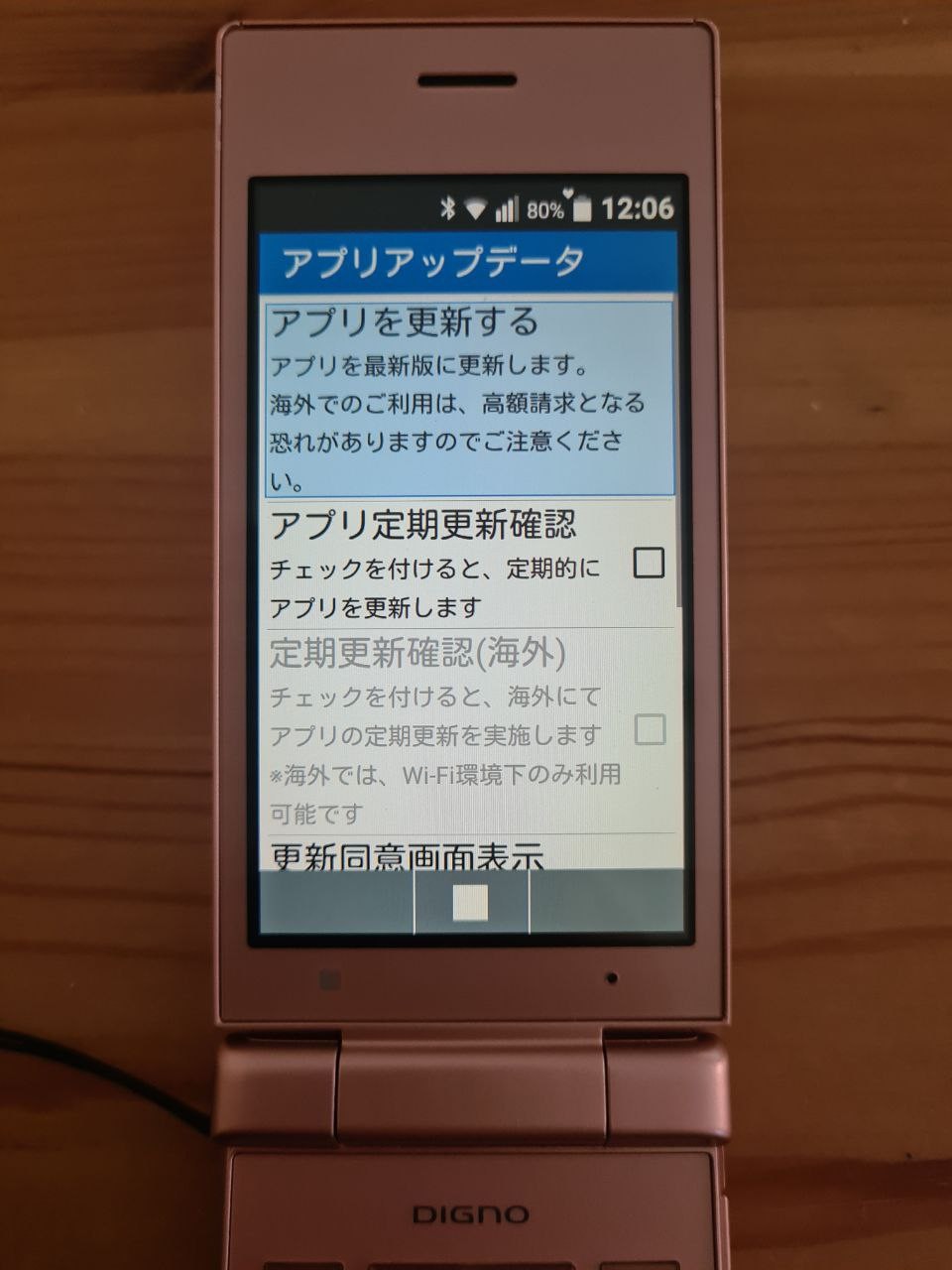
The app installer/updater is hidden in Settings-About-App updater. It's all in Japanese, and it doesn't work anymore. The phone is relatively old, so maybe that's why.
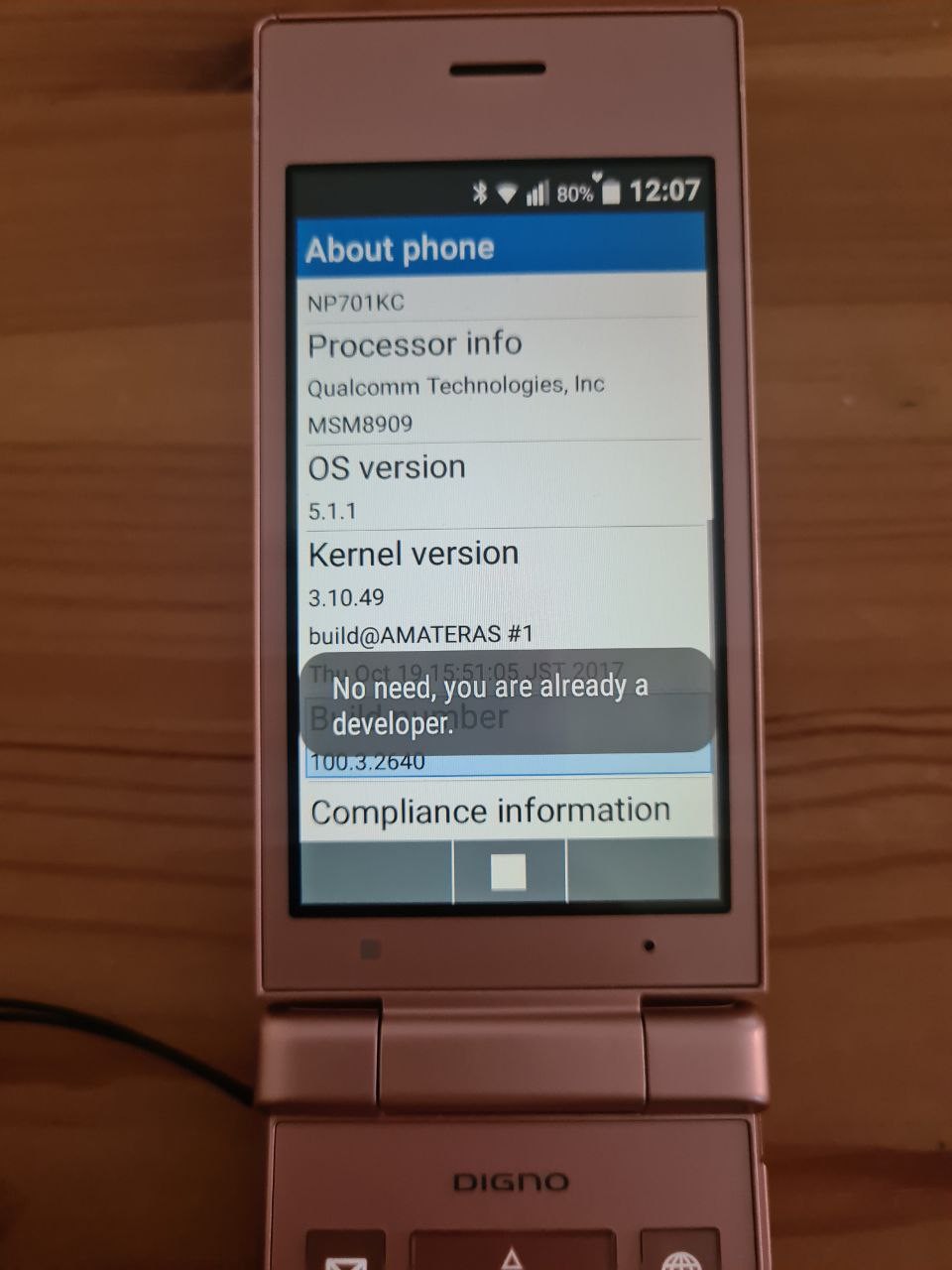
Tapping on Build number unlocks standard Android developer menus, adb, etc.
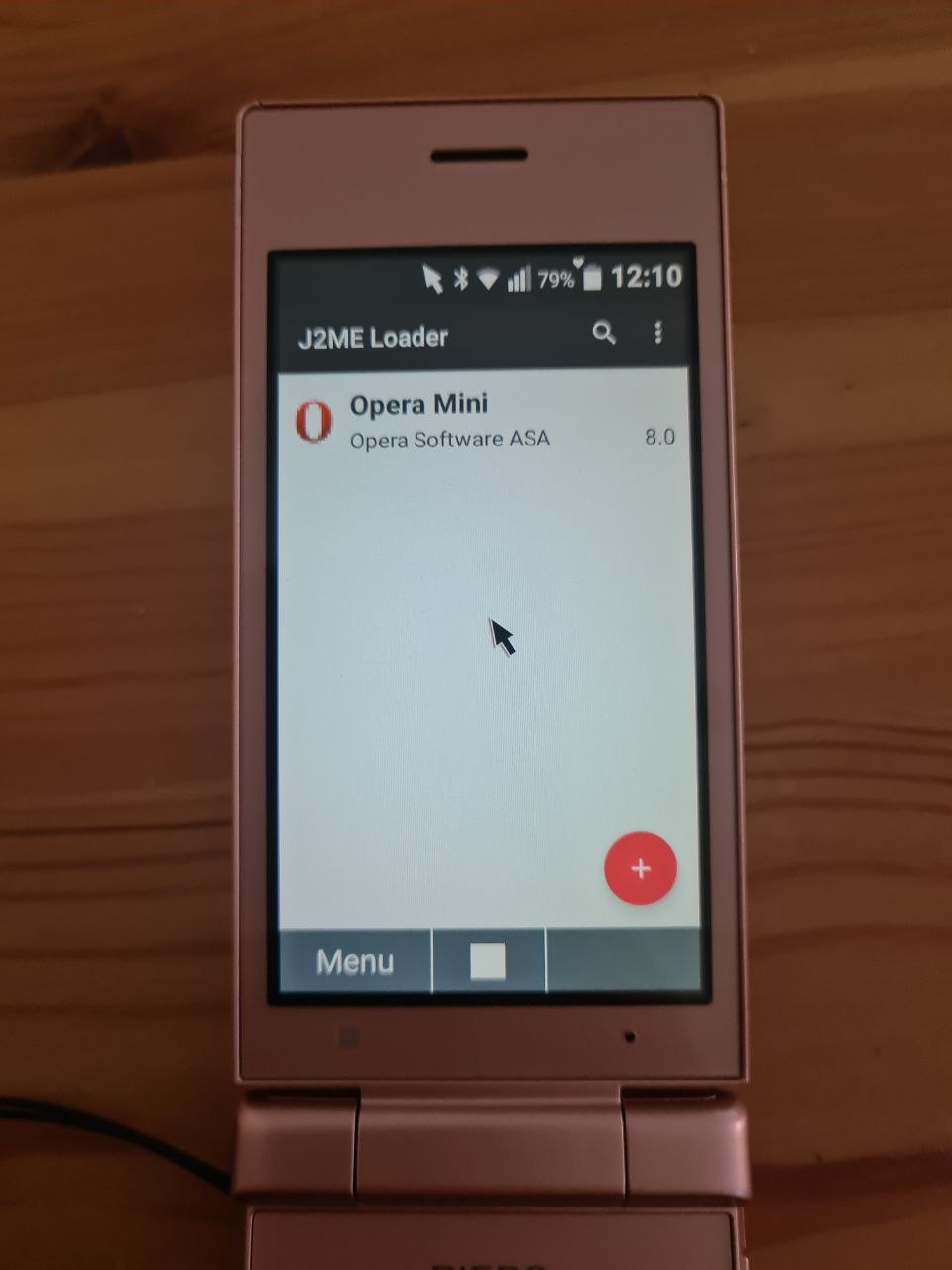
I thought that this phone could've been a great device for old J2ME games, so I installed one of the J2ME launchers.
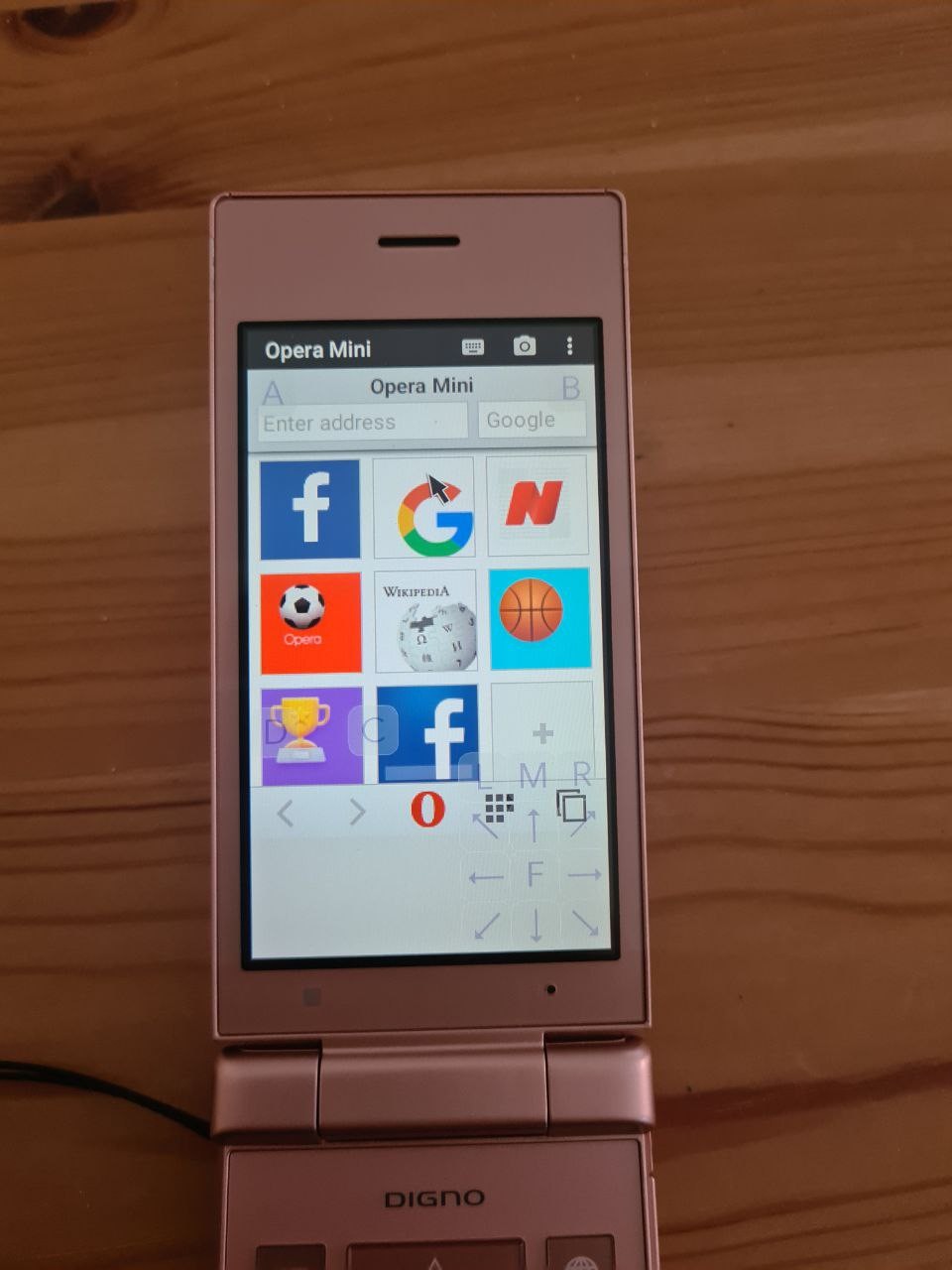
Unfortunately, none of Android J2ME launchers supports keypads, as far as I know. Instead, it shows on-screen keys that have to be pressed with an emulated mouse. What a shame.
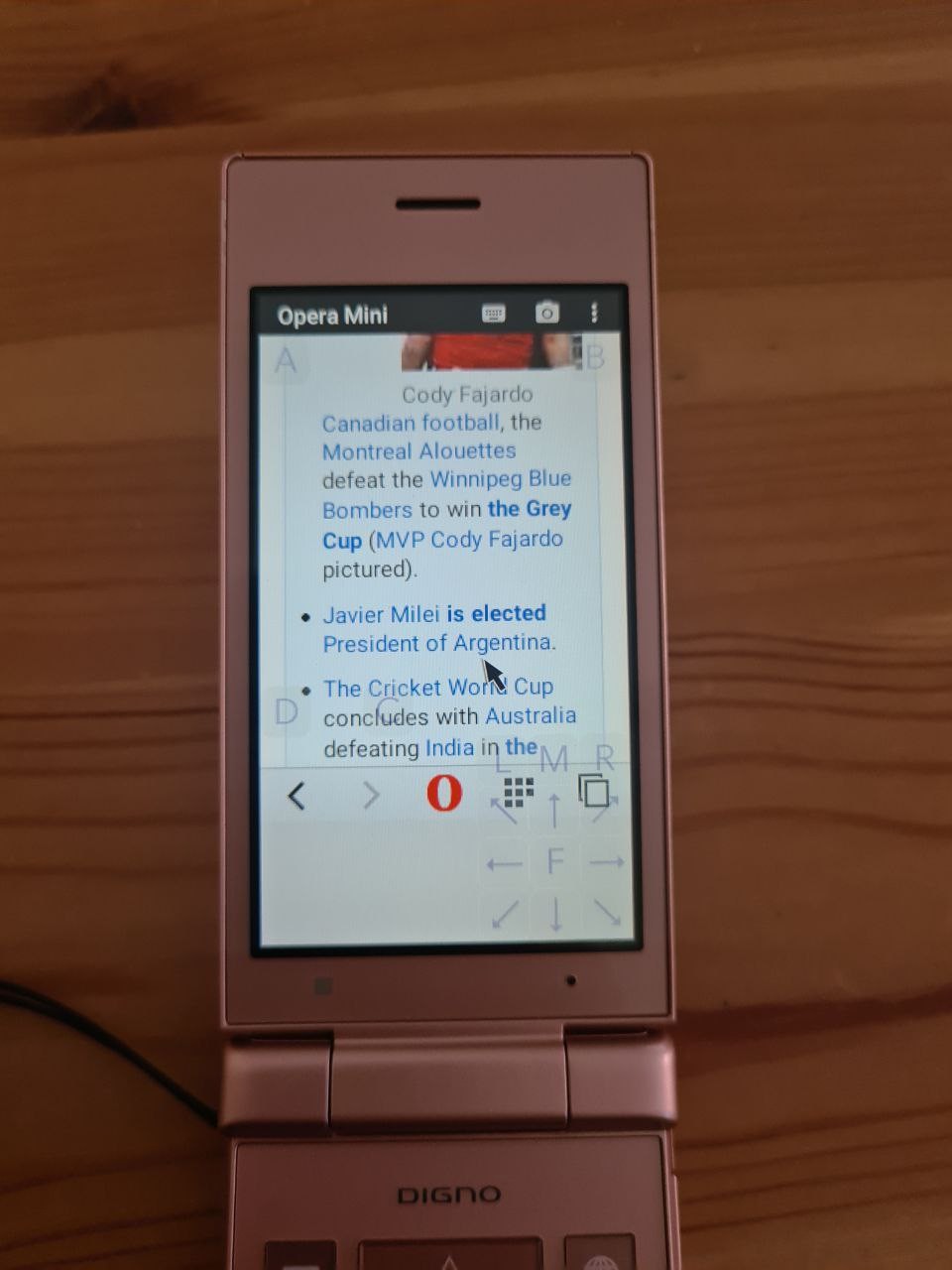
Opera Mini for J2ME is blazingly fast, and still works (no SSL issues whatsoever).
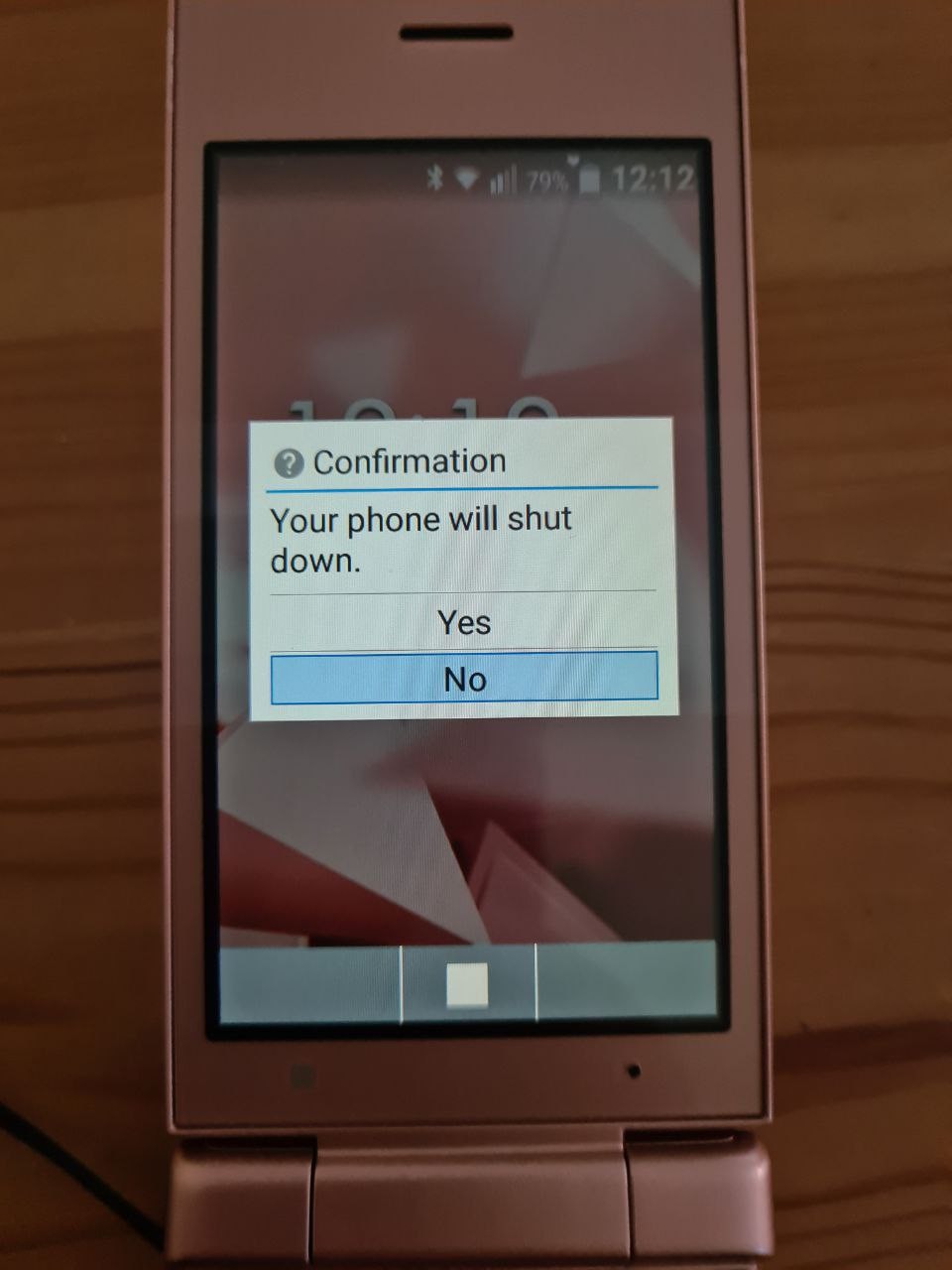
Time to turn off the phone. A few more notes at the end!
The phone seemed to have an optional charging deck.
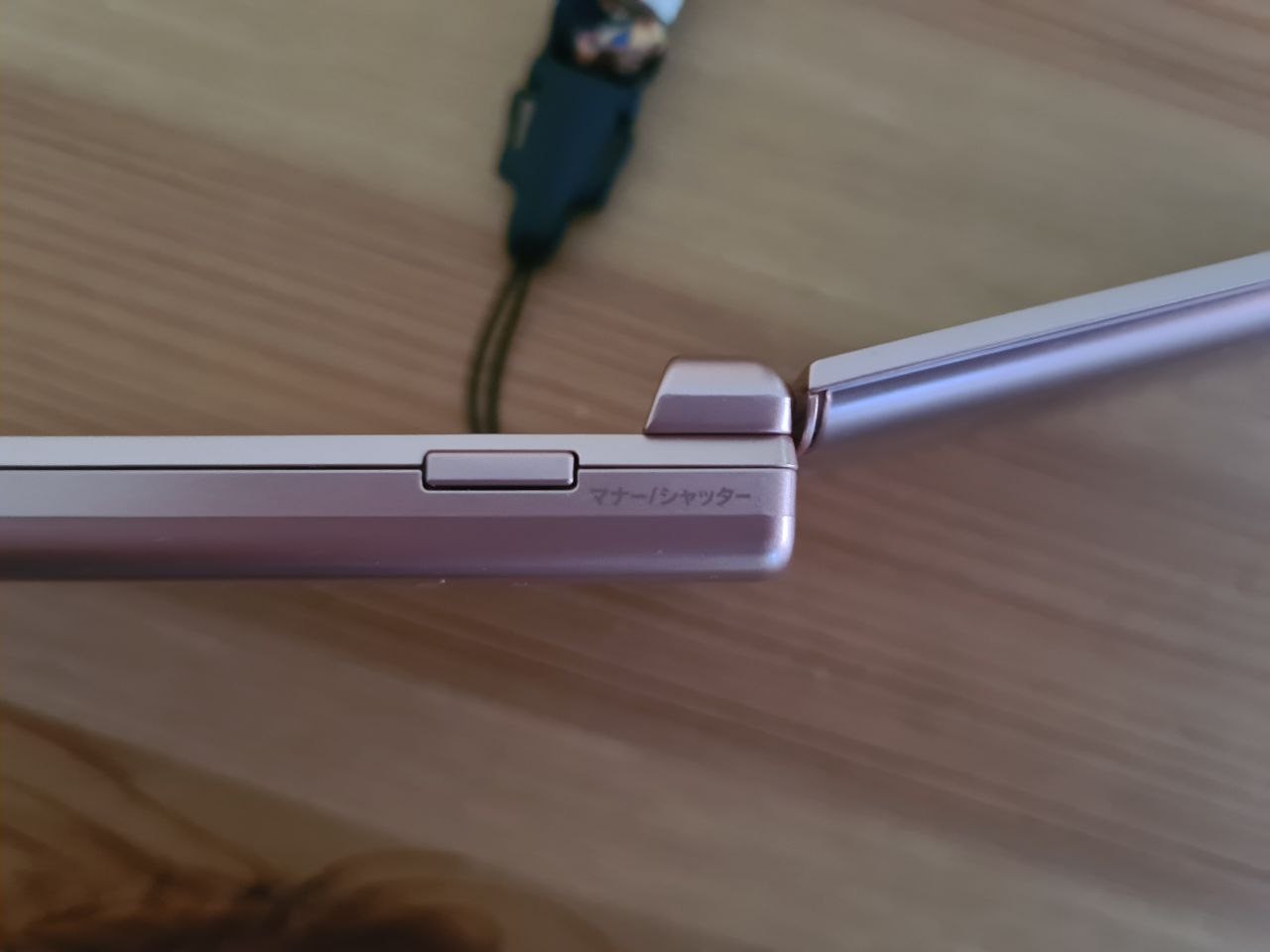
There's a side button labelled "manner/shutter". So, it's not only for camera, but also for turning silent mode on/off. There are no volume buttons.
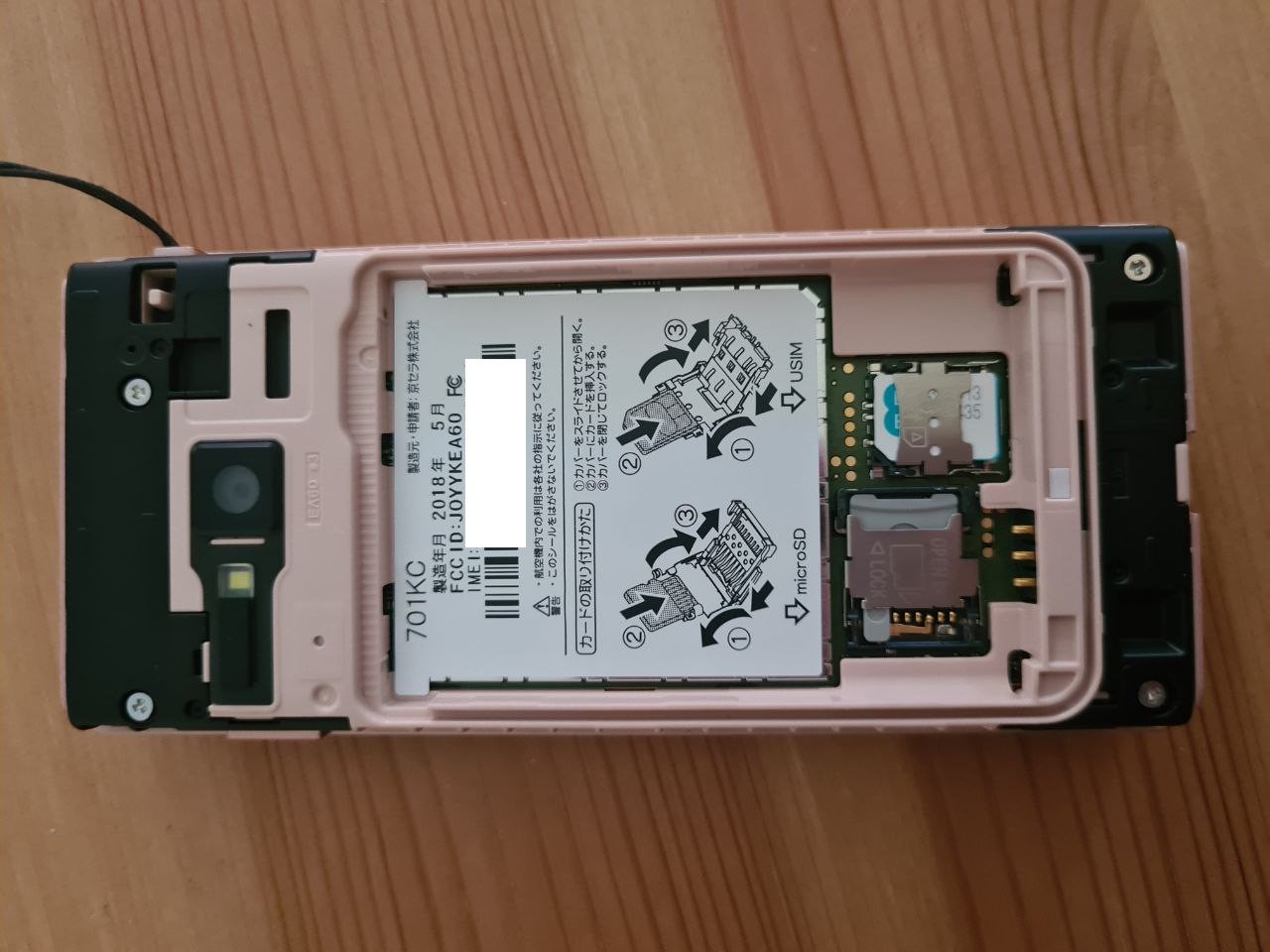
Of course you can take the battery off. The battery compartment hides slots for a SIM and a microSD, with illustrations on how to use them. The date of manufacture is May 2018.
You can clearly see there's a holder for a strap. We need more phones with holders for a strap. We need more flip phones, too.
...
So, that's all this phone has to offer, at least on superficial level. I hope you enjoyed the tour. It took me over 2 hours to prepare it and post all the photos with the descriptions and such ^_^

Opened it and tried to solder UART to it, but sadly ended up ripping pads off (even under the miscroscope!) because it was so freakin' tiny.
Unfortunately it has an NTT (Docomo) SIMLock (ironically enough I have a SoftBank SIM but can't use it in EU because foreigners apparently can't get roaming according to some laws I've read).
I wish I used 200% of my brain and brought it to Docomo branch when I was in Japan to remove the simlock. It worked with an iPhone (so I got it 40% cheaper than usual) so...
I love keitais though. They even support stuff like Osafu-Keitai so you can use them for public transport (if you live in Japan...) or payments, they fit in your pocket, have physical keyboards and last forever on a single charge. Absolutely peak phone design.
@elly
> I wish I used 200% of my brain and brought it to Docomo branch when I was in Japan to remove the simlock.
We got Softbank lock removed through pin-unlock codes bought online, it worked :o
Osaifu keitai T_T keitais are lovely....

lovely little nugget but it sucks that it only has 8GB of RAM
at least it runs Android 10(?)
shame none of the GSIs work on it, but at least one can unlock the bootloader with the mtkclient exploit.
Uhh, my pyxis has 6GB of RAM and I managed to run docker + fex + steam + windows game on it

@nina_kali_nina @elly @Remiberry My phone has 3GB RAM and while I do sometimes think it would be handy to have a bit more, it's usually triggered by things like compiling Rust codebases on it, so it's not exactly an essential need 😂